3S PLUS
19
English
12 TROUBLESHOOTING
12.1 Fault Reset
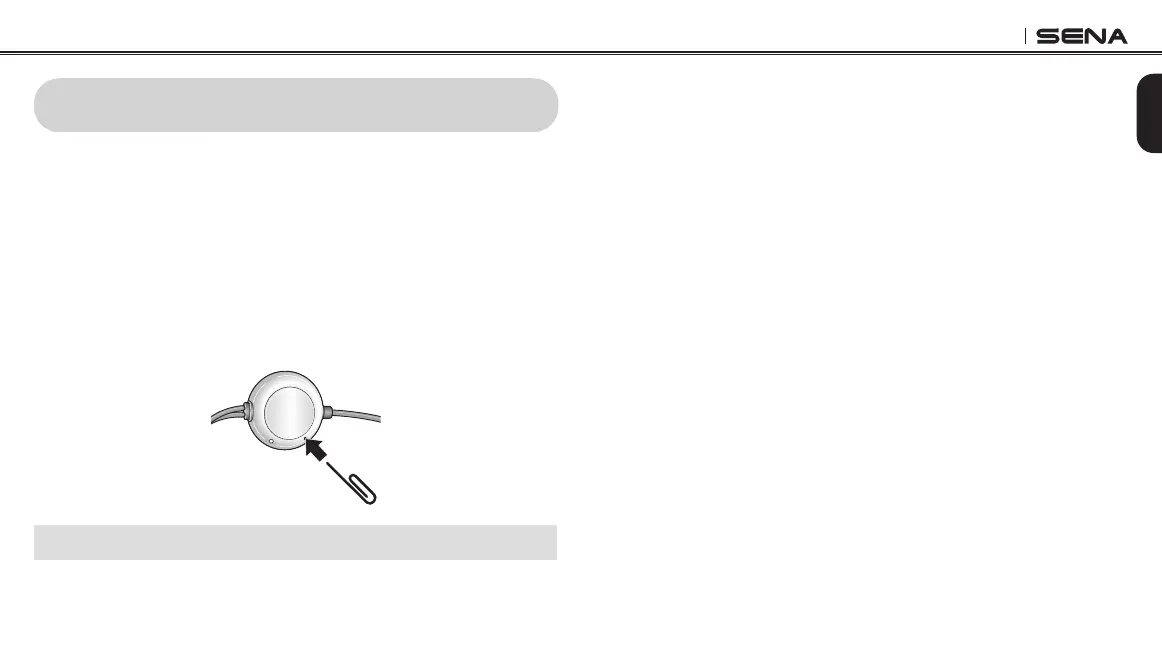
When the headset is not working properly, you can easily reset the
unit.
1. Locate the Pin-hole Reset Button on the left speaker unit.
2. Gently insert a paperclip into the hole and press the Pin-hole
Reset Button with light pressure.
• The headset will automatically be turned off and a fault reset will
occur.
Note: Fault Reset will not restore the headset to the factory default settings.
12.2 Factory Reset
If you want to restore the headset to factory default settings, use the
Factory Reset in the conguration menu. The headset automatically
restores the default settings and turns off.



 To Next Page