27
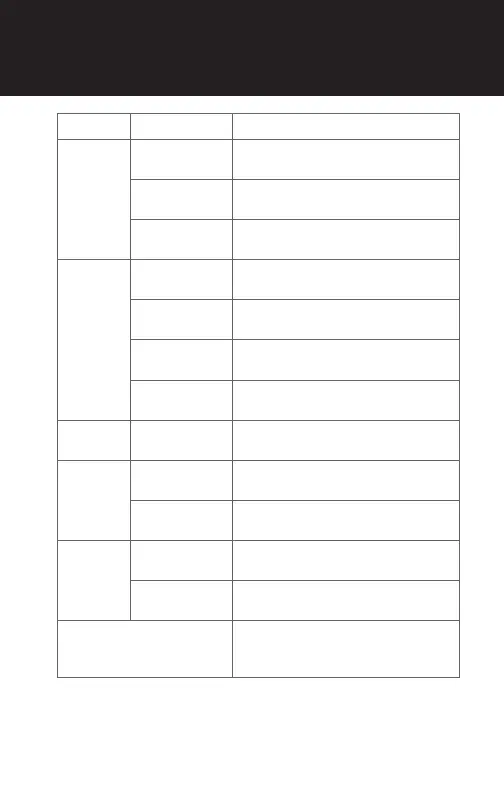
Type Operation Button Command
Basic
Function
Power on
Rotate while pressing the Jog dial
clockwise for 1 second
Power off
Press and hold the Jog dial for
5 seconds
Volume
adjustment
Rotate the Jog dial
Mobile
Phone
Answer & end
phone call
Tap the Jog dial
Voice dial
Rotate while pressing the Jog dial
clockwise
Speed dial
Rotate while pressing the Jog dial
counterclockwise
Reject
incoming call
Press and hold the Jog dial for
1 second
Intercom
Start/End
Intercom
Tap the Jog dial
Music
Play/Pause
Press and hold the Jog dial for
1 second
Track forward/
back
Rotate while pressing the Jog dial
clockwise/counterclockwise
FM Radio
FM radio on/
off
Press and hold the Jog dial for
3 seconds
Seek up/down
Rotate while pressing the Jog dial
clockwise/counterclockwise
Configuration Menu
1. Turn off the Bluetooth system
2. Rotate while pressing the Jog
dial clockwise for 5 seconds
QUICK REFERENCE



 To Next Page