41
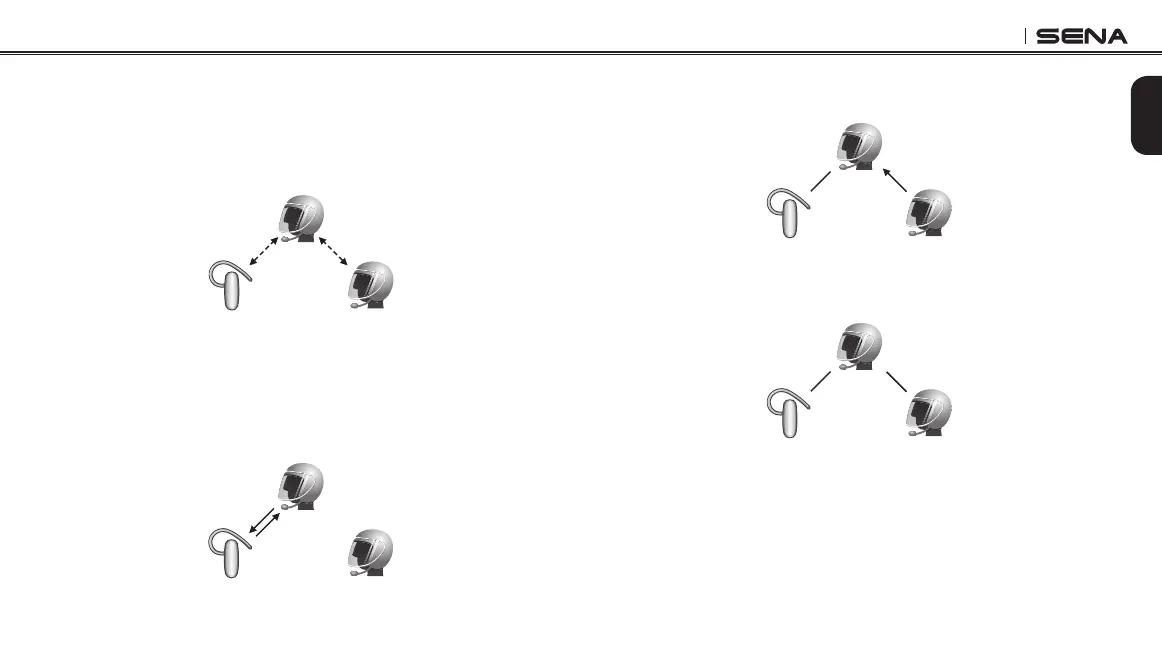
18.3 Three-way Universal Intercom
You may make a three-way Universal Intercom connection with two
20Ss and one non-Sena Bluetooth headset.
1. You (A) need to be paired with a non-Sena Bluetooth headset (B)
and another 20S headset (C) for the three-way intercom.
(A)
(B) (C)
Pairing
Pairing
2. Start an intercom conversation with non-Sena Bluetooth headset
(B) in your intercom group. For example, you (A) may start an
intercom conversation with non-Sena Bluetooth headset (B). The
non-Sena Bluetooth headset (B) may also start an intercom call
with you (A).
(A)
(B) (C)
3. The other 20S (C) may join the intercom by making an intercom
call to you (A).
(A)
(B) (C)
4. Now you (A), non-Sena Bluetooth headset (B), and the other 20S
(C) are having a three-way intercom.
(A)
(B) (C)
5. You may disconnect three-way Universal Intercom using the
same way as you do in normal three-way intercom. Please refer to
section 15.2.2, “End Three-way Intercom”.



 To Next Page