7
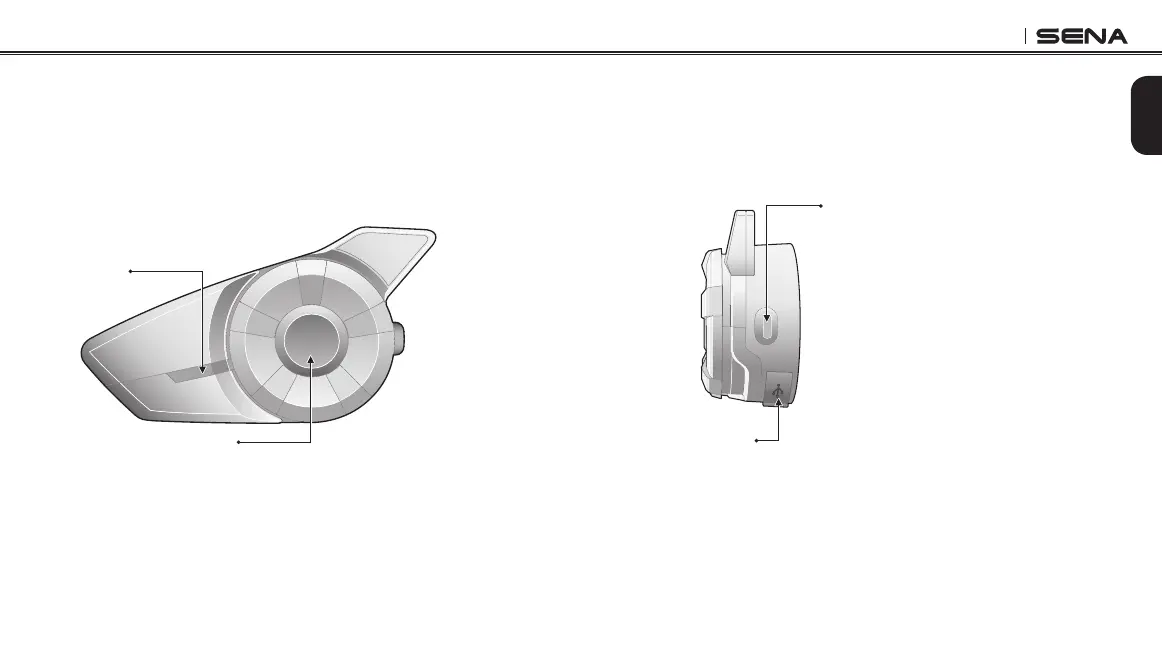
Phone Button
• Answer and end a mobile phone call
• Speed dial
• Call transfer between mobile phone and headset
• Enter into mobile phone pairing mode
• Enter into Bluetooth stereo device pairing mode
• Enter into factory reset mode
• Turn on/off FM tuner
DC Power Charging &
Firmware Upgrade Port
2.1.2 Built-in Antenna Type
Status LED
Jog Dial
• Answer and end a mobile phone call
• Reject an incoming mobile phone call
• Start and end intercom conversation
• Volume adjustment by rotating
• Play and pause Bluetooth stereo device
• Track-forward and track-back by pressing down and rotating
• Enter into intercom pairing mode
• Enter into voice configuration setting
• Navigate through configuration menu
• Seek FM radio station



 To Next Page