23
SPH10
English
Profile (AVRCP), so if your Bluetooth audio device
also supports the AVRCP, you can use the SPH10 to
remotely control music playback.
You not only can adjust the volume but also use
the functions such as play, pause, next track and
previous track.
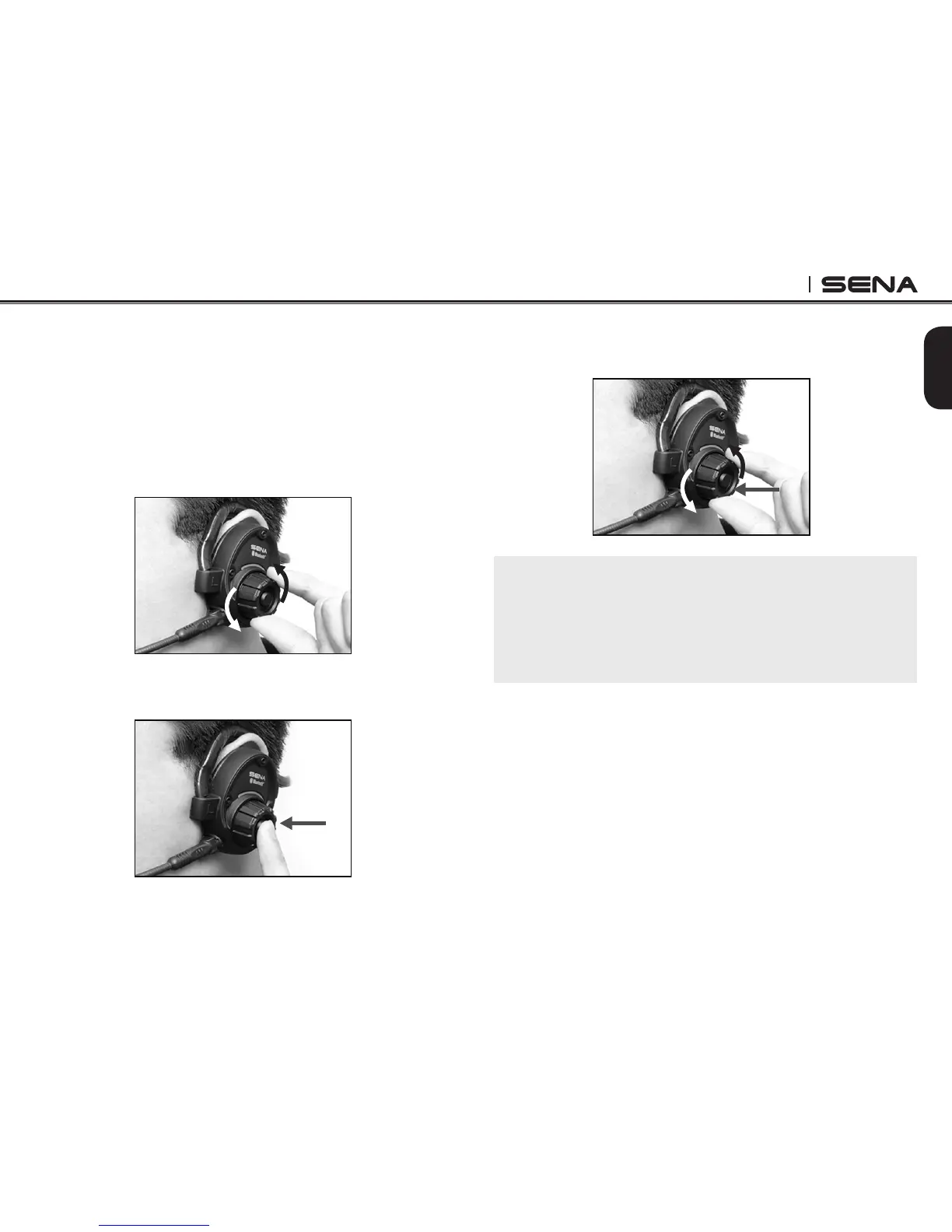
1. To adjust the volume, rotate the Jog Dial.
2. To play or pause music, press and hold the Jog
Dial for 1 second until you hear a double beep.
3. To track forward or track back, rotate while pressing
the Jog Dial clockwise or counter clockwise.
Note:
Bluetooth music is available only when the MP3 jack
port remains open. Please make sure the audio cable
is unplugged from the clamp unit to play music by
Bluetooth.



 To Next Page