SPH10
22
10. FUNCTION PRIORITY
The SPH10 operates in the following order of priority:
(highest) Mobile phone,
Intercom,
Stereo music by audio cable
Music sharing by Bluetooth stereo music,
(lowest) Bluetooth stereo music
A lower priority function is always interrupted by
a higher priority function. For example, stereo
music is interrupted by intercom call, and intercom
conversation is interrupted by incoming mobile
phone call.
11. STEREO MUSIC
You can listen to stereo music in two ways: with the
enclosed stereo audio cable or by Bluetooth wireless
stereo.
11.1 By Stereo Audio Cable
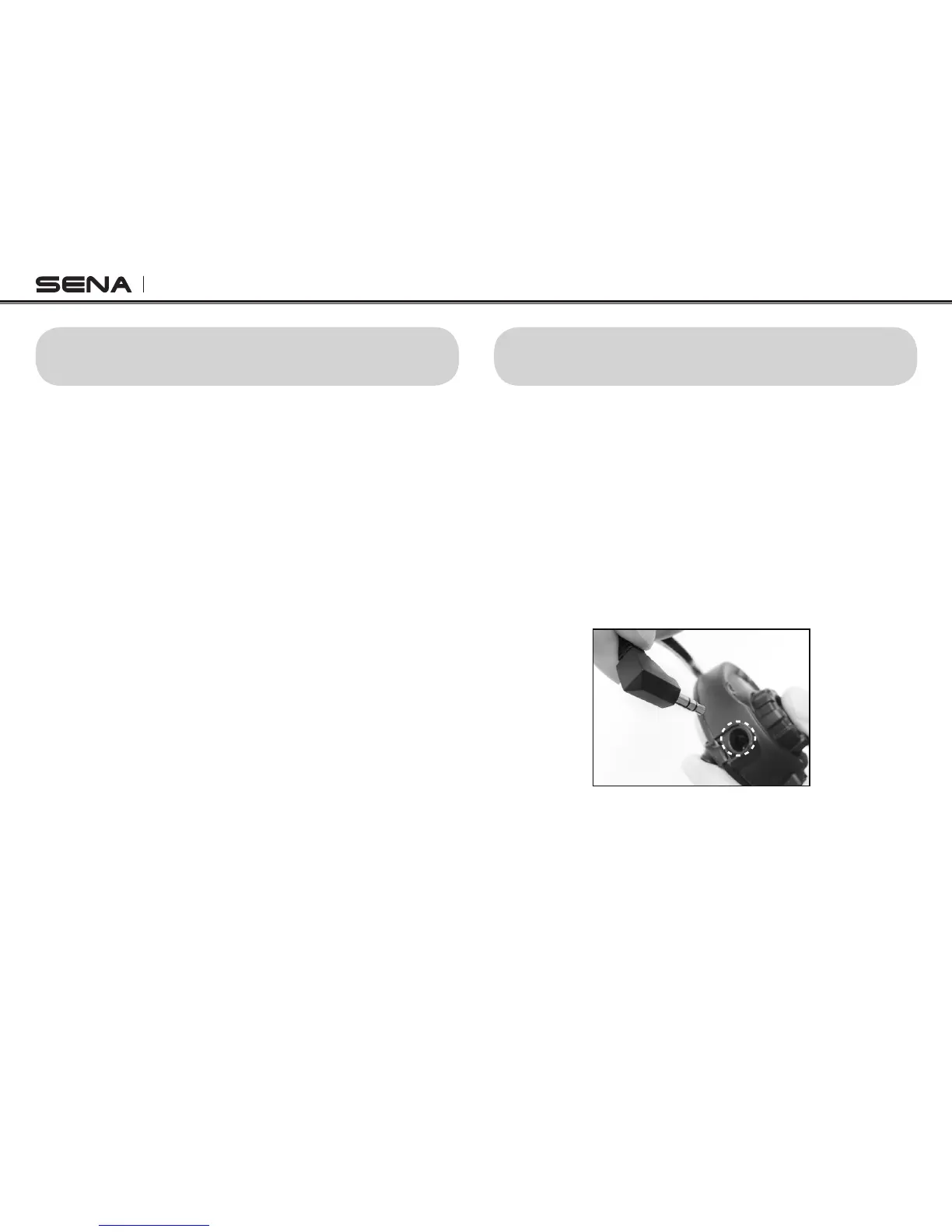
Plug your stereo MP3 player directly to the SPH10 by
using the enclosed stereo audio jack cable. To adjust
the volume, rotate the Jog Dial on the headset. You
may adjust the volume on the MP3 player also.
MP3 Jack
11.2 By Bluetooth Wireless Stereo
The Bluetooth audio device must be paired with the
SPH10 by following the “Bluetooth Stereo Device
Pairing” procedures described in the 6.2 chapter.
The SPH10 supports the Audio/Video Remote Control



 To Next Page