SMD 989– User Manual
Page 88 (105)
↕
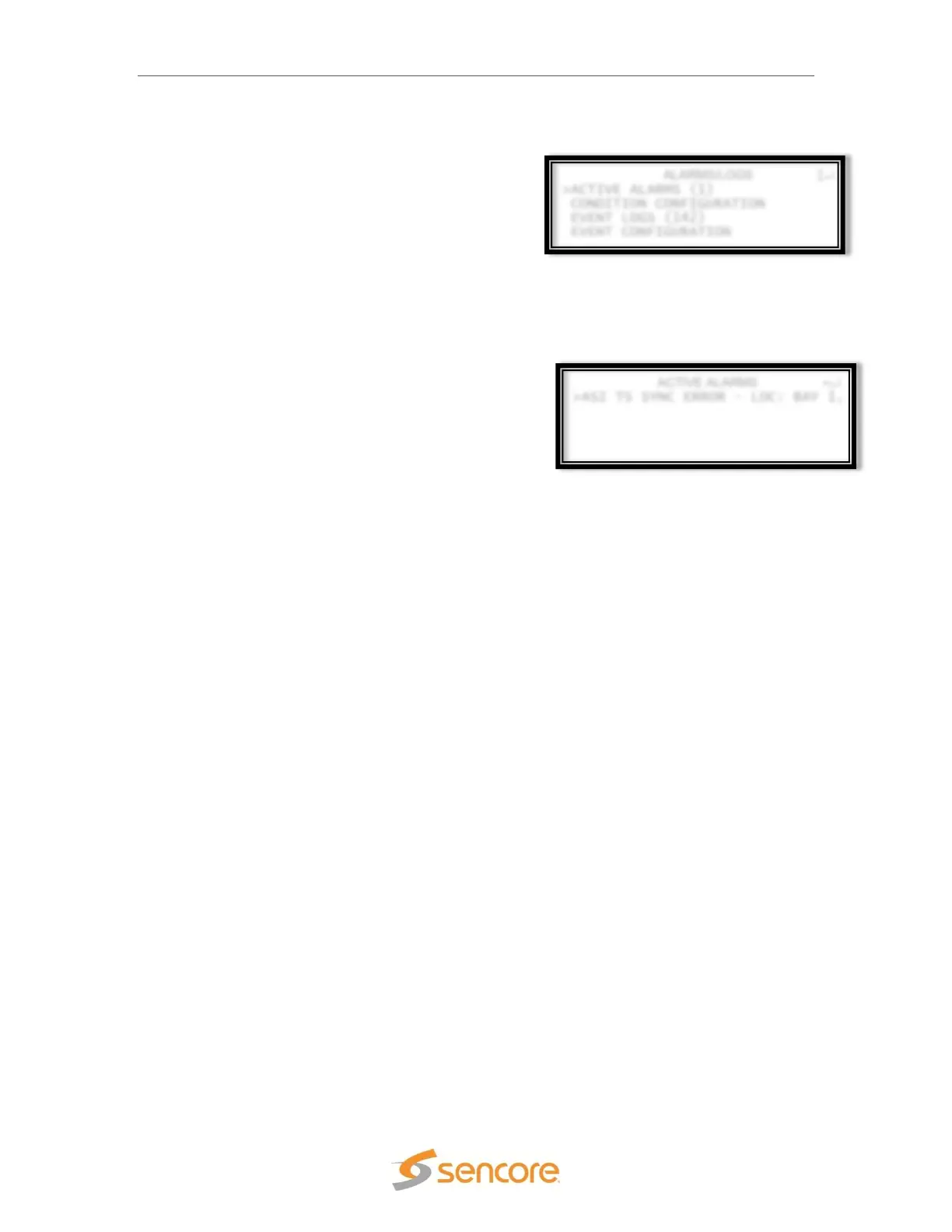
>ACTIVE ALARMS (1)
CONDITION CONFIGURATION
EVENT LOGS (142)
EVENT CONFIGURATION
↔
>ASI TS SYNC ERROR – LOC: BAY 1,
Front Panel Alarms/Logs
The Alarms/Logs section of the front panel holds all
of status and alarm indications for the SMD 989
platform. The alarms, logs, SNMP, and relays are
separated by individual menus and configurable to
the exact settings a user desires to monitor.
Alarms
To view active alarms, select and press enter to view the
alarms that are currently generated for the enabled
alarms in the SMD 989. Use the right/left errors to view
complete error details.


 To Next Page