EasyManua.ls Logo

Sencore SMD 989 - SNMP Trap Configurations

Sencore SMD 989
105 pages
Print Icon
To Next Page IconTo Next Page
To Previous Page IconTo Previous Page
Loading...
SMD 989 User Manual
Page 93 (105)
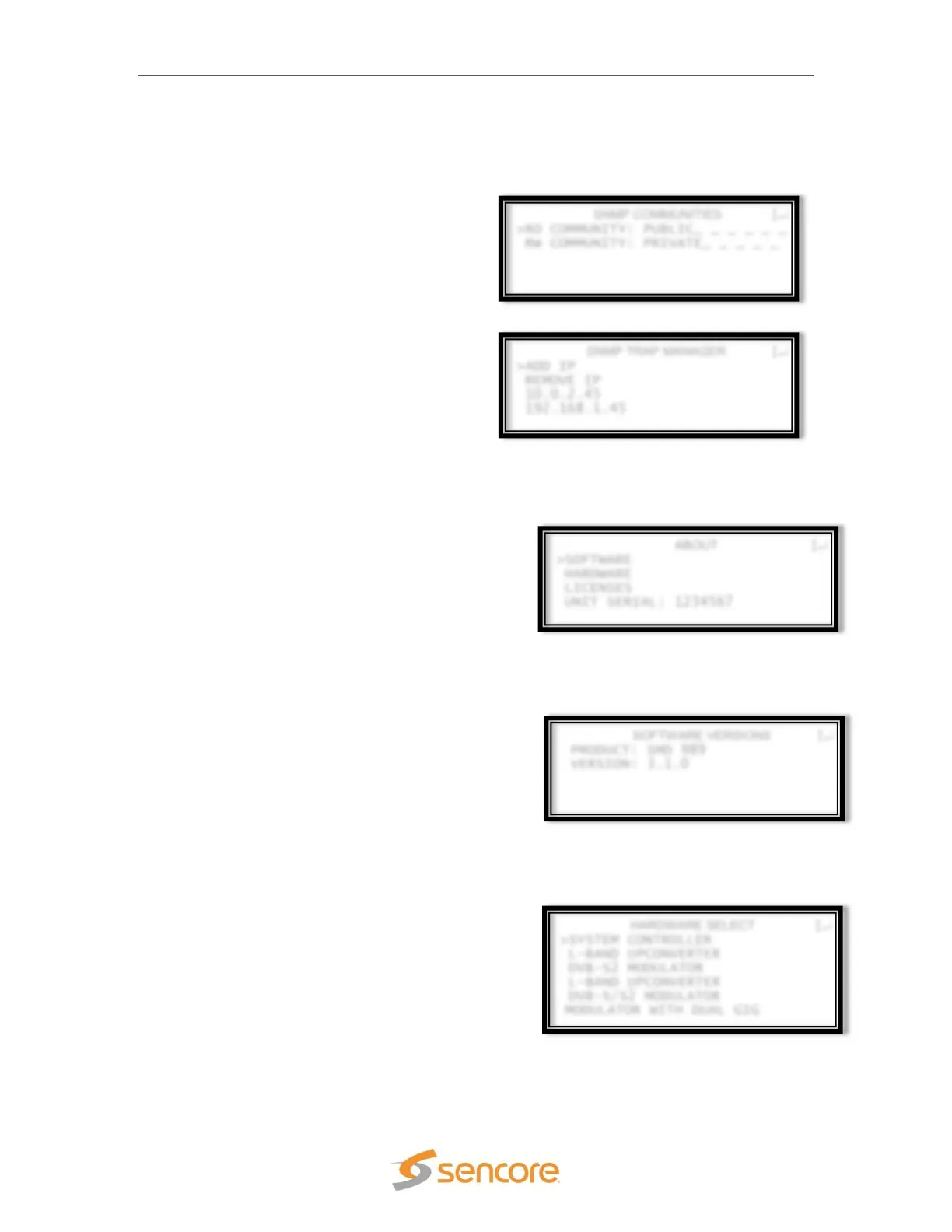
ABOUT
>SOFTWARE
HARDWARE
LICENSES
UNIT SERIAL: 1234567
SOFTWARE VERSIONS
PRODUCT: SMD 989
VERSION: 3.1.0
HARDWARE SELECT
>SYSTEM CONTROLLER
L-BAND UPCONVERTER
DVB-S2 MODULATOR
L-BAND UPCONVERTER
DVB-S/S2 MODULATOR
MODULATOR WITH DUAL GIG
SNMP COMMUNITIES
>RO COMMUNITY: PUBLIC_ _ _ _ _ _
RW COMMUNITY: PRIVATE_ _ _ _ _
SNMP TRAP MANAGER
>ADD IP
REMOVE IP
10.0.2.45
192.168.1.45
SNMP Trap Configurations
The system’s SNMP communities can be
configured by selecting SNMP Trap Menu from
the reporting options. In the SNMP trap
communities, IP addresses can be added and
the events that trigger traps to be sent are
enabled/disabled under the conditions
configuration.
Front Panel About
The “About screen provides information for
software, hardware and licensing installed in the
SMD 989 platform. This information is needed when
talking to technical support.

About Software
Sample Software Versions
About Hardware
Sample About Hardware

Table of Contents

Related product manuals