19
Adjusting settings via the operating menu
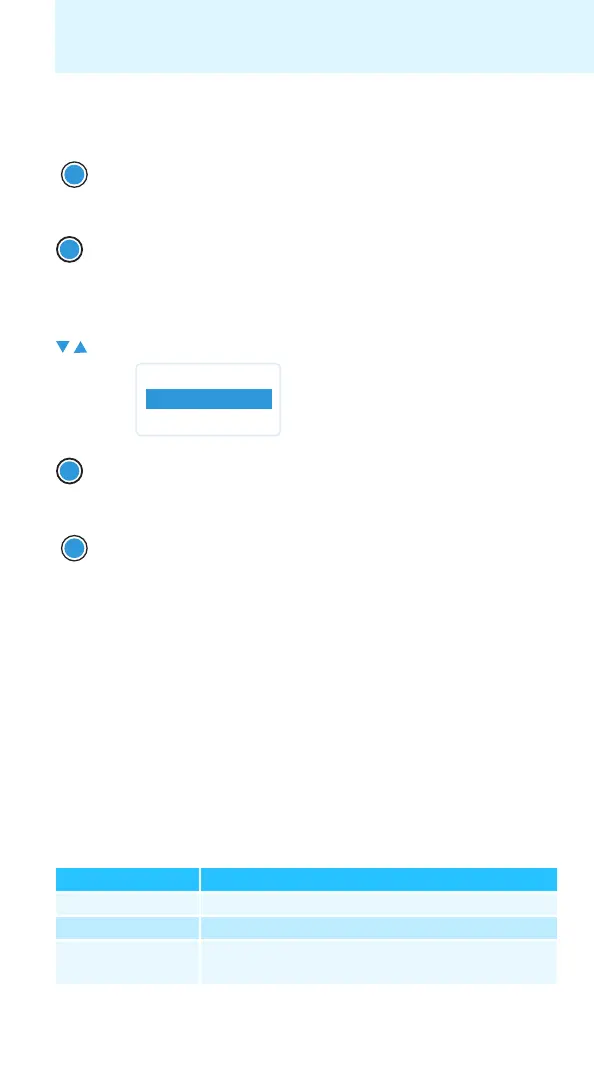
Canceling an entry
To subsequently return to the last edited menu item:
Exiting a menu item
To return to the next higher menu level:
To directly return to the current standard display:
Adjusting settings via the operating
menu
The main menu “Menu”
Synchronizing a transmitter with the diversity receiver – “Sync”
You can synchronize a suitable transmitter of the 2000 series with the
receiver. By default, the following parameters are transferred to the trans-
mitter during synchronization:
왘 Press the ON/OFF button to cancel the entry.
The current standard display appears on the display panel.
왘 Press the SET button repeatedly until the last edited menu
item appears.
왘 Change to the “Exit” menu item.
왘 Confirm your selection.
왘 Press the ON/OFF button.
Setting Transferred parameters
“Frequency Preset” Current receiving frequency (see page 23)
“Name” Current name set for the receiver (see page 23)
“Pilot Tone” Current pilot tone setting of the receiver
(“Inactive”/“Active”, see page 27)
ON/OFF
SET
Menu
Exit
SET
ON/OFF







 To Next Page