Using the operating menu
27
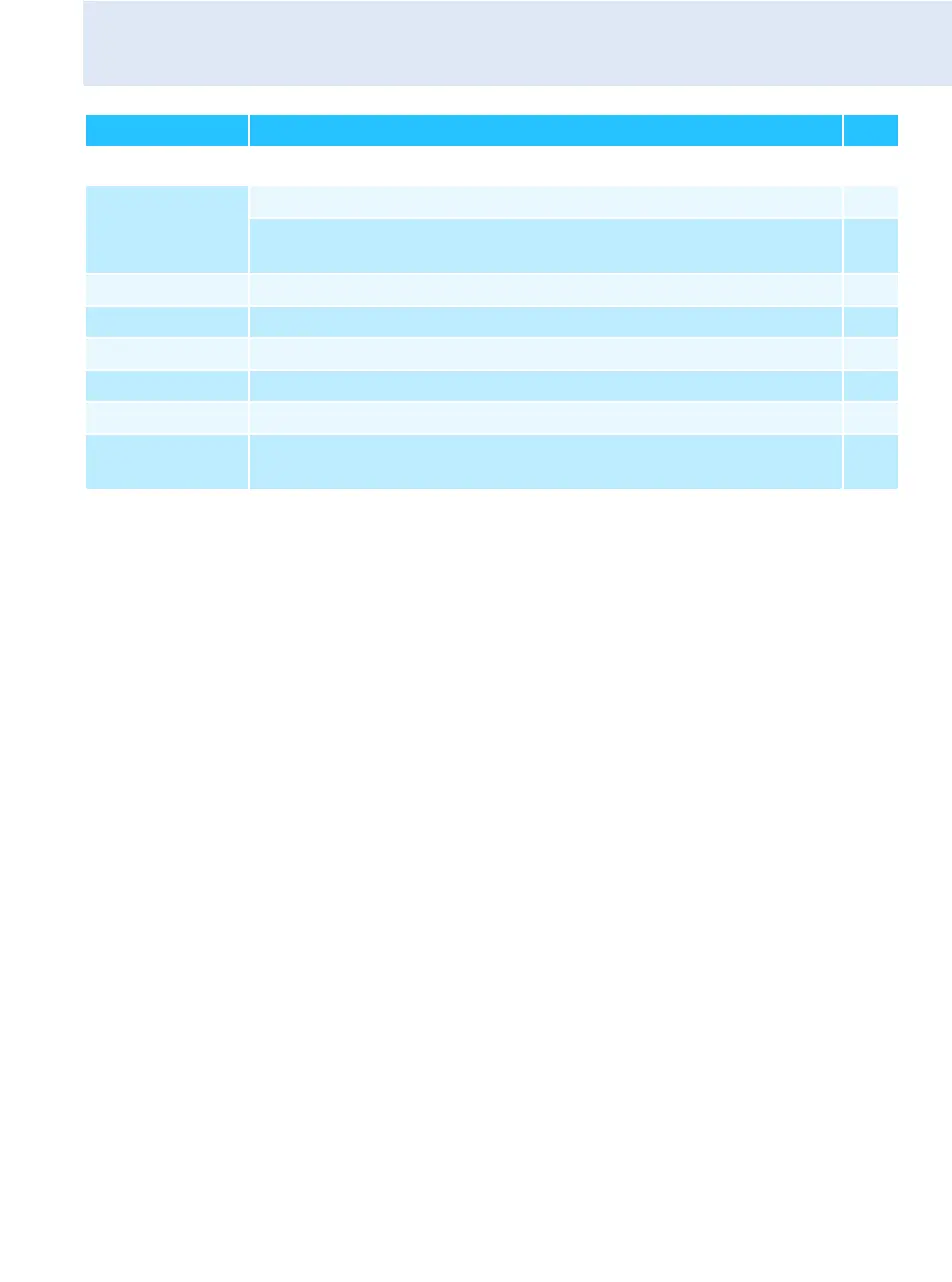
Extended menu “Advanced Menu”
Tune Sets the transmission frequencies for the frequency bank “U”
38
Sets the channel and the receiving frequency for the
frequency bank “U”
39
Guitar Tuner Selects the mode of the guitar tuner function
39
Pilot Tone Activates/deactivates the pilot tone evaluation
40
LCD Contrast Adjusts the contrast of the display panel
41
Reset Resets the settings made in the operating menu
41
Software Revision Displays the current software revision
41
Exit Exits the extended menu “Advanced Menu” and returns to the
main menu
–
Display Function of the menu item Page




 To Next Page