SENNHEISER ELECTRONIC GMBH & CO. KG
COMPONENT MAINTENANCE MANUAL
HMEC 26-SERIES
Page 3005
Jan 23/13
23-41-48
(4) Replacement of the hollow profile (050)
NOTE:
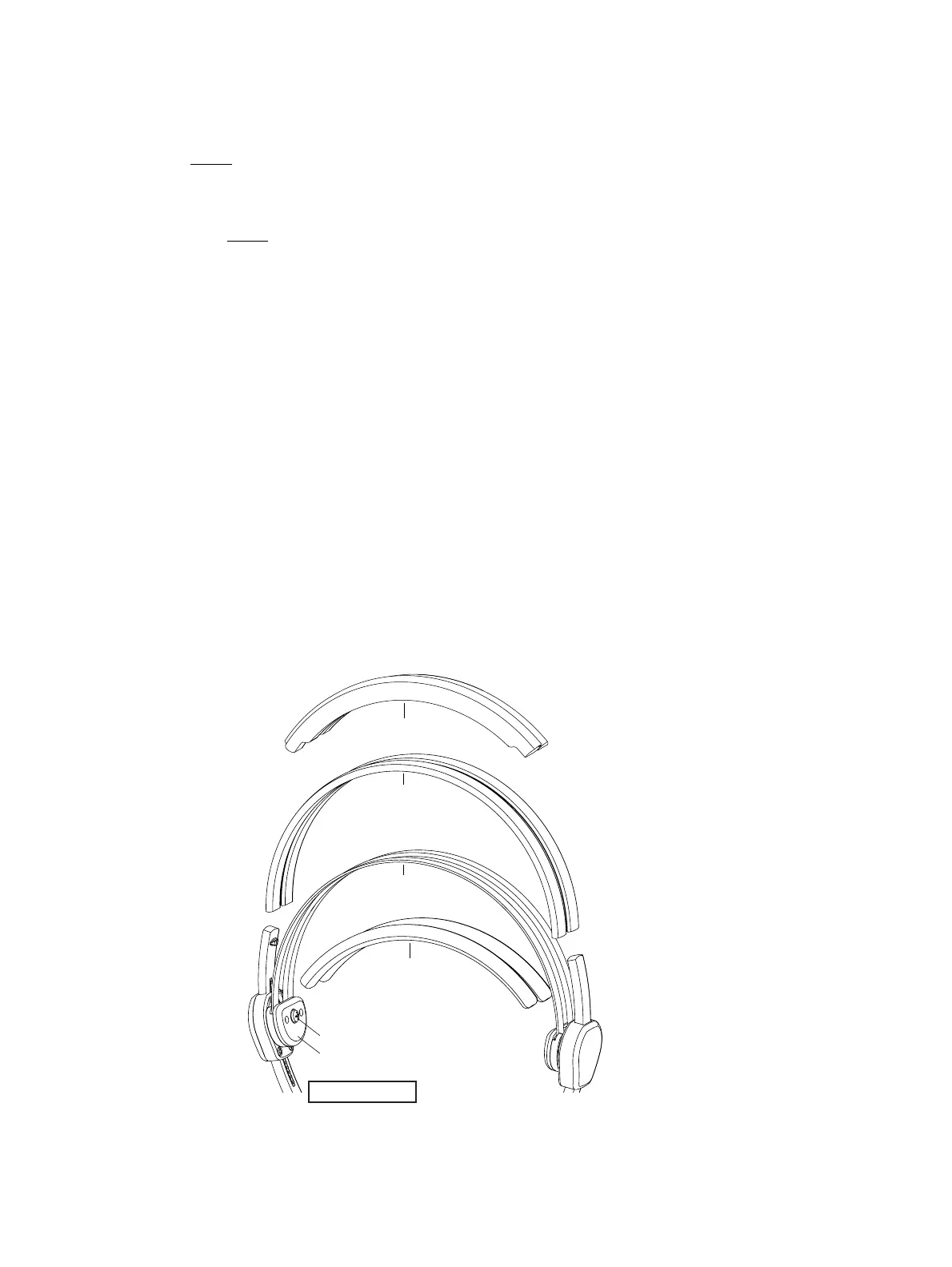
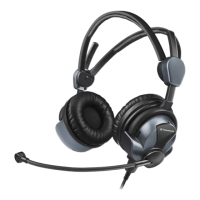
Refer to IPL Fig. 18 and Fig. below.
(a) Remove the related headband padding from the damaged hollow profile (050).
NOTE:
Two different headband paddings are in use. Previous paddings (part no. 515629) are
glued at the lower side of the hollow profile of the metal holders. New paddings
(part no. 550262) encloses the hollow profiles of the metal holders.
(b) Remove the headband screw on the microphone arm side.
(c) Remove the cover on the microphone side.
(d) Take out the metal holder of the headband.
(e) Pull out the damaged hollow profile (050) from the metal holder of the headband.
(f) Cut the new hollow profile spare part (050) to the correct length.
(g) Move the new hollow profile (050) to the metal holder.
(h) Insert the metal holder (with new hollow profile).
(i) Install the cover.
(j) Fasten the headband screw with a torque of 11.5 Ncm
±1.5 Ncm
(k) Install the related headband padding.
Headband paddings
(glued type)
Headband screw
Cover
Hollow profiles
Microphone arm side
Metal holder
Headband paddings
(enclosed type)
Oct 30/08




 To Next Page