SENNHEISER ELECTRONIC GMBH & CO. KG
COMPONENT MAINTENANCE MANUAL
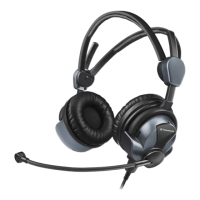
HMEC 26-SERIES
Page 3006
Jan 23/13
23-41-48
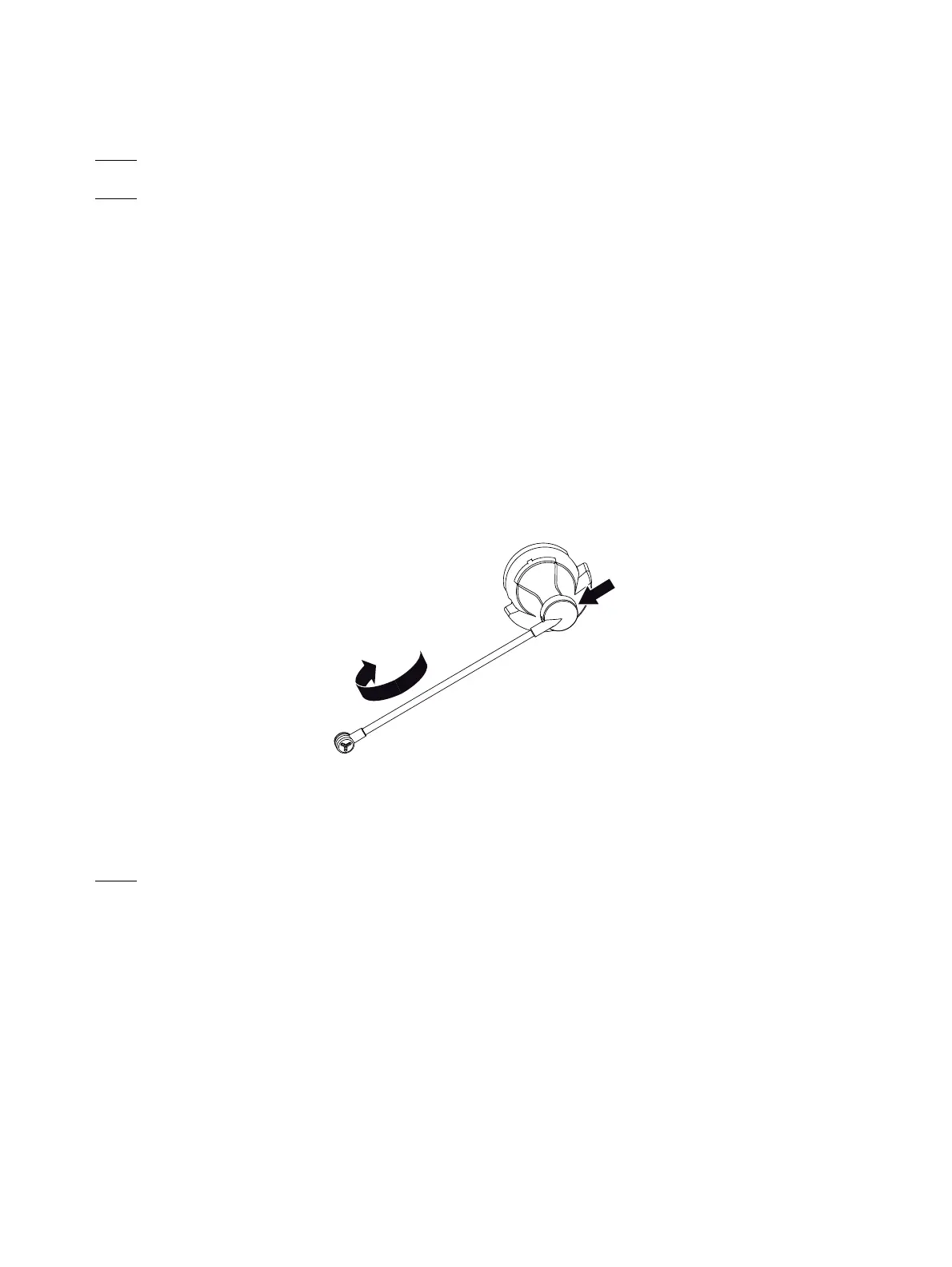
F. Removal of the microphone arm from the cap
NOTE:
THIS PROCEDURE IS ONLY APPLICABLE TO THE MICROPHONE SIDE.
NOTE:
FOR HMEC 26, REFER TO IPL FIG. 1 AND IPL FIG. 2.
FOR HMEC 26-T, REFER TO IPL FIG. 3 AND IPL FIG. 4.
FOR THE TWO HEADSETS, REFER TO FIG. 3002.
(1) Turn the microphone arm (080) to the side position if necessary.
(2) For headsets up to serial no. 00200100:
Use a screwdriver (0.9 mm internal hexagon) to move the threaded pin (020) fully into the
microphone arm attachment .
For headsets from serial no. 00200100:
Use a TORX 6 IP screwdriver to remove the TORX screw (020) out of the microphone arm
attachment .
(3) Move the microphone in the direction of the other headphone cap (040) to remove the
microphone arm from the cap (070).
G. Removal of the clip
NOTE:
FOR HMEC 26, REFER TO IPL FIG. 1 AND IPL FIG. 2.
FOR HMEC 26-T, REFER TO IPL FIG. 3 AND IPL FIG. 4.
(1) Move the clip (010) up (see the black arrow) to remove it from the cap (040, 070).
Figure 3002
Removal of the microphone arm
Oct 30/08



 To Next Page