Using additional functions
40 | Set 880
Restoring the factory default settings
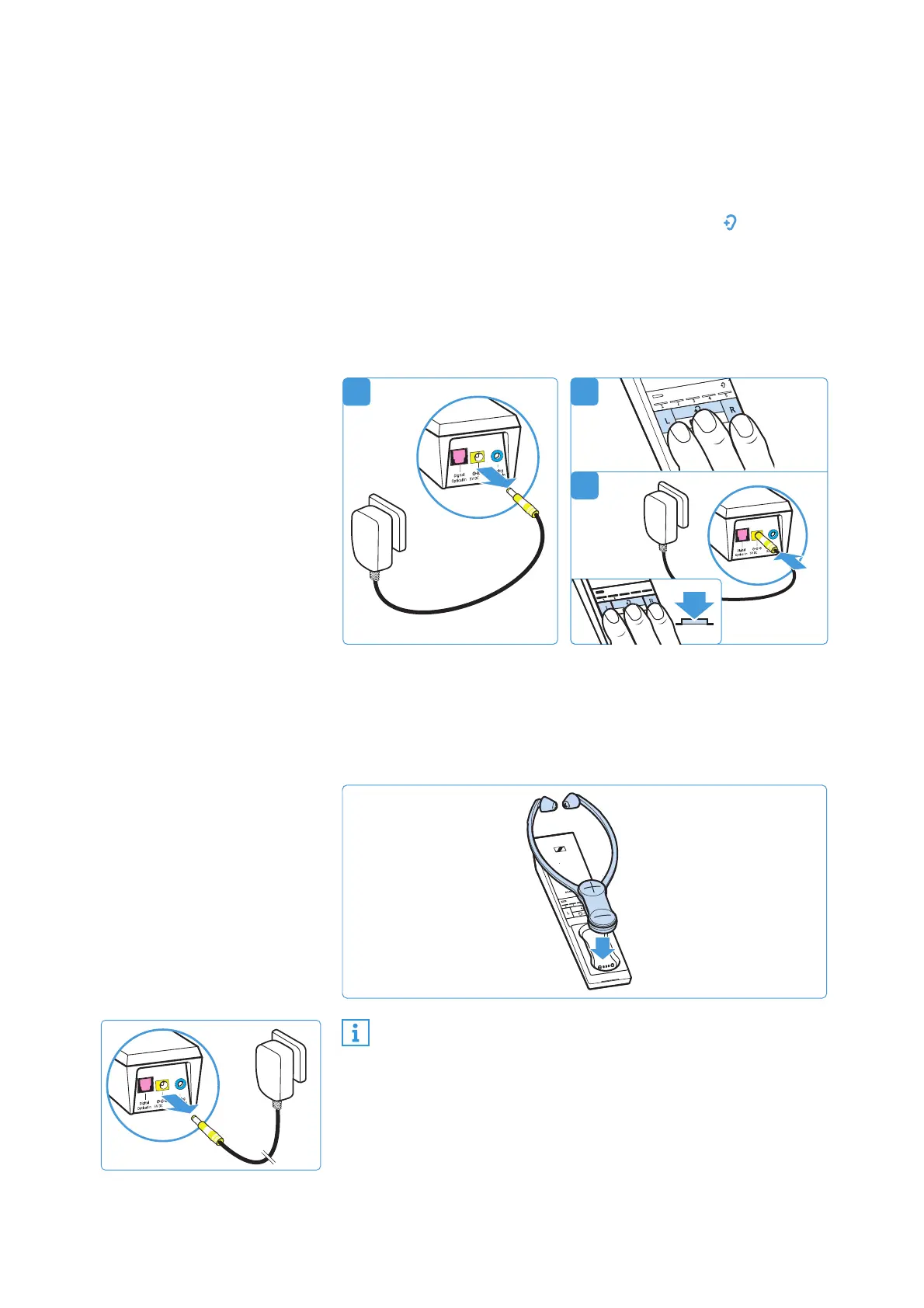
To restore the transmitter to the factory settings:
1 Disconnect the transmitter from the power supply system
by unplugging the connector of the power supply unit.
2 Simultaneously press and hold the buttons L, and R.
3 Connect the transmitter to the power supply system by
connecting the connector of the power supply unit to the
yellow socket of the transmitter while keeping the 3 buttons
pressed for at least 3 seconds.
All LEDs on the transmitter flash. The transmitter settings
are restored to the factory settings.
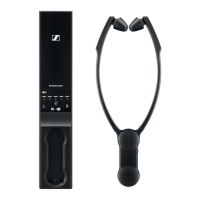
To restore a stethoset receiver to the factory settings:
b Place the stethoset receiver for 5 seconds into the transmit-
ter’s charging compartment.
The settings of the stethoset receiver, including the pairing
settings, are also restored to the factory settings.
b Disconnect the transmitter from the power supply system
by unplugging the connector of the power supply unit.
The factory settings are restored and you can use the wire-
less headphone system again.
1
A
If you place the stethoset receiver into the transmitter’s
charging compartment at the very beginning of the
restore procedure, the factory settings of the transmitter
and the receiver are restored simultaneously.






 To Next Page