15
Using the bodypack transmitter
Selecting a standard display
You can also deactivate the RF signal on switch-on. For more infor-
mation, refer to the chapter “Switching the bodypack transmitter
on/off” on page 11.
Using the ON/OFF button, you can also activate/deactivate the
RF signal during operation. To do so, briefly press the ON/
OFF button and proceed as described on page 12.
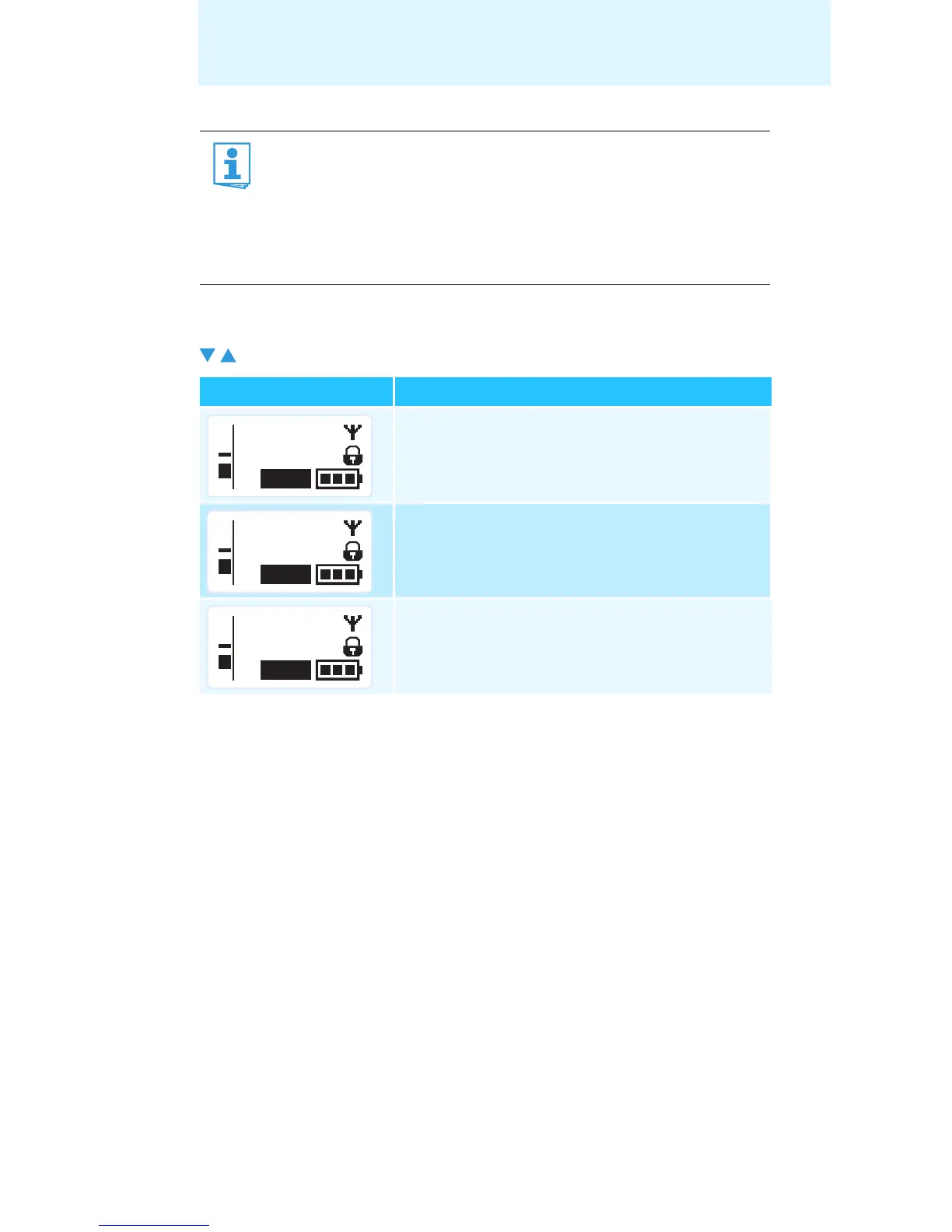
왘 Press the rocker button to select a standard display:
Contents of the display Selectable standard display
“Frequency/Name”
“Channel/Frequency”
“Name/Channel”
**2000**
MHz
543.200
MUTE
P
AF
MHz
543.200
B.Ch: 20.64
MUTE
P
AF
B.Ch: 20.64
MUTE
P
AF
**2000**










 To Next Page