Date and Time Set-Up (On Replacement of Battery)
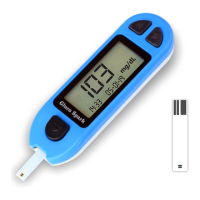
Your Gluco Spark meter allows you to set the Date and Time as you like.
You can view 24 hour time.
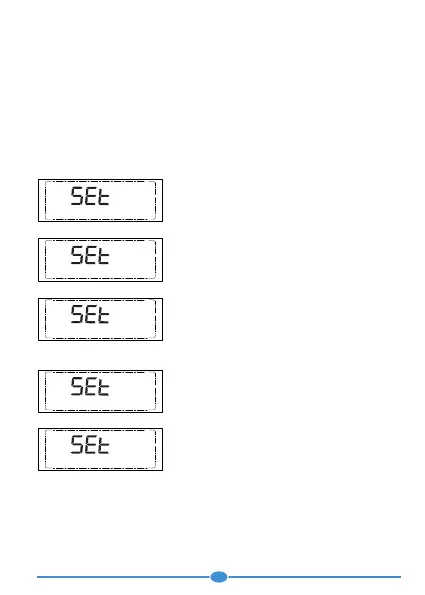
To get into set-up mode, remove the battery and replace it. A complete
display will briefly appear, then numbers will flash in the bottom left corner
of the display.
Steps to set the Year, Date :
Remove battery and replace it to set date and time.
With the number flashing in the position of Year
on the display. Press “>” (forward) button until
you reach the current year.
Press “<” (backward) button to set.
14:33
0
5-01-19
The number in the month flashes on the display.
Press “>” (forward) button until you reach the
current month.
Press “<” (backward) button to set.
The number in the day position flashes on the
display. Press “>” (forward) button until you
reach the current day.
Press “<” (backward) button to set.
The minute will now flash. Press “>” (forward)
button to select the current minute.
Press “<” (backward) button to set.
14:33
0
5-01-19
14:33
0
5-01-
1
9
Setting the Time
00: 00
05-01-19
The number in the hour position will now flash.
Press “>” (forward) button until you reach the
current hour.
Press “<” (backward) button to set.
00
: 02
05-01-19
To quickly adjust a certain number, keep pressing the > button until the one you
want appears.
Note:
At any steps if you want to shut the meter off, Press< button until you complete
the cycle and all setting still cab be automatically saved.
1.
2.
14


 To Next Page