System troubleshooting
Error messages
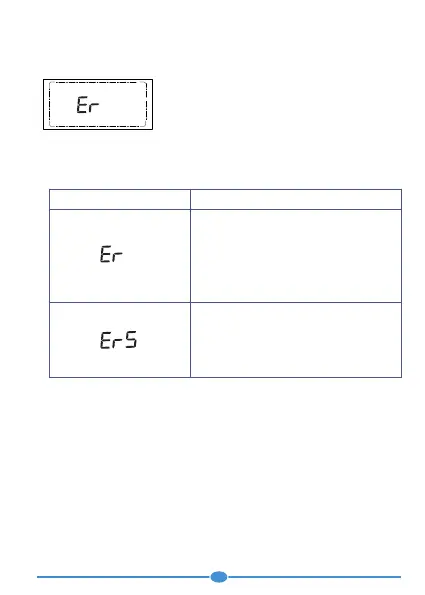
When an error occurs, an error message appears
on the display with continuous beep sound. Turn
the meter off by ejecting the strip.
If your meter has been dropped, this can also lead to error messages.
If error messages occur frequently, contact your customer support and
service centre.
• You slid a used test strip into the meter.
• You applied blood or control solution to
the test strip too soon, i.e. before the
drop symbol flashed on the display.
Start the blood glucose test from the
beginning with a new test strip.
When strip is ejected from the meter
after applying the blood sample
Start the blood glucose test from the
beginning with a new test strip and wait
until the result appears on the screen.
Error Message Cause and Solution
16


 To Next Page