Operational guidelines
• Plug the charger in and allow it to start up.
• Plug both the charging (1) and balancing (2) plugs into the charger.
• Connect the charging cable to the battery.
• Long press the channel control button for the battery you have connected.
• Using the scroll wheel, choose the battery type then press the scroll wheel
to select.
• Using the scroll wheel, choose 100% (Flight) charge then press the scroll
wheel to start charging.
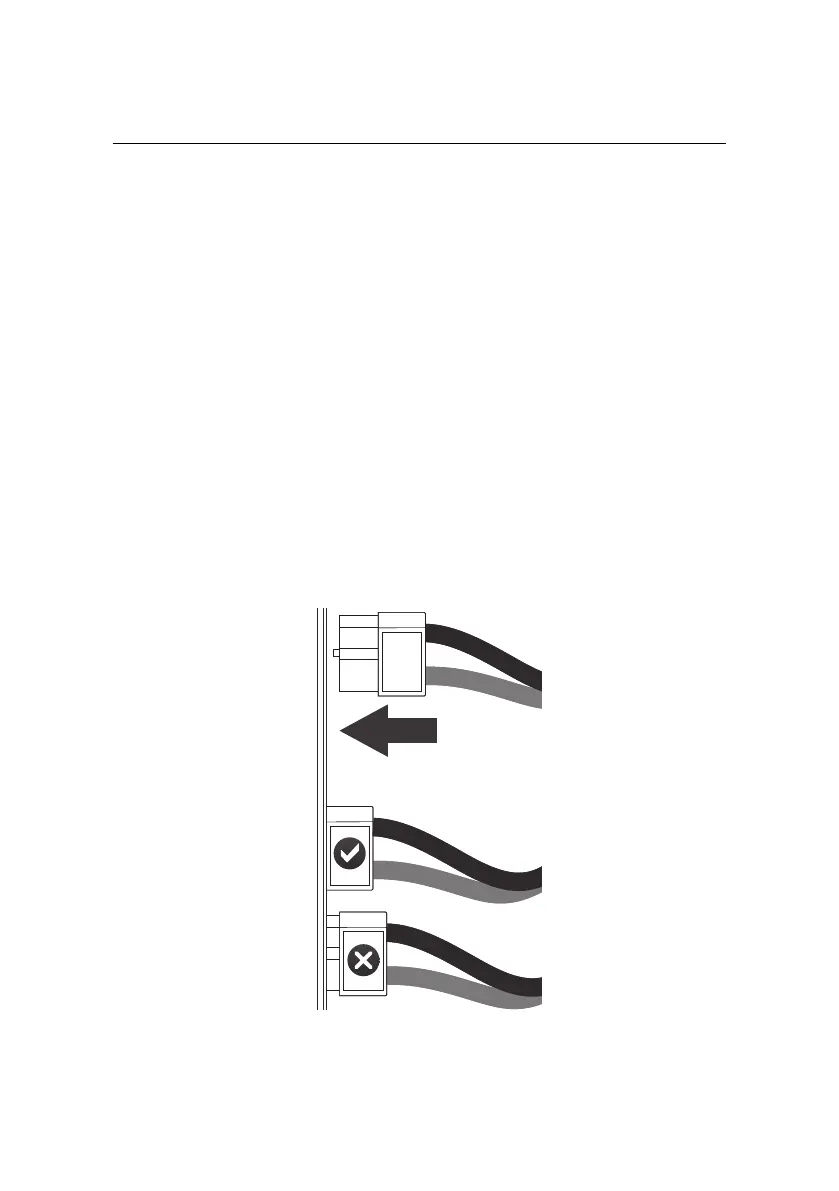
9.2 Connecting & disconnecting the battery
When connecting the battery to the drone or charger, push the connectors firmly
together.
31



 To Next Page