Flying the eBee X
11 Flying the eBee X
Note: We recommend that you perform your first flight in a large
obstacle-free area and limit the length of the mission in order to fa-
miliarise yourself with the eBee X in flight.
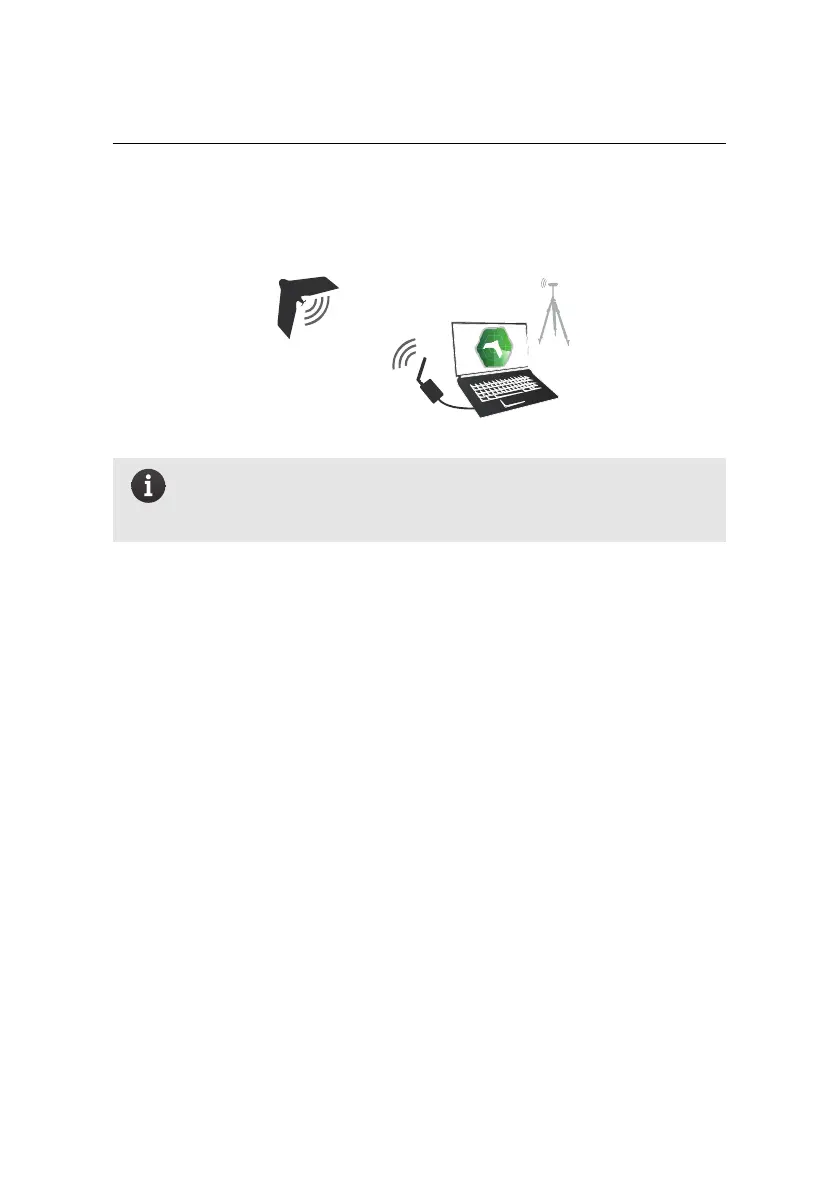
11.1 About the communication link
Your eBee X must be in contact with eMotion through the ground modem at all
times. To maintain this connection the ground modem’s signal must be able to
reach the eBee X.
Data connection range can be affected by many external factors such as antenna
height, terrain and obstacles or radio interference.
You may occasionally lose the data connection between eMotion and your eBee X
while in the field. Whether there is a loss in uplink or downlink communication,
the drone will continue its mission and should re-establish the connection as it
flies closer to the ground modem or changes direction.
If the drone stops receiving messages from eMotion for more than 30 s a Warning
will be raised. If, for safety reasons you want the eBee X to automatically return
Home when this happens, activate that safety action in eMotion (see your eMotion
user manual).
If eMotion stops receiving messages from the drone (downlink direction), a Data
downlink lost message will appear in eMotion. If there is still an active uplink con-
45



 To Next Page