Using your eBee X
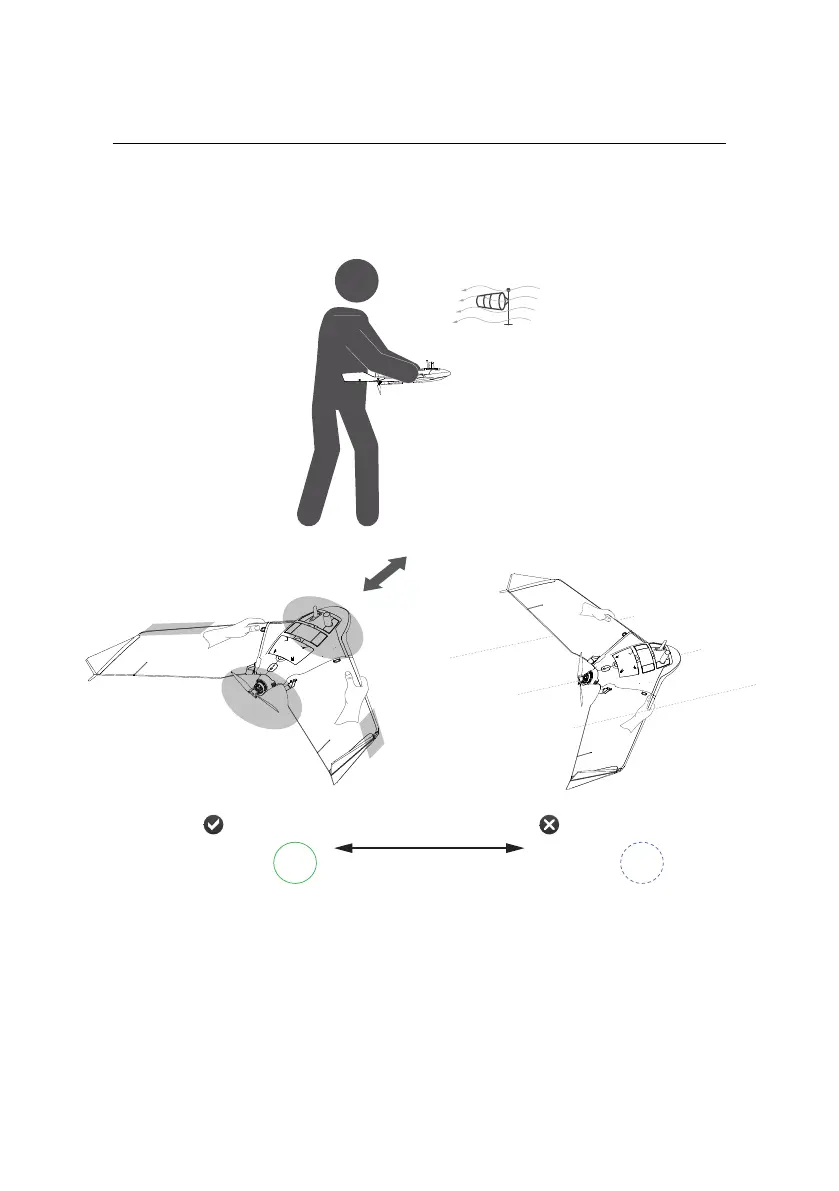
Step 1: Orientate horizontally and against the wind
Horizontal
green
solid
blue
pulse
status LED: status LED:
Not horizontal
no holding
zone
no holding zone
d
a
n
g
e
r
z
o
n
e
n
o
h
o
l
d
i
n
g
z
o
n
e
shake 3x
Orientate yourself against the direction of the wind, and confirm that the take-off
direction in front of you is free of obstacles.
Firmly grasp the drone with both hands, one hand on the front of each wing at
the centre of wing’s leading edge, as shown.
56



 To Next Page