MT4412E Rev.3 15/10/2019 Page 24 of 30
3.1) Power ON
After ensuring correct installation of the system, the Multiscan 8+ central unit can be
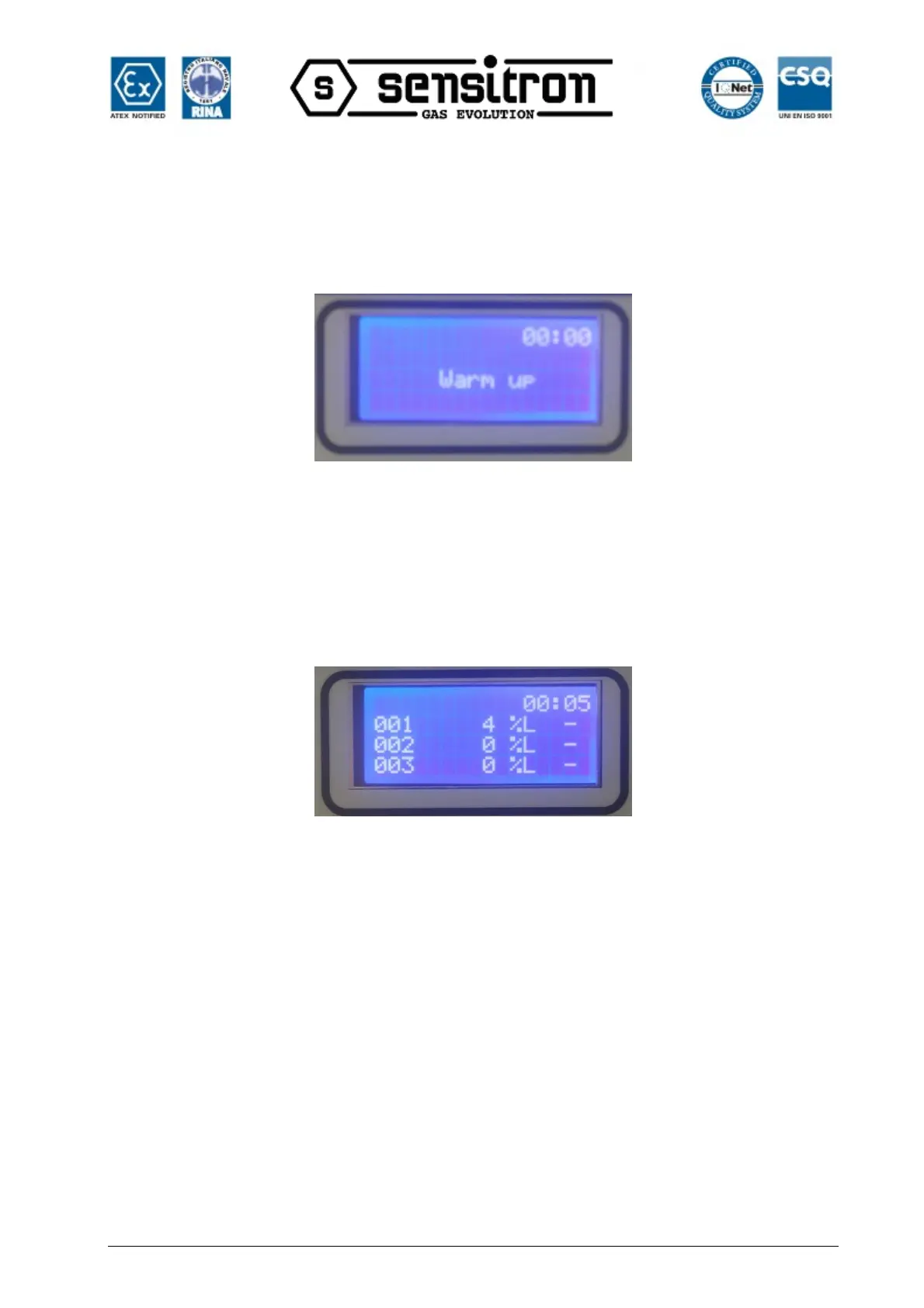
switched on. When first switched on, after the “Warm Up” time (3 minutes by default), the
display will be blank as the central unit needs to be programmed.
Fig. 3.1 a) Warm Up screen
Programming can only take place via a personal computer with a special program. See
chapter 4.
For a system that is already configured, the screen under normal conditions will be the
display of programmed channels (gas detectors). Maximum 3 channels per screen.
Fig. 3.1 b) Display in normal status


 To Next Page