Page 20 UltraWave Product Guide
Surface-mounting
The UltraWave mounting kit can be used to surface mount the transmitter and/or receiver. The
post collar is reversed on the mounting bracket assembly so the flat side is facing outward toward
the mounting surface (see Figure 17
). Customer-supplied hardware (7 mm, 1/4 in.) is used to
attach the assembly to the mounting surface.
Surface mounting procedure
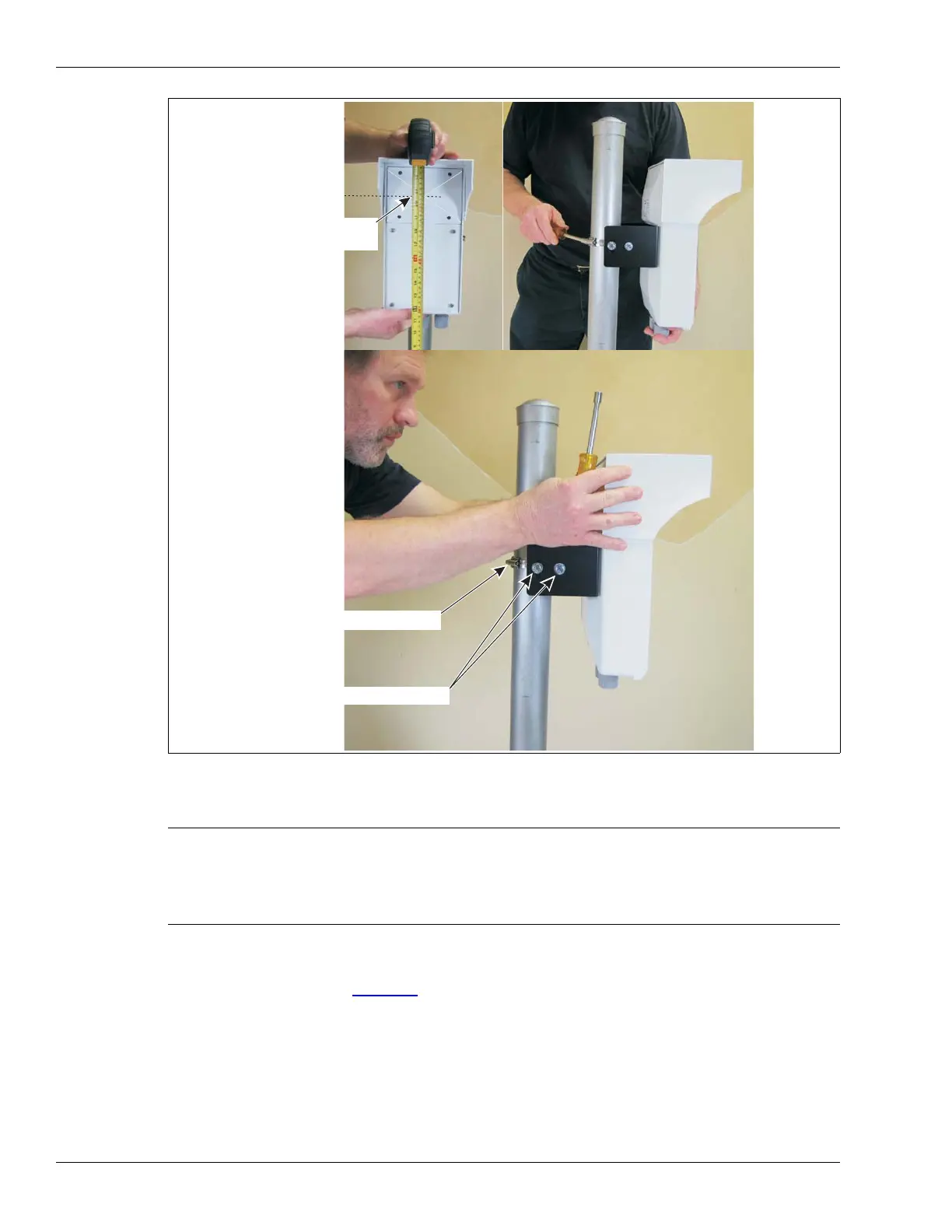
1. Using an 11 mm (7/16 in.) wrench, remove the hardware attaching the post collar to the
mounting bracket.
Figure 16 UltraWave alignment
CAUTION For surface mount applications, the two mounting surfaces
must face toward each other. Surface mounted UltraWave
units cannot be rotated in the horizontal axis. If required, use
shims to adjust the horizontal alignment of surface mounted
units.
horizontal adjustment
vertical adjustment
center of antenna
(indicated by embossed X)
mounting height indicated
by dotted line


 To Next Page