vMax Web Operation
700-0098 R006 3–3
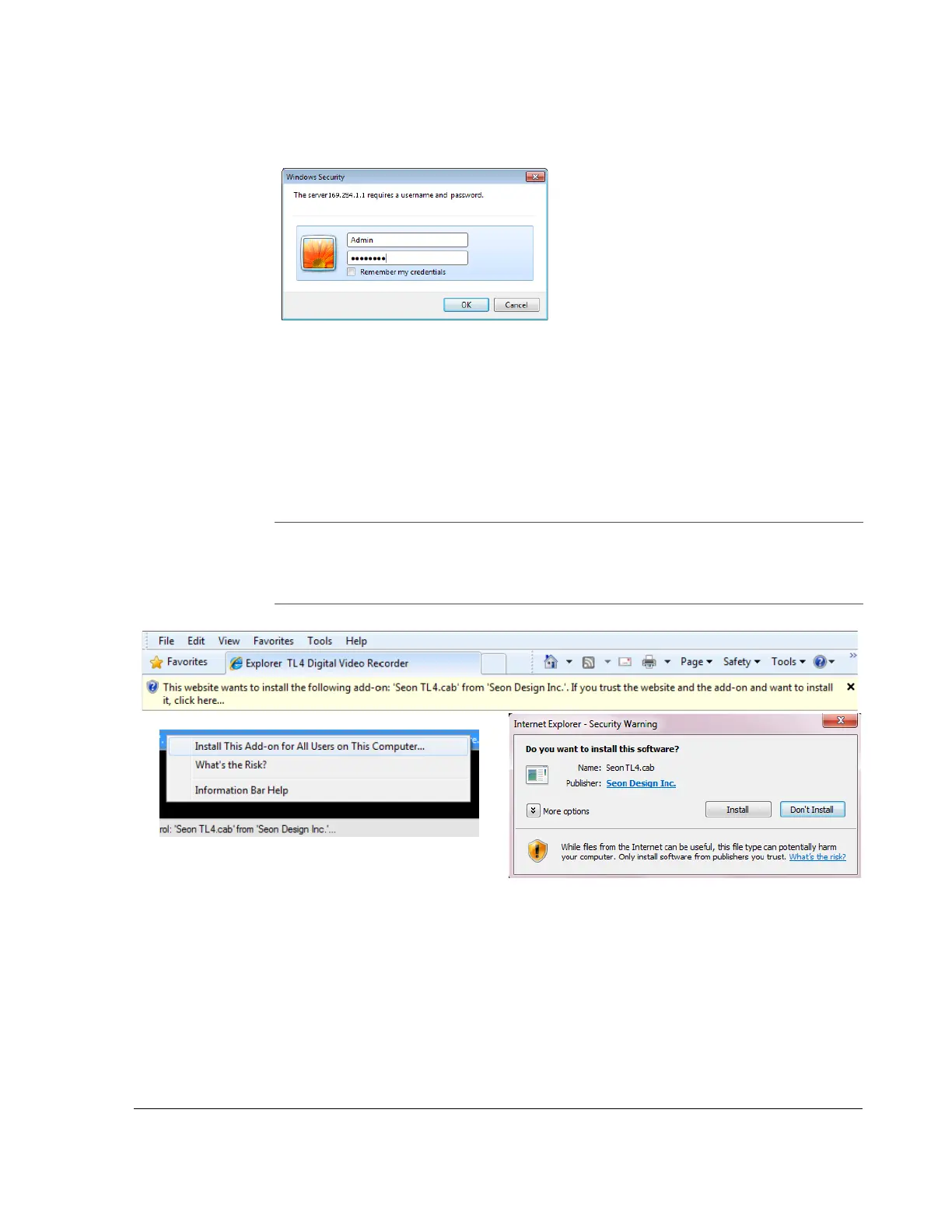
5. At the prompt, enter the user name and password, as shown in Figure 3-2.
The default user name is Admin.
The default password is 11111111.
Login data can be edited in the DVR Configuration > Network> User Levels
menu.
6. Click OK.
vMax Web opens.
Figure 3-2
vMax Web DVR Login Prompt
NOTE:
The first time a computer connects to this model of DVR, or when users are not
running in administrator mode, they may be prompted to confirm installation,
as shown.
Accept all install requests.
Figure 3-3
Windows Warnings



 To Next Page