8
SERFAS E-BIKE
10
BF-DM-C-DP C18-EN November 2019
7.8.1.2 “Service Tip” Switching the
notification on and off
Press the
or (<0.5S) button to
highlight “Service tip” in the Display settings
menu, and then press (<0.5S) to select.
Then with the or button choose
between “ON” or “OFF”. Once you have
chosen your desired selection, press the
(<0.5S) button to save and exit to the
"Display setting" interface.
7.8.1.3 “Brightness” Display brightness
Press the
or (<0.5S) button to high-
light “Brightness” in the Display settings
menu. Then press (<0.5S) to select. Then
with the or button choose between
"100%" / "75%" / "50%" /" 30%"/"10%" .
Once you have chosen your desired selec-
tion, press the (<0.5S) button to save and
exit to the "Display setting" interface.
7.8.1.4 “Auto Off” Set Automatic system
switch off time
Press the or (<0.5S) button to
highlight “Auto Off” in the Display settings
menu, and then press (<0.5S) to select.
Then with the or button choose
between “OFF”, "9"/"8"/"7"/"6"/"5"/"4"/"3"
/"2"/"1", (The numbers are measured in
minutes). Once you have chosen your de-
sired selection, press the (<0.5S) button
to save and exit to the "Display setting"
interface.
7.8.1.5 “MAX PAS” Support level
(Function not available with ECO/SPORT display)
Press the or (<0.5S) button to
highlight “Max Pass” in the Display settings
menu, and then press
(<0.5S) to select.
Then with the
or button choose
between “3/5/9” (the amount of support
levels). Once you have chosen your desired
selection, press the (<0.5S) button to
save and exit to the "Display setting"
7.8.1.6 “Default Mode” Set for ECO/Sport
mode
Press the
or (<0.5S) button to high-
light “Default Mode” in the Display settings
menu. Then press (<0.5S) to select. Then
with the or button choose between
“ECO” or “Sport”. Once you have chosen
your desired selection, press the (<0.5S)
button to save and exit to the "Display
setting" interface.
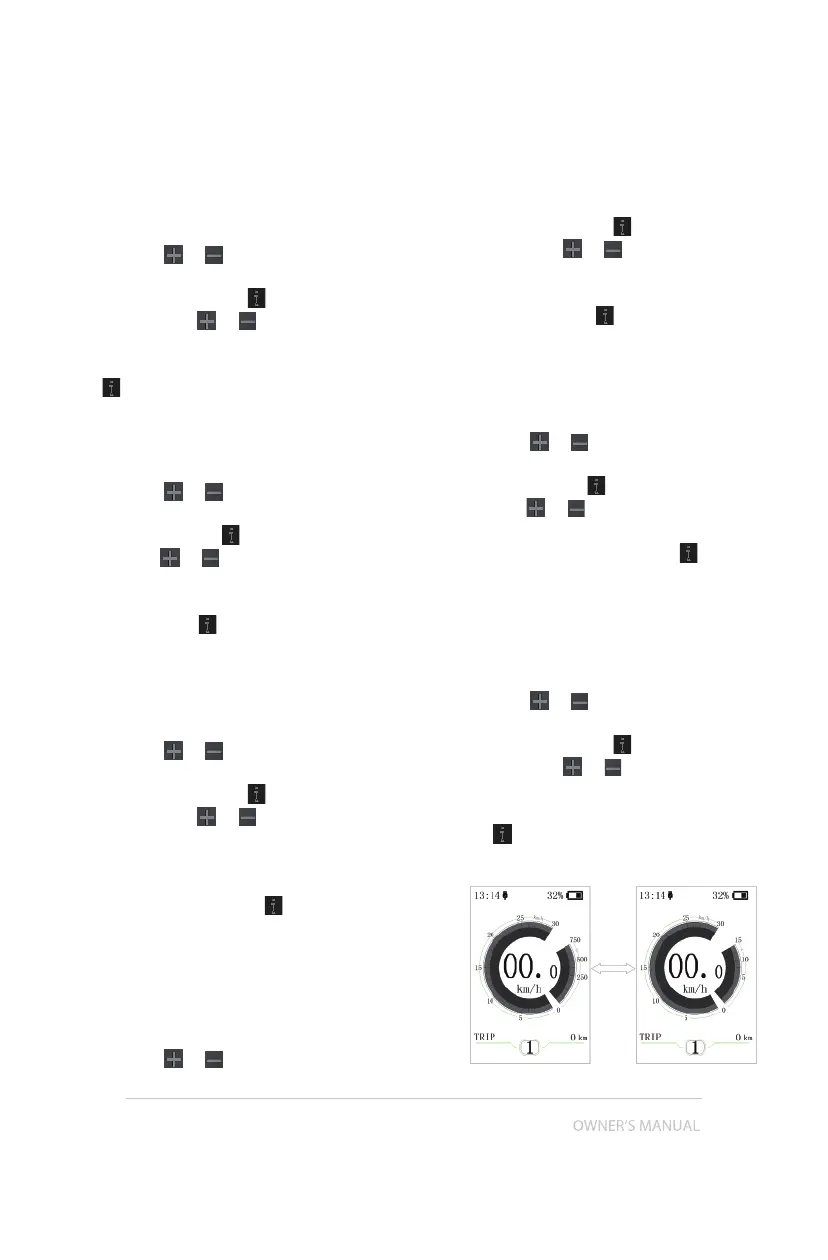
7.8.1.7 “Power View” Setting the power
indicator
Press the
or (<0.5S) button to high-
light “Power View” in the Display settings
menu, and then press (<0.5S) to select.
Then with the or button choose
between “Power” or “Current”. Once you
have chosen your desired selection, press
the (<0.5S) button to save and exit to the
"Display setting" interface.


 To Next Page