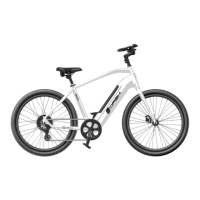
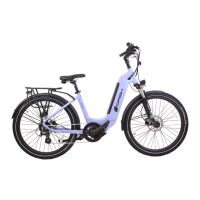
The Dash Plus 500W is operated using the control pad on the
handlebars. The control pad is located near the left-hand brake lever.
First, push the power button on the battery to turn on (Fig.1) The
current charge level will be temporarily displayed on the LEDs (4=full,
1=near empty), then one green LED to show the battery is turned on.
Next, press and hold the button on the handlebar controls to turn
on the display (Fig. 2) Display should light up. Now, your e-bike is ready
to ride. To turn o, press and hold for 3 seconds. The battery will
automatically turn o.
The Dash Plus 500W bike oers pedal assist. When using pedal assist,
an electric motor supplements the rider’s own eort. To use the pedal
assist, simply start pedaling, then push the arrow to increase assist
or arrow to decrease pedal assist (Fig.2). 0 is the lowest 5 is the
maximum. Pedal assist will engage at speeds up to 28 MPH.
The Dash Plus 500W e-bike is equipped with a throttle, which is
mounted near the rider’s left thumb, to propel the bike without
pedaling. To use the throttle, start pedaling (one pedal revolution)
then push down on the throttle while pedaling. Once the bike is
moving on throttle power, you can stop pedaling entirely and use
your thumb to control the speed of the bike. The throttle can propel
you at speeds up to 20 MPH.
THE MOTOR STOPS WHEN YOU:
1) Stop pedaling 2) Squeeze the brake levers 3) Release the throttle.
Simply begin pedaling again to re-engage the motor.
7
BF-DM-C-DP C18-EN November 2019
DEALER MANUAL FOR DISPLAY
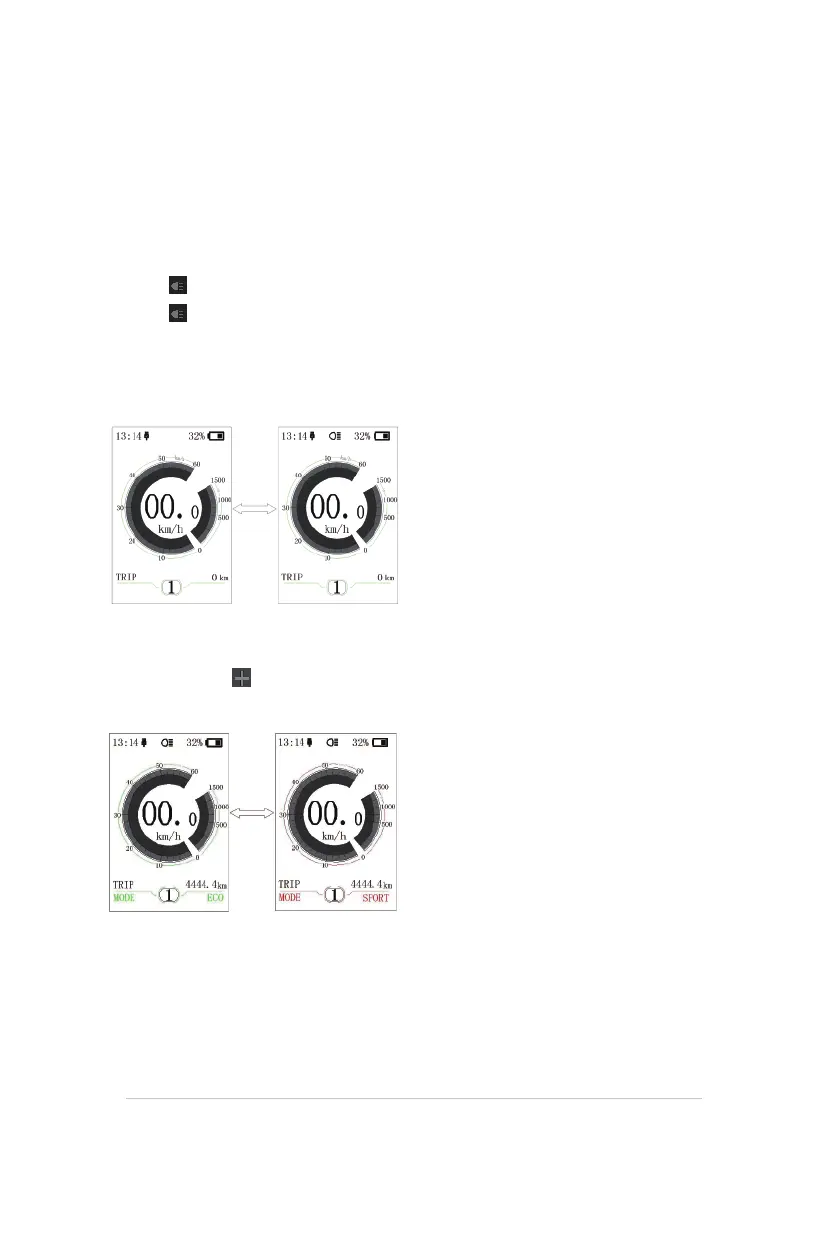
7.7.4 Headlights / backlighting
Hold the (>2S) button to activate the headlight and taillights.
Hold the
(>2S) button again to turn off the headlight. The brightness of the backlight can be set
in the display settings "Brightness". If the display /Pedelec is switched on in a dark environment,
the display backlight/headlight will automatically be switched on. If the display backlight/headlight
has been manually switched off, the automatic sensor function is deactivated. You can only turn on
the light manually. After switching on the system again.
7.7.5 ECO/SPORT Modus
Press and hold the (<2S) Button, to change from ECO mode to Sport mode.
(Depending on the version of the pedelec manufacturer)
8
BF-DM-C-DP C18-EN November 2019
7.7.6 Walk Assistance
The Walk assistance can only be activated with a standing pedelec.
Activation: Press the
button until this symbol appears. Next hold down the button whilst
the symbol is displayed. Now the Walk assistance will activate. The symbol will flashes and
the pedelec moves approx. 6 km/h. After releasing the button, the motor stops automatically and
switches back to level 0.
7.7.7 SERVICE
The display shows "Service" as soon as a certain number of kilometers or battery charges has been
reached. With a mileage of more than 5000 km (or 100 charge cycles), the “Service" function is
displayed on the display. Every 5000 km the display "SERVICE" is displayed every time. This function
can be set in the display settings.
4
SERFAS E-BIKE OWNER’S MANUAL


 To Next Page