Switched PRO2 – User Guide
Using the Web Interface • 127
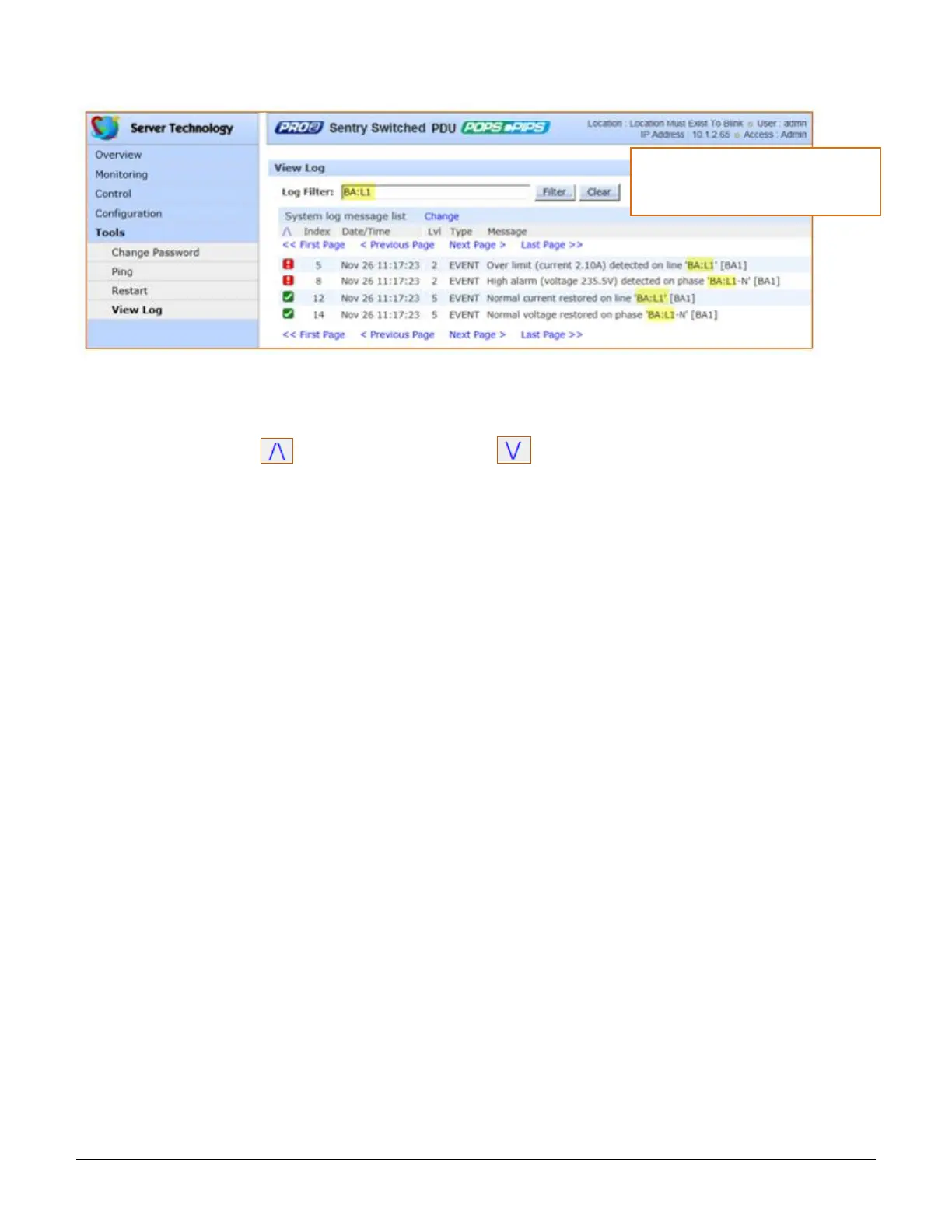
This example shows the filtered results of the system log (highlighted in the example) filtered by “BA:L1”.
To sort system log entries:
The entries in the System/Debug Log can be displayed in ascending or descending order (based on the internal
index number in the Index column) by clicking one of the following icons:
For ascending order, click .
For descending order, click
.
About the index:
The index number is assigned internally to control the sequence and identity of displayed System/Debug Log
entries. The Index cannot be user-edited.
Date/Time stamp:
The date and time stamp records the details of the system event timeframe. To display the date/time stamp, SNTP
server support must be configured.
Level (Lvl):
Indicates the level of the status icons displayed in the System Log.
Type:
The System Log supports the following types of event messages:
AUTH: All attempts to authenticate
CONFIG: All changes in system configuration
EVENT: All general system events, for example, exceeded threshold limits
POWER: All requests for a power state change
Message text:
A text line that describes the detailed parameters of the event. If the event is associated with a user, the user’s
name will be included in the message text.



 To Next Page