Options for Log Viewing
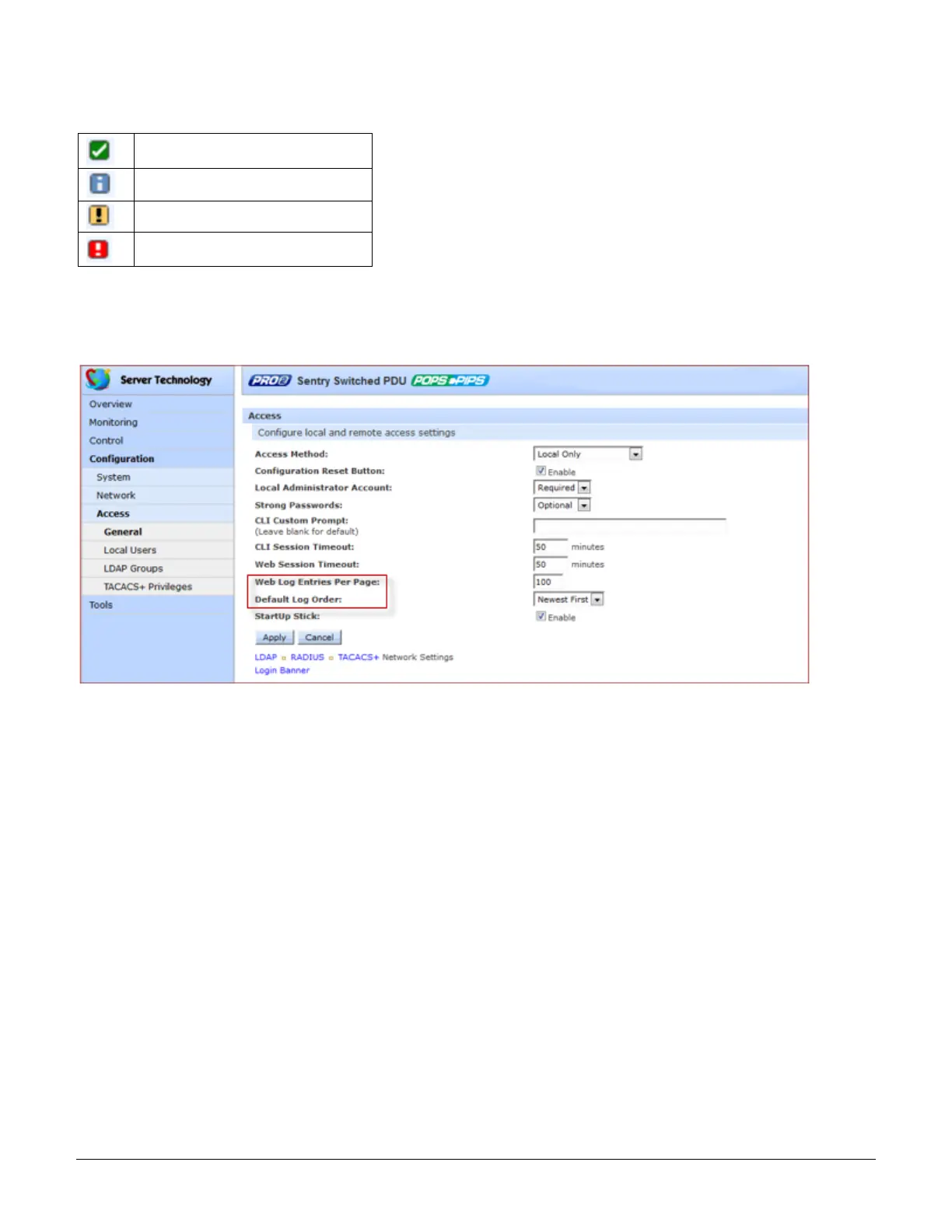
Viewing options for the System Log are set on the Configuration > Access page:
• Web Log Entries Per Page: Specifies the number of entries displayed on the System Log and the Debug
Log. The maximum number of entries in the Debug Log can be set to 4,000. If the total number of entries
exceed the maximum entries allowed, then Syslog will be used.
• Default Log Order: Sets the display of the Debug Log to the newest entry first or the oldest entry first.



 To Next Page