Switched PRO2 – User Guide
Using the Web Interface • 129
The Debug Log
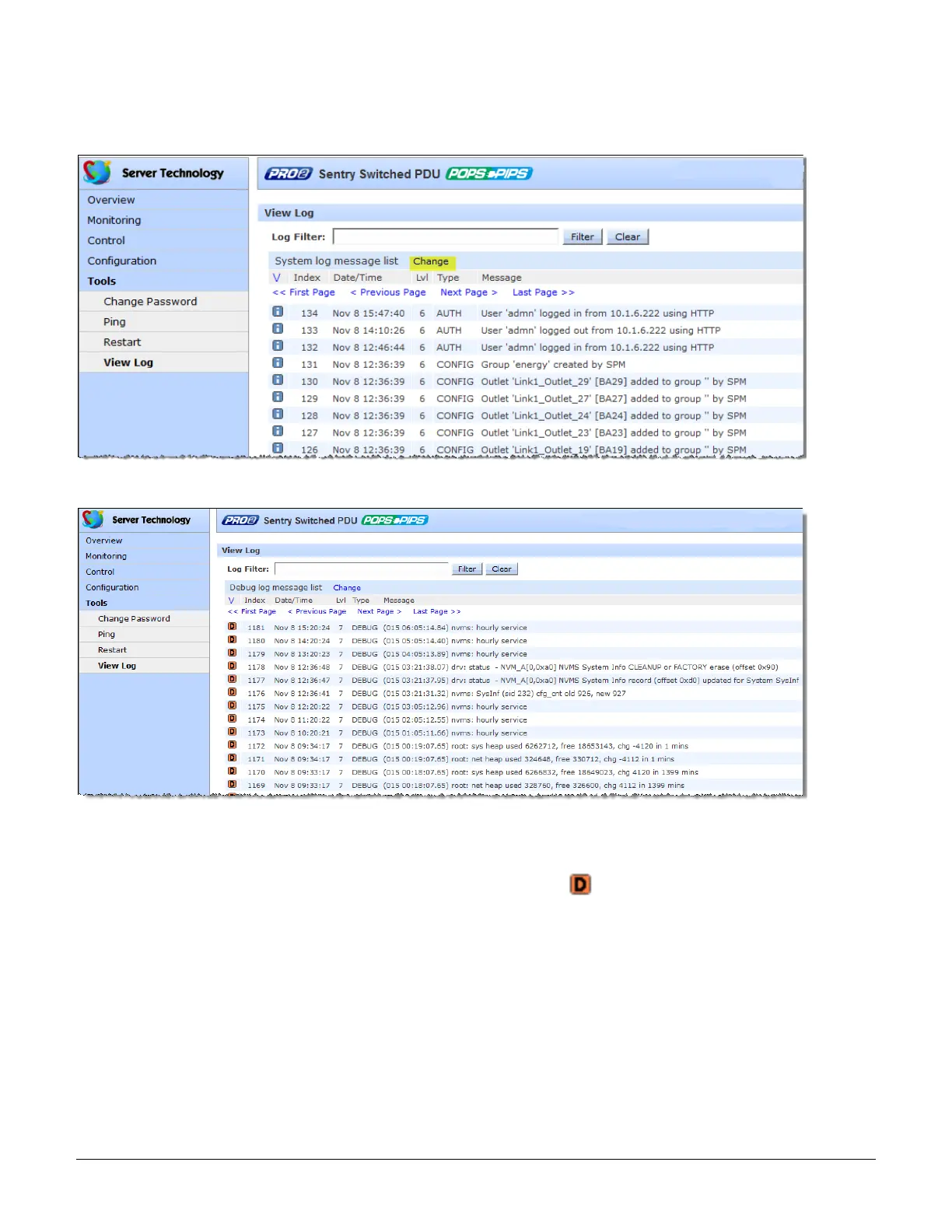
Along with the System Log, the Debug Log is also provided. The Change link on each log toggles between logs,
as illustrated in the following two examples:
Click the Change link from the System Log (above) to display the following Debug Log:
The icons, fields and information columns shown on the Debug Log function the same way as described
for the System Log with the following exceptions:
• The only log type is DEBUG.
• The only icon displayed on log entries indicates a debug entry: .
To return to the System Log, click the Change link again.



 To Next Page