Switched PRO2 – User Guide
Using the Web Interface • 36
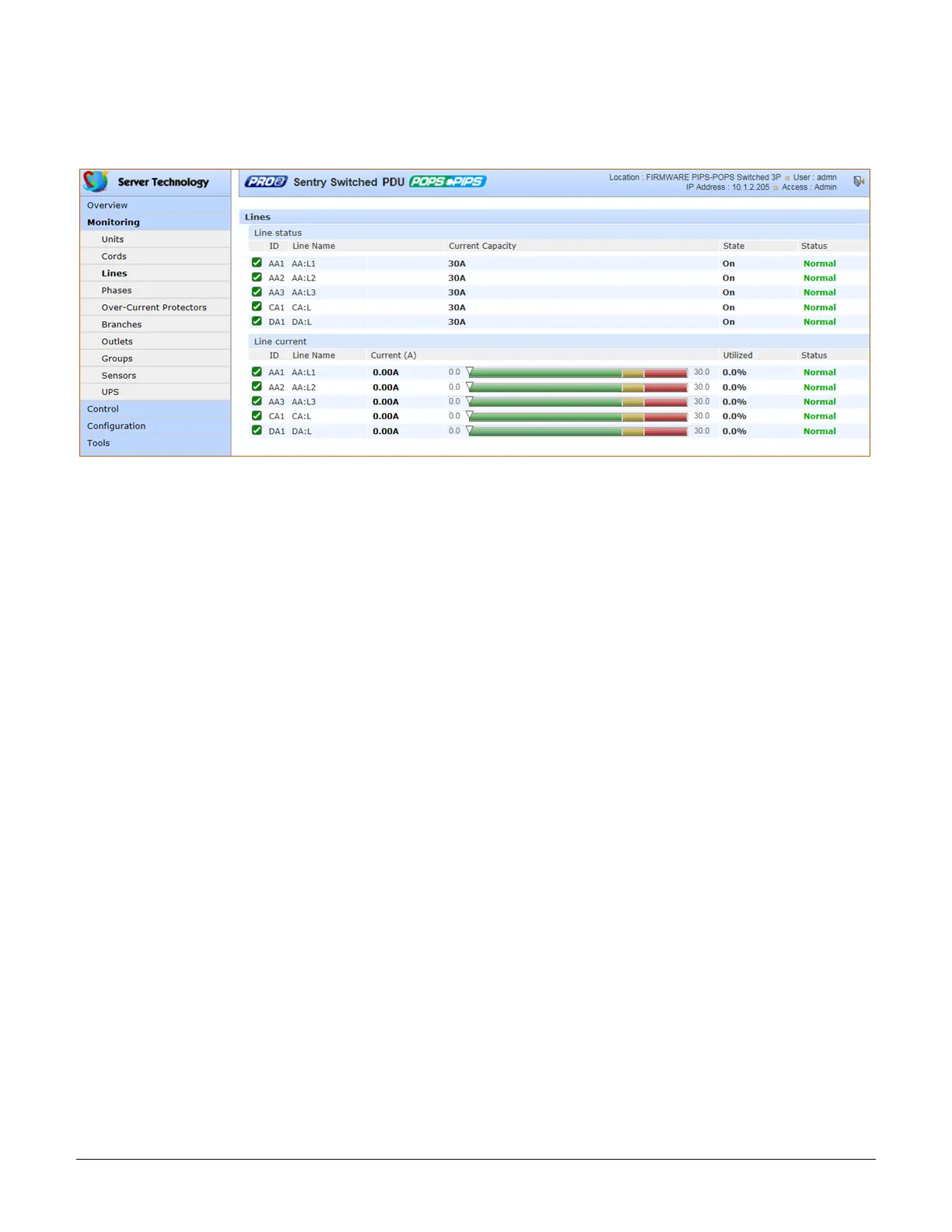
Monitoring > Lines
The Lines page shows overall line operational status, line load capacity, line state, and a color-coded graphic for
the current used by each line.
What to look for:
The line status and line current status should be Normal, and the line current should be operating within defined
thresholds.
The line current graph displays a blinking warning (yellow) when the total input load on an infeed exceeds the user-
defined threshold. If an overload occurs, a blinking error condition (red) is displayed. The unit continues to display
yellow and red states until the condition changes or the issue has been resolved.
The default input feed high load threshold is 80% of the input feed maximum load capacity.
The line current thresholds are user-defined at Configuration > System > Lines.



 To Next Page