Switched PRO2 – User Guide
Using the Web Interface • 37
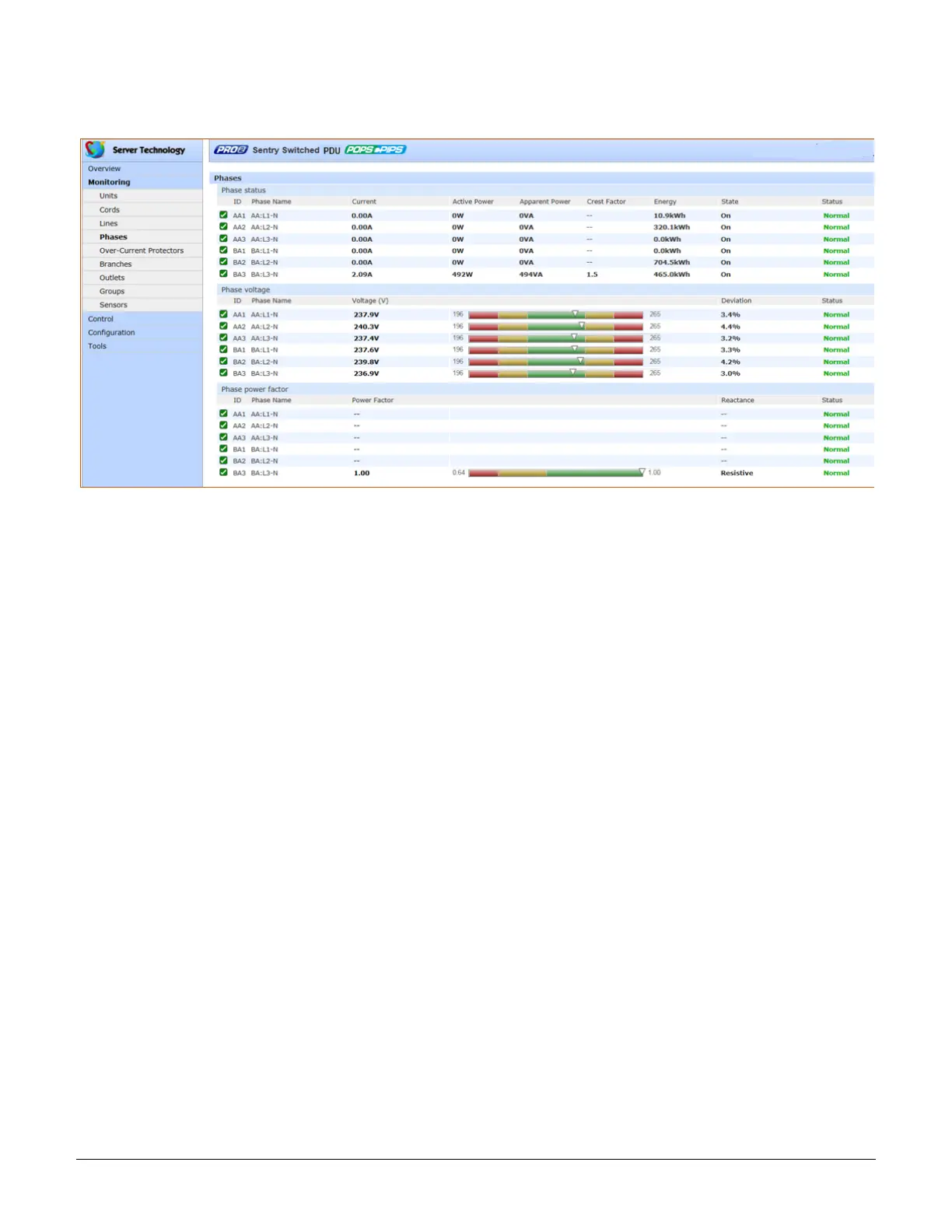
Monitoring > Phases
The Phases page reports the current phase status, voltage, and power factor.
What to look for:
The phase status, voltage status, and phase power factor should be Normal, and the phase voltage and power
factor should be operating within defined thresholds.
The phase voltage graph displays a blinking warning (yellow) when the total input load on an infeed exceeds the
user-defined set threshold. If an overload occurs, a blinking error condition (red) is displayed.
The unit continues to display yellow and red states until the condition changes or the issue has been resolved. The
same color-coding applies to the phase power factor graph if the threshold is exceeded.
The default input feed high load threshold is 80% of the input feed maximum load capacity.
Phase voltage and power factor thresholds are user-defined at Configuration > System > Phases.



 To Next Page