Switched PRO2 – User Guide
Using the Web Interface • 54
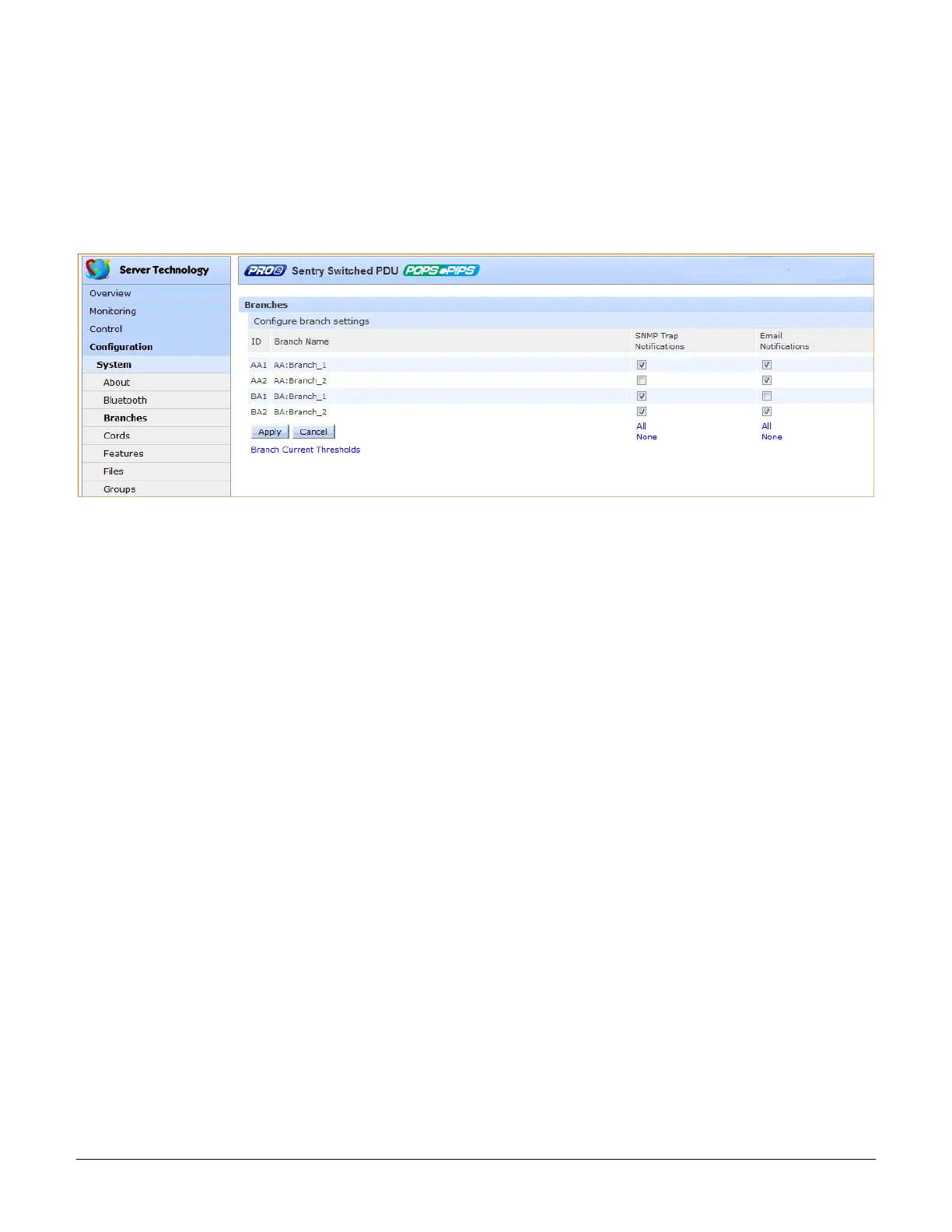
System > Branches
The Branches page provides the Branch Current Monitoring feature of the PRO2 to support up to six branches to
measure, report, and alert (in Amps) per branch circuit for breaker and fuse errors.
The Branches pages allows setting multiple load levels for low/high warning/alarm values (A) for branch current
thresholds, plus threshold hysteresis (A).
The page also sets sets SNMP Trap and Email notifications for branch events.
For dynamic monitoring of branch status and current, see the separate Monitoring > Branches page.
About the branches:
• Branch names are not user-defined and cannot be changed.
• Branch values affect the setting on the OCP, if an OCP is connected to the PRO2. Not all PRO2 units will
have an OCP; therefore, branch threshold range values will be affected by changing the current capacity
on the OCP.
To configure branch settings:
1. For each branch listed on the page, check (or uncheck) the SNMP Trap Notifications and/or Email
Notifications checkboxes to enable (or disable) branch event notification for a specific branch.
2. Click Apply.



 To Next Page