Switched PRO2 – User Guide
Using the Web Interface • 60
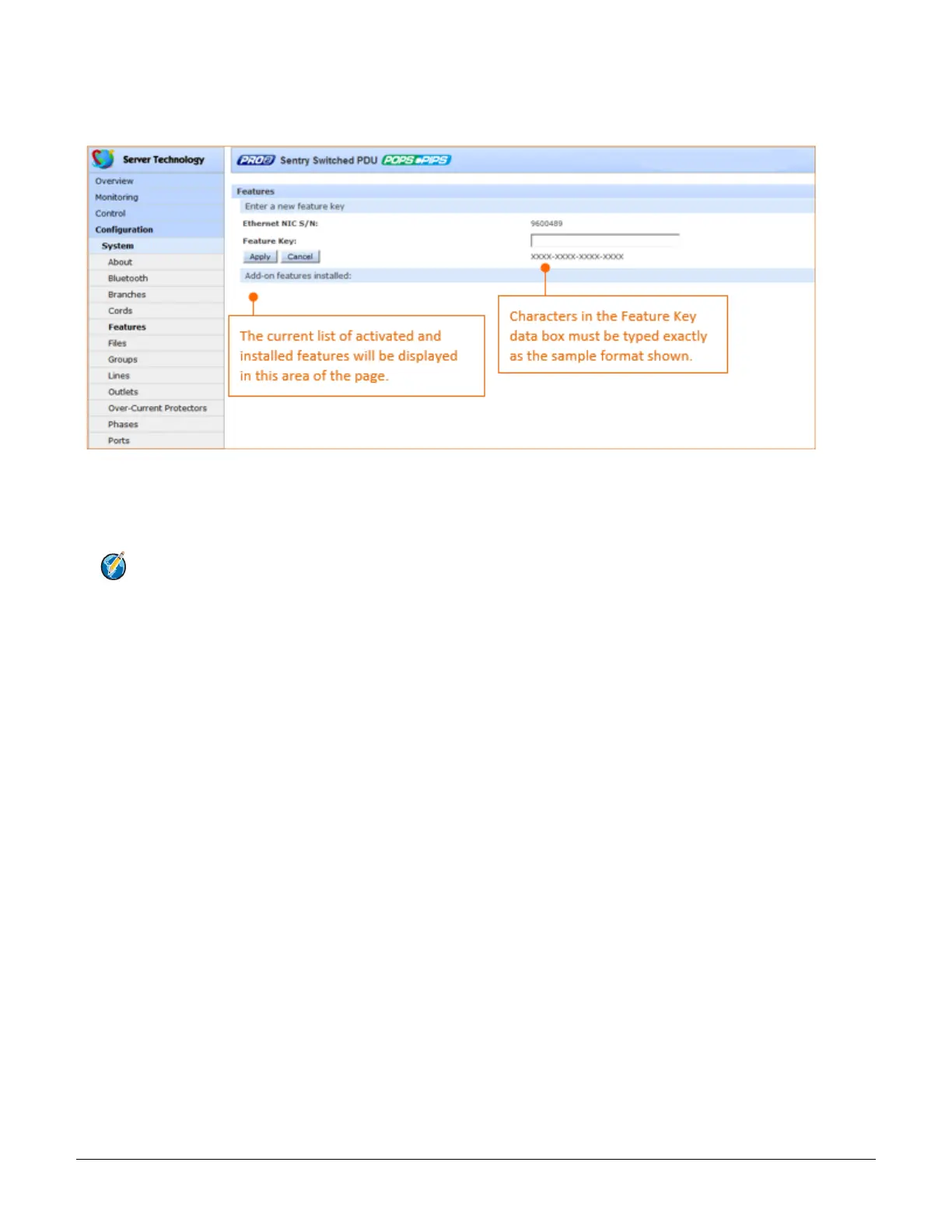
System > Features
The Features page allows the activation of add-on features available from Server Technology.
To activate a feature:
1. In the Feature Key field, type the key provided by Server Technology.
2. Click Apply. A restart of the PRO2 is required after activating a feature.
Note: For more information about add-on features, such as Smart Load Shedding, contact your
Server Technology sales representative.



 To Next Page