Switched PRO2 – User Guide
Using the Web Interface • 63
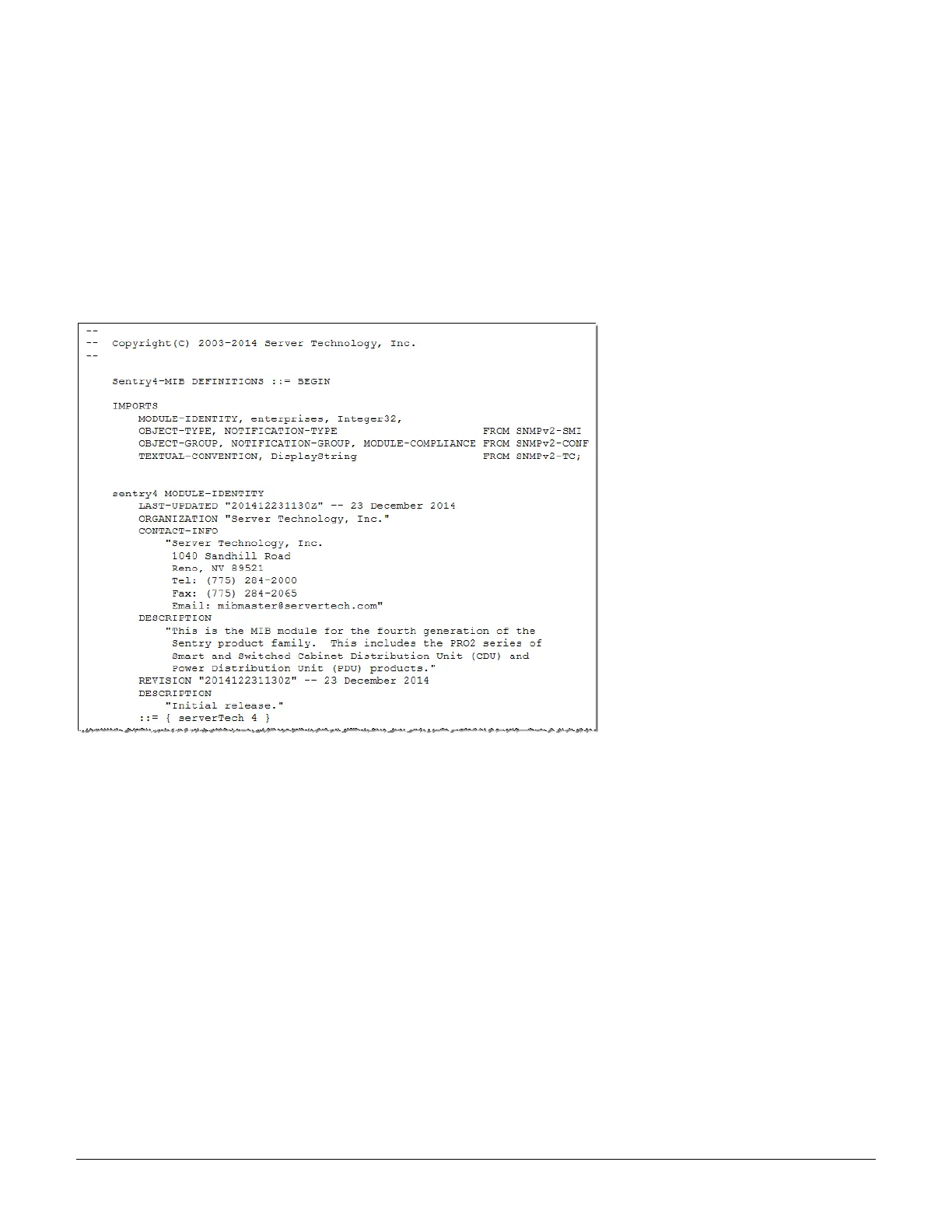
sentry4.mib
For SNMP network monitoring, values from the PRO2 are reported using the new Sentry4-MIB. (Note that earlier
PDU products continue to use the current Sentry3-MIB). The new Sentry4-MIB and its new OID tree are designed
exclusively for PRO2 products.
Reported MIB objects in the PRO2 Sentry4-MIB are identified with a new “st4” prefix as part of the object name.
You may be familiar with MIB objects for the PDU, for example, outletWakeupState. However, when the SNMP
monitoring system displays a value for the MIB object name, st4outletWakeupState, based on the “st4” prefix in the
name, you will recognize that the reported value is coming from a PRO2 unit, not from an earlier PDU product.
The Sentry4-MIB and OID tree for the PRO2 can be accessed on-board in the GUI via Configuration > System >
Files, or accessed by using the Server Technology FTP site the same way as with the Sentry3-MIB and OID tree
for the earlier PDU products.



 To Next Page