Switched PRO2 – User Guide
Using the Web Interface • 73
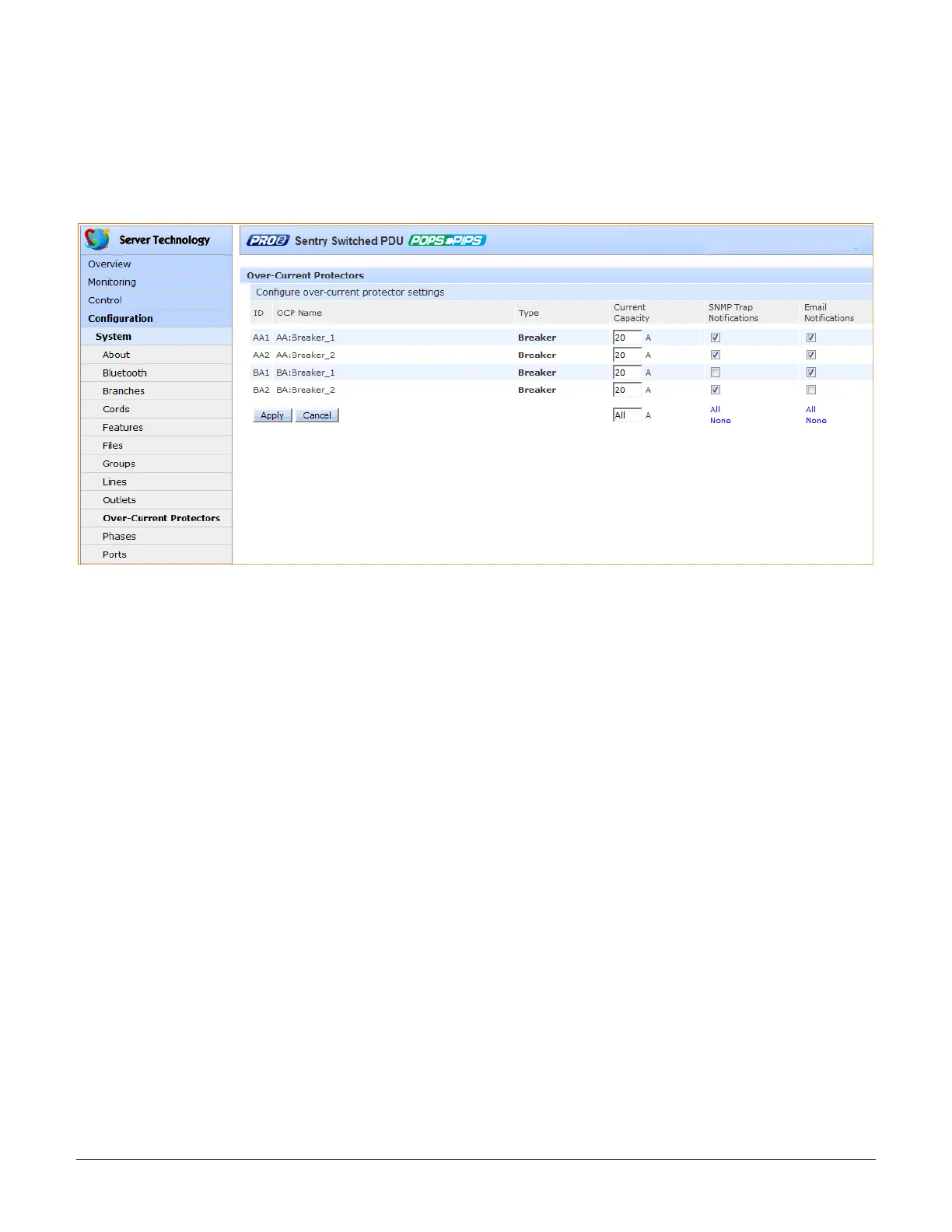
System > Over-Current Protectors (OCPs)
The Over-Current Protectors page configures current load settings for each OCP connected to the PRO2 unit as
a standard and separate area of the PRO2 architecture. The page also sets sets SNMP Trap and Email
notifications for OCP events.
For dynamic monitoring of OCP status, see the separate Monitoring > Over-Current Protectors page. A failed
OCP status (for either Switched or Smart PRO2 products) is reported on the monitoring page.
To configure the OCP:
1. View the reported type of OCP as displayed on the page, either breaker or fuse.
2. Set the Current Capacity (A) for the OCP as its maximum current load. Range is 1-max current as
displayed in the show ocps command.
3. For each outlet listed, check (or uncheck) SNMP Trap Notifications and/or Email Notifications to enable (or
disable) notifications for OCP events.
4. Click Apply.



 To Next Page