Switched PRO2 – User Guide
Using the Web Interface • 77
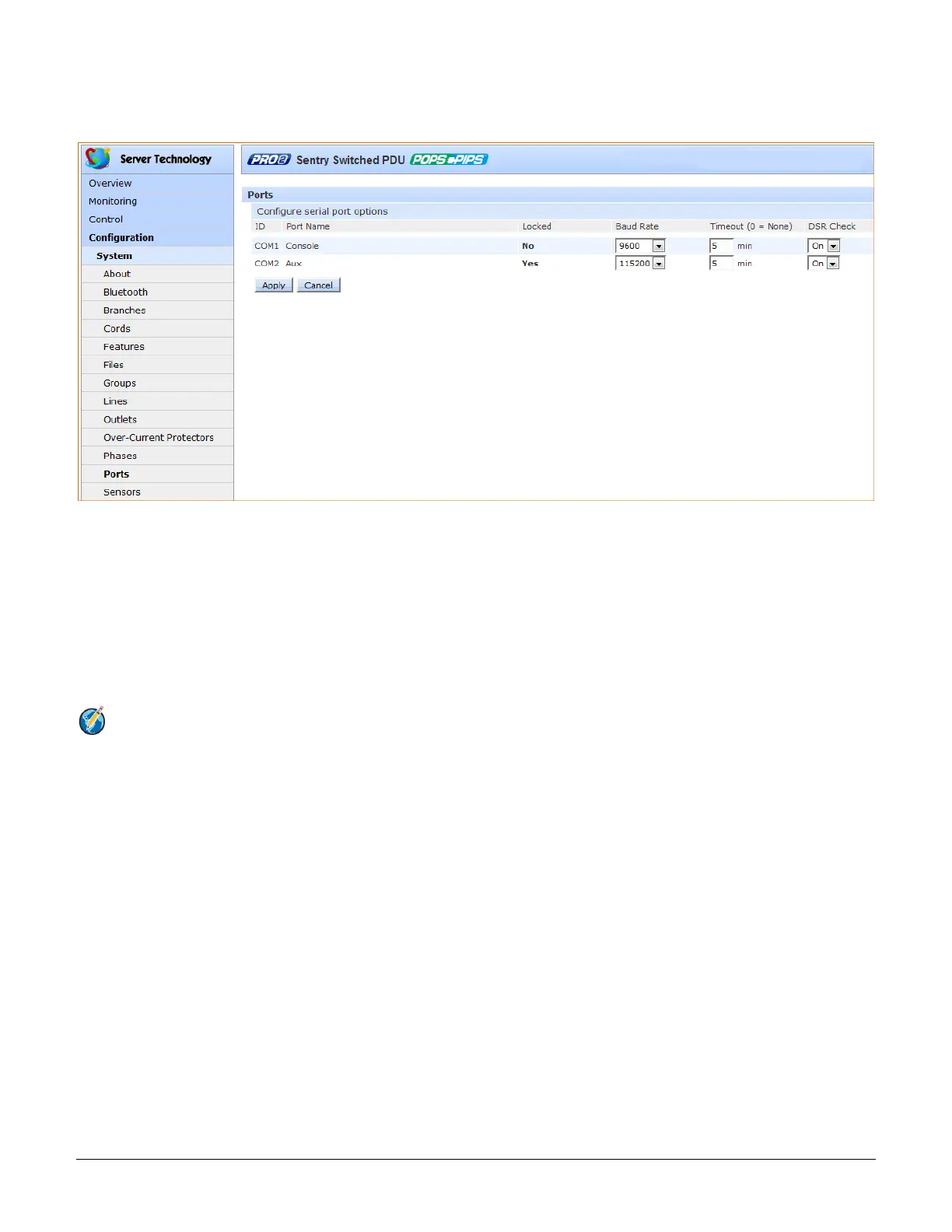
System > Ports
The Ports page configures options for the external serial port on the PRO2 unit.
To configure the serial port:
1. From the Baud Rate drop-down menu, select the data rate.
2. Set the Timeout value (in minutes) for the serial port inactivity timeout period. The timeout period defines
the maximum period of inactivity before automatically closing the pass-thru session. Range is 0-60
(minutes); default is 5 minutes; setting the value to “0” disables the timeout.
3. From the DSR Check drop-down menu, select On or Off to enable or disable serial port active signal
checking.
4. Click Apply.
Notes:
• Pass-Thru connections can only be initiated from the Command Line Interface (CLI) in a Telnet/SSH
session.
• One concurrent Serial session is allowed. If the unit has two serial ports, then two simultaneous serial
sessions will be supported.



 To Next Page