Switched PRO2 – User Guide
Using the Web Interface • 84
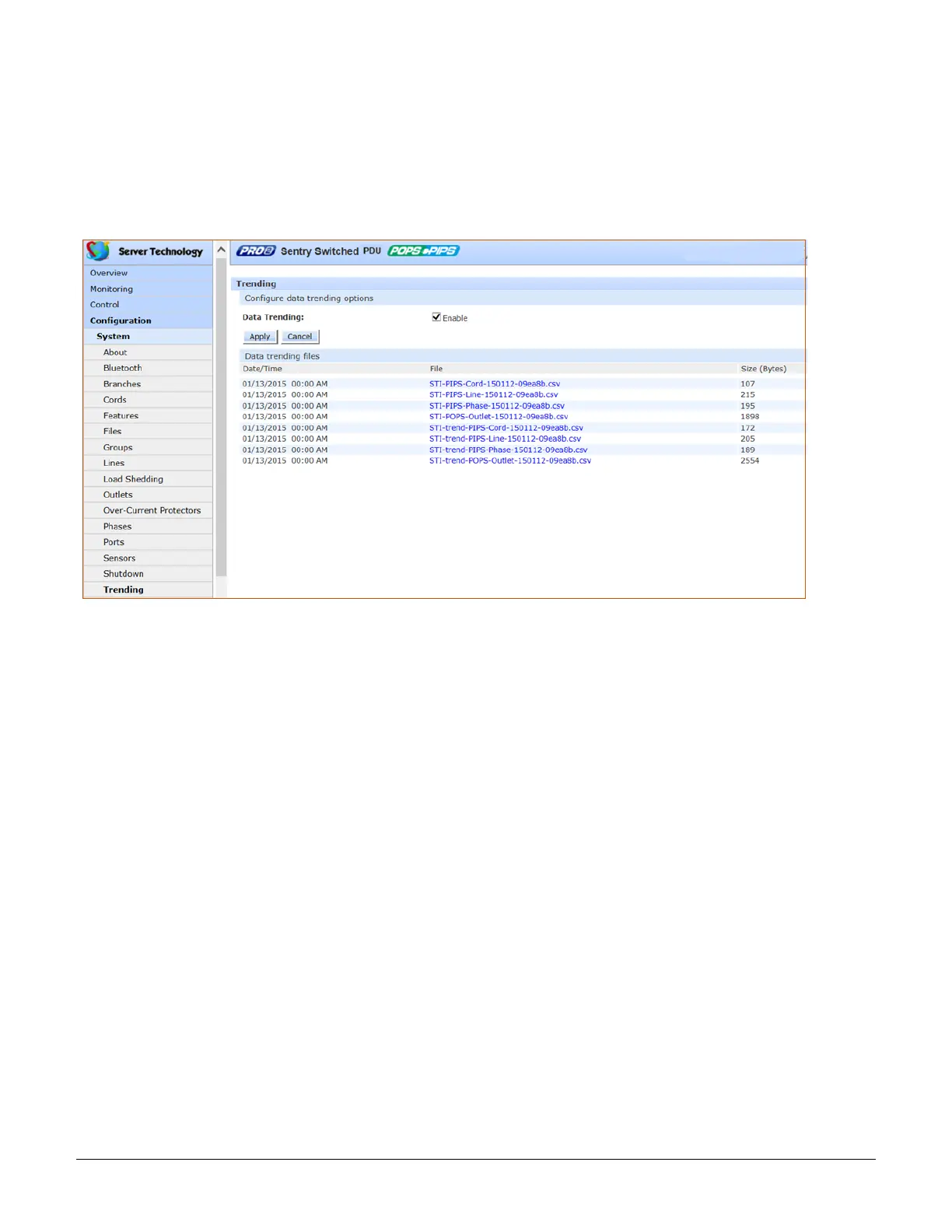
System > Trending
The Trending page generates a report (and related source data sets) of measured system trends over a 7-day
period, with the range of each day from midnight to midnight. The trend data in the report is for viewing and
analysis only – no actions occur automatically based on the data.
Each time a measurement is taken on the PRO2 unit, the measurement is aggregated into the metrics for the
current day. The aggregation process includes updating the maximum and minimum values for each measurement,
as well as updating the average with the new measurement.
To activate the trending feature:
1. Check the Enable checkbox.
2. Click Apply. The page automatically displays generated .csv trend report files, along with related source
data sets, for viewing.
System Requirements for Trending
• Firmware, version 8.0x or later.
• SNTP must be enabled (to keep track of when the daily measurements are taken).



 To Next Page