SCORPIO LIGHT SERIES 10’/17’/23’L - CONTROL DISPLAY INFORMATION - Operation menu
Version 1.04 May 26, 2022
48
4.2.3.6 STOP SEQUENCE
This feature can be used to set different stop points for the telescopic
movement.
To start using it, extend the arm to the first desired stopping point
and press the Add Point button. Now is possible to enable the stop
sequence.
Move the arm to another extension point if desired and press Add
Point again. This process can be repeated as many times as needed.
Once all the desired stops are added, Enable the Stop sequence
feature and the Current point will be set in 1. Now if the arm is extended
or retracted it will stop in the current point of the extension. To change
to the next point, press the GREEN button on the hand command or
press the next point button in the Stop sequence screen. The order the
user sets the points is the order that the system will follow.
4.2.3.7 HAND COMMAND (H.C.) BUTTONS
The GREEN button is the main action button, below is detailed the different functions of this button
depending on the screen shown in the display.
*If the Stop Sequence mode is Enabled, the short press increases current stop point number.
** FUNCTION NOT AVAILABLE IN THE SCORPIO LIGHT CRANES
The ORANGE & BLUE buttons can be configured in different modes as shown:
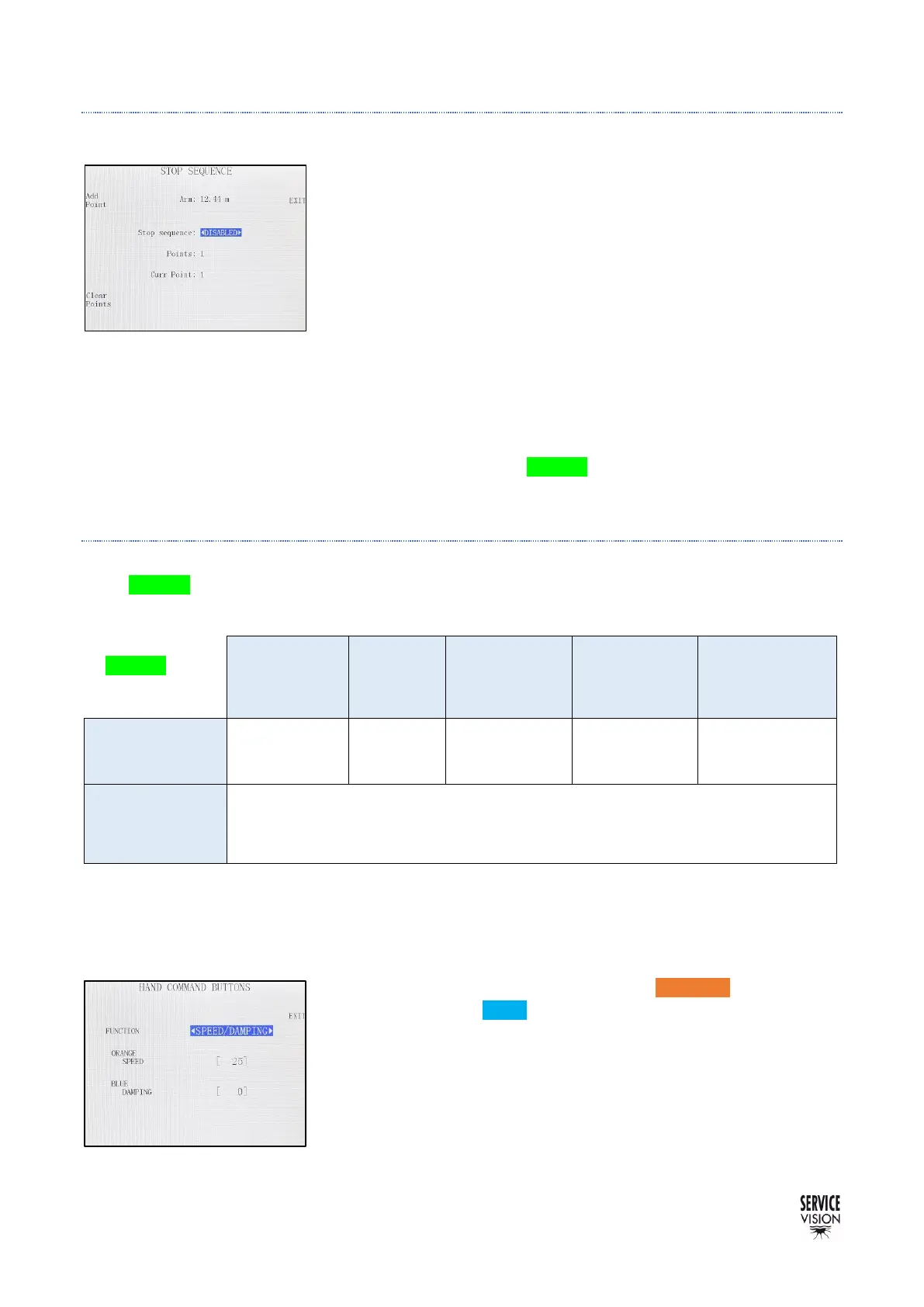
SPEED/DAMPING MODE: Configures the ORANGE button to set a
Speed value and the BLUE button to set a Damping value when they
are pressed. If any of these buttons are pressed, in the main screen
the speed and the damping will change to these presets and a purple
background will be displayed.
If the buttons are pressed & hold, the preset of this screen will be
set as long as the button is being hold.



 To Next Page