13
2.32.3
2.32.3
2.3
Pump operationPump operation
Pump operationPump operation
Pump operation
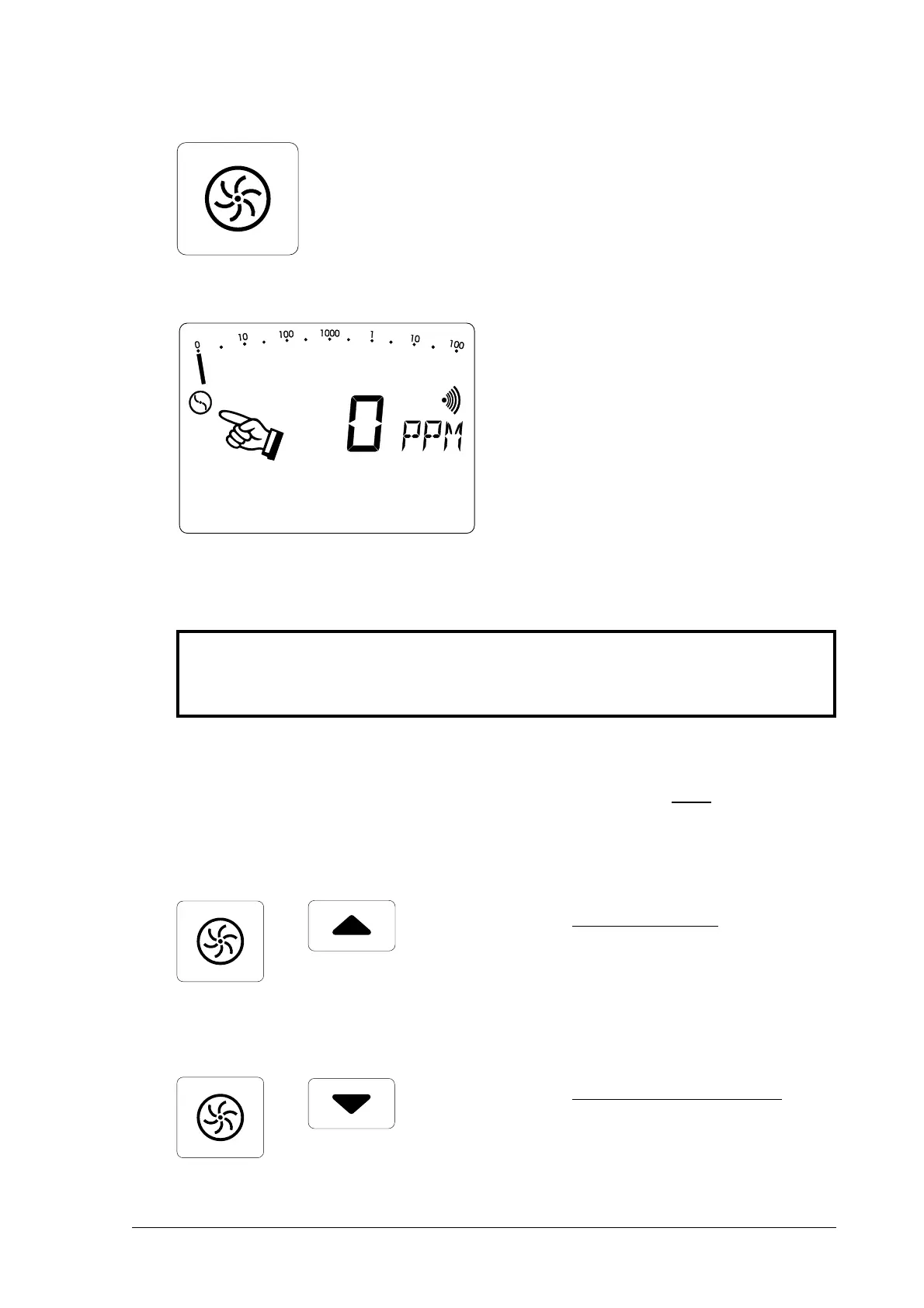
• pressing the
pump buttonpump button
pump buttonpump button
pump button
switches the pump on and off
• the corresponding symbol
appears in or disappears from
the LCD display (item 2)
• this enables the pump function to
be checked
☞
Altering the pump powerAltering the pump power
Altering the pump powerAltering the pump power
Altering the pump power
(available only on the (available only on the
(available only on the (available only on the
(available only on the EX-TEC® SR5
) !) !
) !) !
) !
• simultaneously pressing the
pump button
andand
andand
and one cursor
button increases or reduces the
pump power
☞
gas detectiongas detection
gas detectiongas detection
gas detection
for above-ground gas detection
(pipeline monitoring) always use
maximum pump powermaximum pump power
maximum pump powermaximum pump power
maximum pump power
☞
house service lineshouse service lines
house service lineshouse service lines
house service lines
for detecting leaks in pipelines
inside buildings always use
minimum pump powerminimum pump power
minimum pump powerminimum pump power
minimum pump power



 To Next Page