18
• the main alarm is a continuous
tone quite distinct from the
operating signal;
it
continues indefinitelycontinues indefinitely
continues indefinitelycontinues indefinitely
continues indefinitely and
cannot be cleared
•
Cancelling the main alarm:Cancelling the main alarm:
Cancelling the main alarm:Cancelling the main alarm:
Cancelling the main alarm:
switch to location operation (press
the pump button for approx. 2
seconds ) or switch the detector
off
2.92.9
2.92.9
2.9
Battery alarmBattery alarm
Battery alarmBattery alarm
Battery alarm
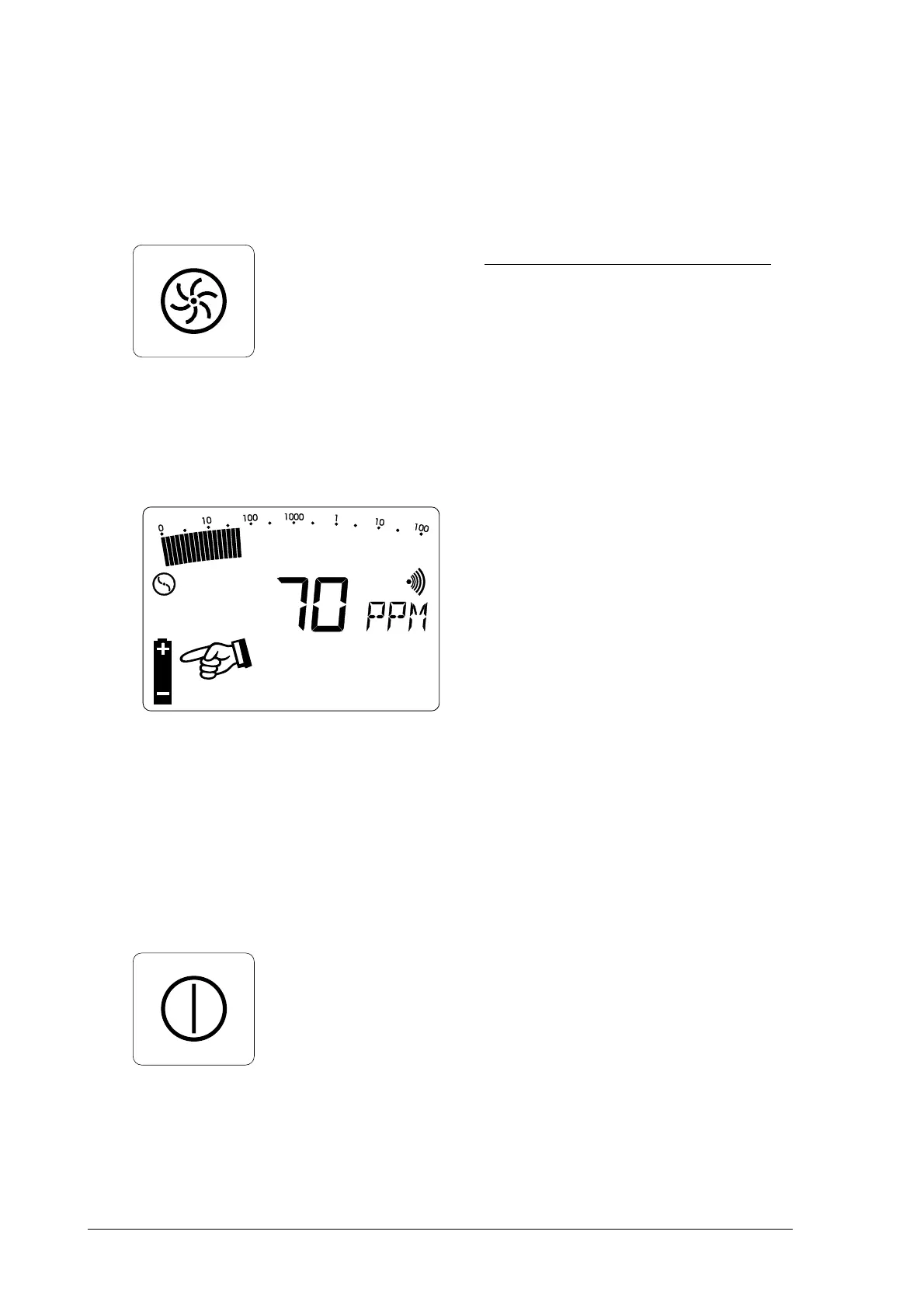
• if the battery symbol appears in
the LCD display, at least 15
minutes' operating time remains;
after that the detector must be
recharged
• in workplace-monitoring mode
the battery alarm is accompanied
by a "double beep" to distinguish
it from the operating signal
2.10Switching off2.10Switching off
2.10Switching off2.10Switching off
2.10Switching off
• Press the
on/off buttonon/off button
on/off buttonon/off button
on/off button for
approx. 2 seconds
• the optical and acoustic
monitoring signals (items 1 and
7) operate for approx. 2 seconds
• remaining operating hours are
displayed in the form of bars



 To Next Page