14
2.42.4
2.42.4
2.4
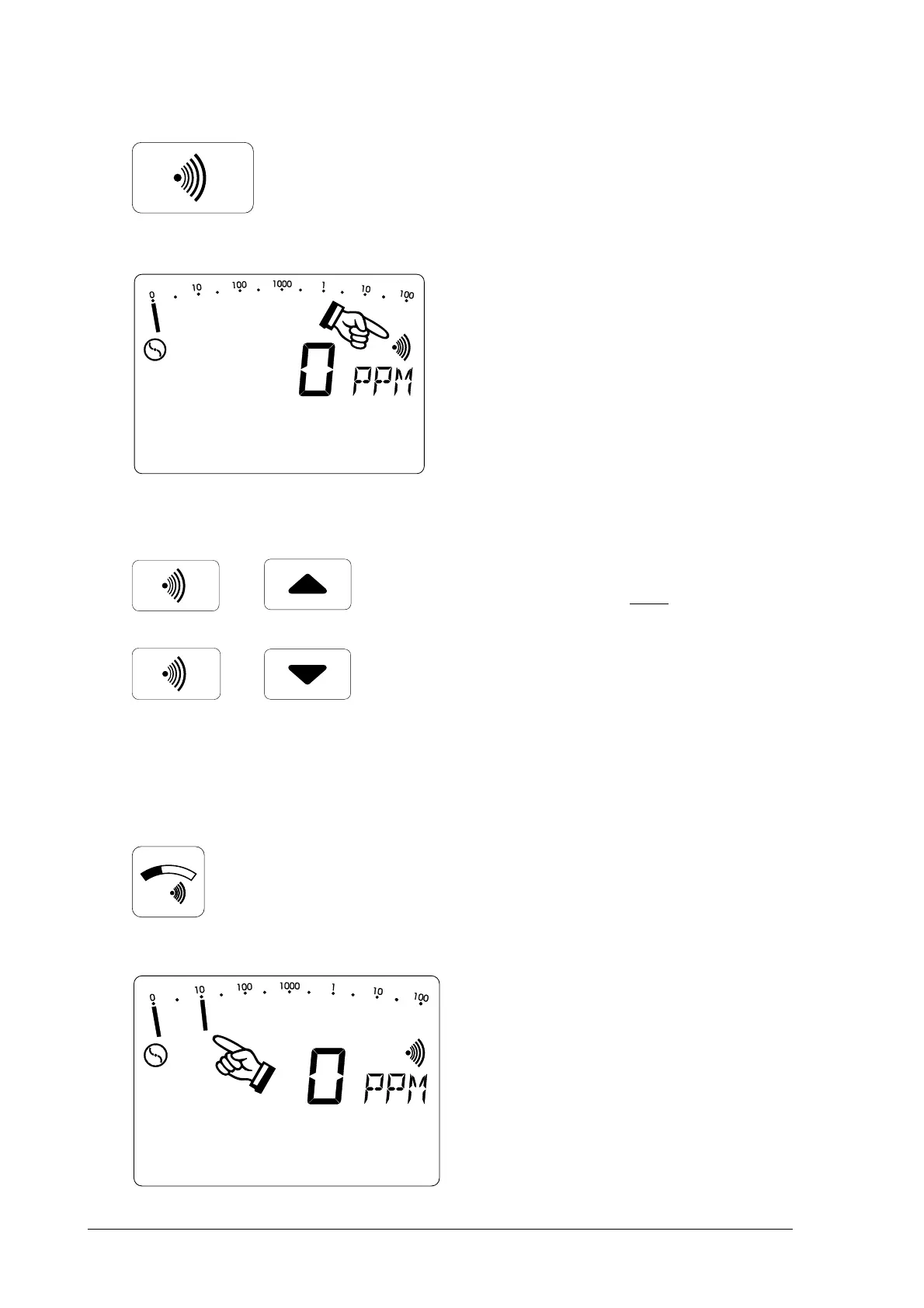
Alarm signal and volumeAlarm signal and volume
Alarm signal and volumeAlarm signal and volume
Alarm signal and volume
• pressing the
signal buttonsignal button
signal buttonsignal button
signal button
switches the alarm signal on and
off
• the corresponding symbol
appears in or disappears from
the LCD display (item 2)
• this enables the alarm signal to
be checked
• simultaneously pressing the
signal button
andand
andand
and one cursor
button increases or reduces the
buzzer volume (item 7)
2.52.5
2.52.5
2.5
Alarm threshold valueAlarm threshold value
Alarm threshold valueAlarm threshold value
Alarm threshold value
• when the
threshold valuethreshold value
threshold valuethreshold value
threshold value
buttonbutton
buttonbutton
button is held down
• the alarm threshold value (e.g. 10
PPM) flashes in the full-range
display



 To Next Page