33
Display 13 - LCD checkDisplay 13 - LCD check
Display 13 - LCD checkDisplay 13 - LCD check
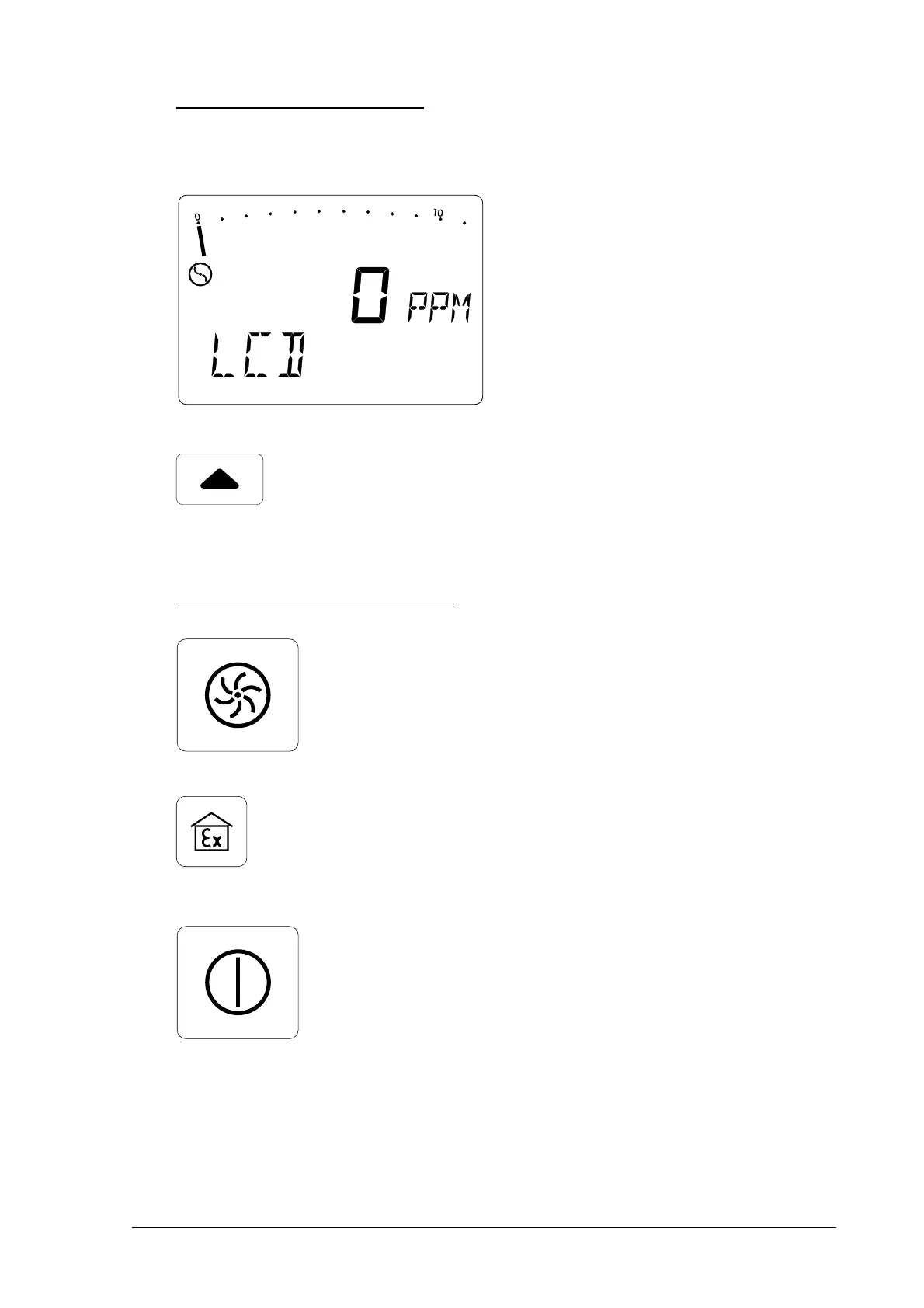
Display 13 - LCD check
With this function you can check whether all elements of the LCD
display are operating normally.
• confirm the LCD check with the
on/off button
• press the cursor-up button to
return to the first display
Leaving adjustment modeLeaving adjustment mode
Leaving adjustment modeLeaving adjustment mode
Leaving adjustment mode
• press the pump button to return
to
gas-detection modegas-detection mode
gas-detection modegas-detection mode
gas-detection mode or
• press the WPM button to return
to
workplace-monitoring workplace-monitoring
workplace-monitoring workplace-monitoring
workplace-monitoring
mode mode
mode mode
mode
or
• press the on/off button to switch
the detector off.



 To Next Page