8
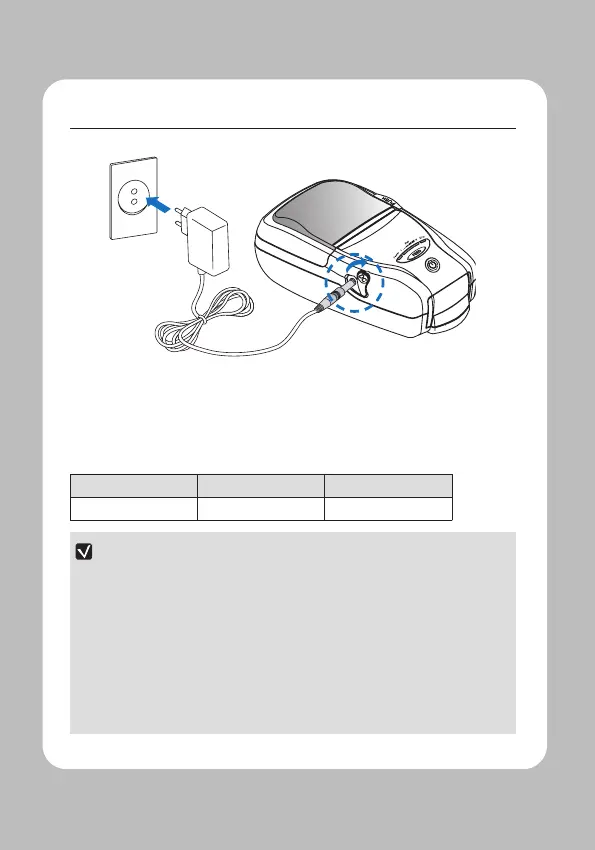
Make sure the printer is turned o.
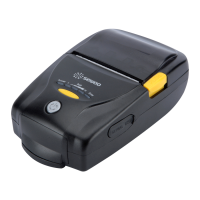
After opening the DC JACK cover, connect the DC JACK to the printer.
Plug the power cord into the electrical outlet.
Charging Lamp Red Green
NOTE
01 If the charger provided by the manufacturer is not used, the printer can be
damaged, and the manufacturer is not liable for the consequential damage.
02 Before removing the battery, make sure that power is turned o.
03 The printer does not work when only connected to the charger.
04 The battery needs to be installed to operate the printer.
05 While charging, do not turn on the power.
06 Do not operate the printer while charging the battery.
07 Do not connect the charger while the printer is operating.


 To Next Page