16
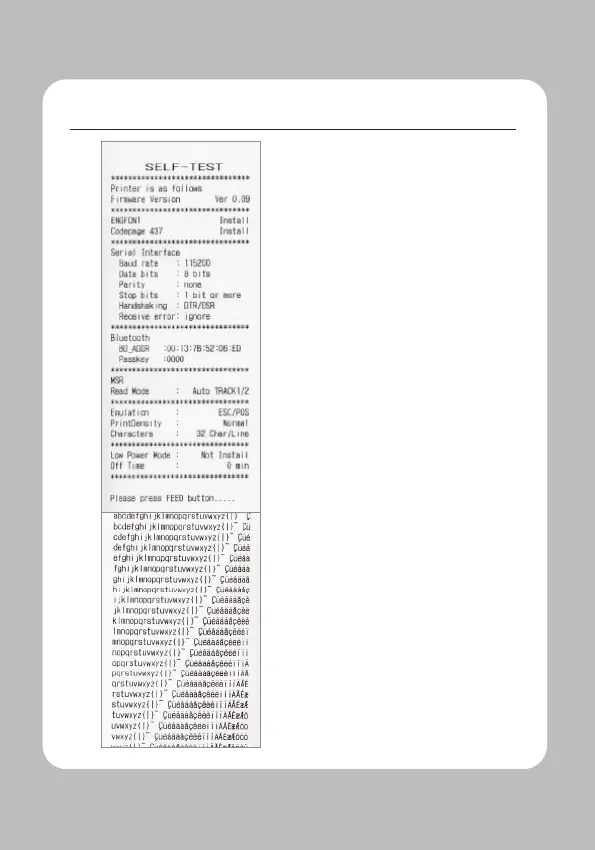
Upon initial installation or for
troubleshooting, you can run the
diagnostic test to get information
about:
-
Firmware version, emulation,
codepage, sensor settings, interface
settings, etc.
If no issues are found with the
diagnostic test, examine other devices
and software.
The diagnostic test is working
independently of devices and software.
To prevent the motor from
overheating, stop the printer for at
least 30 seconds after continuously
printing 1.5 meters.


 To Next Page