EasyManua.ls Logo

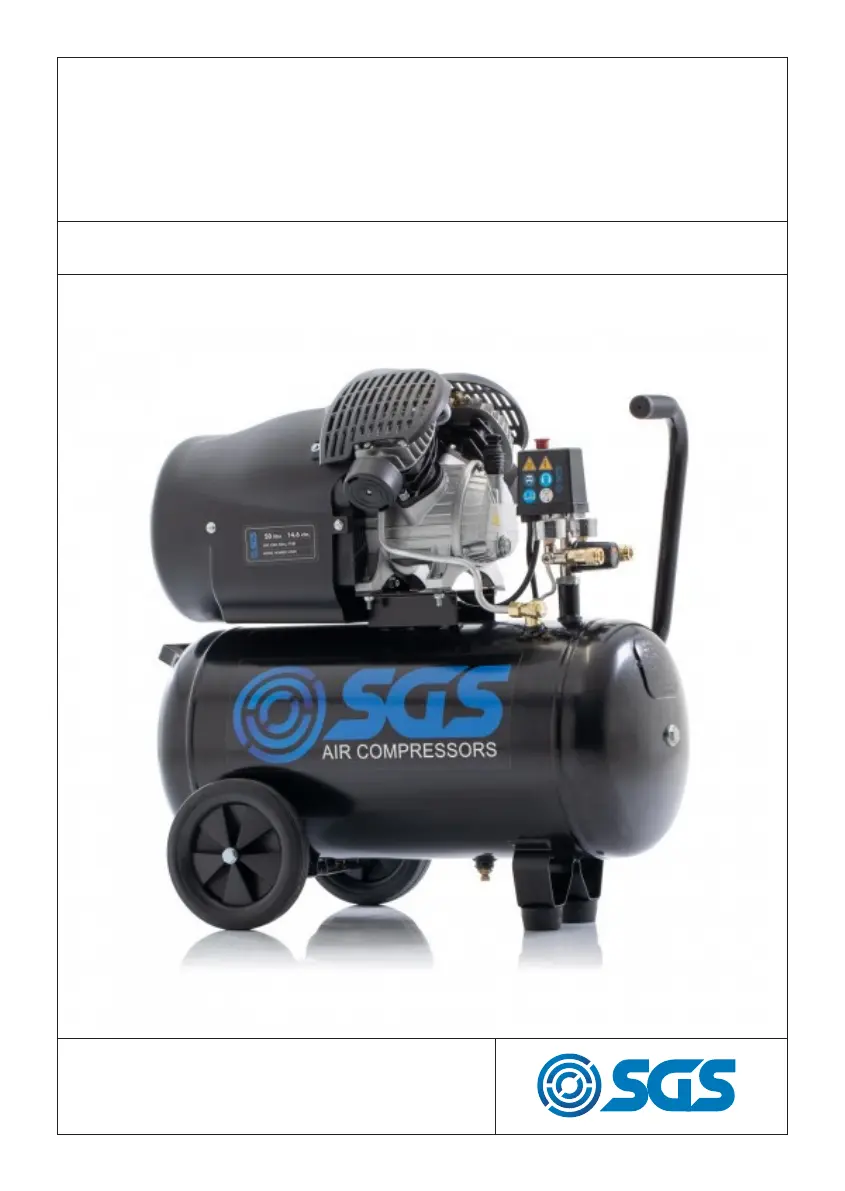
SGS SC50V - User Manual

SGS SC50V
11 pages
Print Icon
To Next Page IconTo Next Page
Loading...
FOR YOUR SAFETY
PLEASE READ THESE INSTRUCTIONS CAREFULLY
AND RETAIN THEM FOR FUTURE USE.
OWNER’S MANUAL
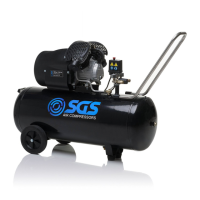
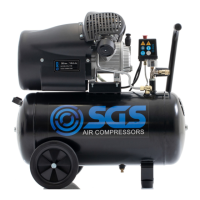
SC50V
AIR COMPRESSOR

Questions and Answers

  • J
    Joshua ZimmermanAug 4, 2025
    What to do if my SGS SC50V motor is unable to run, running slow, or getting hot?
    • T
      trevor92Aug 4, 2025
      If your SGS Air Compressor motor is unable to run, running slowly, or getting hot, it could be due to several reasons: * A fault in the line or insufficient voltage. * A power wire that is too thin or too long. * A fault in the pressure switch. * A fault in the motor itself. * Sticking of the main compressor. To resolve these issues: 1. Check the power line. 2. Replace the power wire. 3. Repair or replace the pressure switch. 4. Repair or replace the motor. 5. Check and repair the main compressor.
  • C
    Christopher AdamsAug 10, 2025
    How to fix shaking or abnormal noise in SGS Air Compressor?
    • B
      bradleysantiagoAug 10, 2025
      Shaking or abnormal noise in your SGS Air Compressor can be caused by: * A loose connecting part. * A foreign object inside the main compressor. * The piston knocking against the valve seat. * Seriously worn moving parts. Here’s how to address these issues: 1. Inspect and retighten any loose connecting parts. 2. Inspect the main compressor and remove any foreign objects. 3. Replace the paper gasket with a thicker one. 4. Repair or replace the worn moving parts.
  • F
    Fred HernandezAug 16, 2025
    Why is the pressure insufficient in my SGS Air Compressor, or why has the discharge capacity decreased?
    • M
      Mrs. Jessica WeaverAug 16, 2025
      If your SGS Air Compressor's pressure is insufficient or its discharge capacity has decreased, several factors could be responsible: * The motor might be running too slowly. * The air filter could be clogged. * There might be a leakage in the safety valve or discharge pipe. * The sealing gasket could be damaged. * The valve plate might be damaged, stuck, or have carbon buildup. * The piston ring and cylinder could be worn or damaged. To address these issues: 1. Check and fix the motor's speed. 2. Clean or replace the air filter cartridge. 3. Inspect and adjust the safety valve. 4. Examine and repair the discharge pipe. 5. Check and replace the sealing gasket. 6. Replace the valve plate and clean any carbon buildup. 7. Repair or replace the piston ring and cylinder.
  • J
    James MartinAug 22, 2025
    Why is my SGS Air Compressor using excessive oil?
    • E
      Elizabeth TuckerAug 22, 2025
      Excessive oil consumption in your SGS Air Compressor can be attributed to: * An oil level that is too high. * A breather pipe that is clogged. * A worn or damaged piston ring and cylinder. To address this: 1. Maintain the oil level within the specified range. 2. Inspect and clean the breather pipe. 3. Repair or replace the piston ring and cylinder.
  • K
    Katie AllenAug 28, 2025
    What causes the main compressor of my SGS Air Compressor to stick?
    • J
      John BanksAug 28, 2025
      If the main compressor of your SGS Air Compressor is sticking, it could be due to: * Moving parts burnt due to insufficient oil. * Moving parts damaged or stuck by a foreign body. Check the crankshaft, bearing, connecting rod, piston, piston ring, etc., and replace if necessary.

Summary

Warning Symbols

Instruction Manual Warning

Read the instruction manual carefully before operating or adjusting the compressor.

Electric Shock Hazard

Disconnect power before maintenance. Avoid damp environments.

Accidental Start-up Hazard

Compressor may start automatically after power interruption. Do not carry when connected.

Hot Surface Warning

Compressor surfaces can become hot. Do not operate with motor housing removed.

Air Burst Warning

Air and condensation can burst when drain plug is removed.

High Noise Level Warning

Compressor produces high sound. Wear ear protection.

Safety Precautions

User Training and Emergency Preparedness

Users must be familiar with manual and emergency controls.

Eye Protection Requirement

Always wear eye protection like goggles during operation.

Hearing Protection Requirement

Wear ear plugs or ear defenders to protect hearing.

Moving Parts and Electrical Safety

Avoid moving parts and wet locations. Do not operate with covers removed.

Work Area and Personal Safety

Keep area clean, keep children away, and stay alert.

Operational Safety Guidelines

Do not touch hot surfaces, direct air at body, or use for breathing air.

Additional Safety Precautions

Disconnecting and Power Cable

Disconnect power before maintenance and use caution with power cables.

Preventing Unintentional Startup

Ensure the compressor is OFF before connecting to the mains supply.

Extension Lead Prohibition

Do not use extension leads as they can cause motor burnout.

Proper Storage and Maintenance

Store compressor securely and dry. Maintain with care by qualified personnel.

Disposal and Vessel Integrity

Dispose environmentally. Do not weld or modify the pressure vessel.

Assembly and Preparation

Attach Compressor Wheels

Use a spanner and washers to attach wheels.

Install Support Foot

Insert the support foot into the correct position.

Check All Fastenings

Ensure all nuts and bolts are tightened before starting.

Connect Breather Pipe to Oil Hole

Remove plug and connect breather pipe to oil-hole before running.

Install Air Filters

Screw air filters into place on both sides before starting.

Prepare Operating Environment

Set compressor in a clean, dry, ventilated area.

Verify Voltage Supply

Ensure voltage is within ±4% of the rated value.

Check Oil Level

Maintain oil level within the red circle of the sight window.

Operation and Adjustment

Initial Run for Lubrication

Run compressor unloaded for 10 minutes for lubrication.

Pressure Switch Operation

Compressor cycles automatically. Release discharge pipe air before restarting.

Understanding Pressure Gauges

Gauges show reservoir pressure and user-set outlet pressure.

Operation and Adjustment Continued

Regulate Output Pressure

Turn regulating valve knob clockwise to increase output pressure.

Stop Compressor Operation

Set the pressure switch to the 'off' position to stop the running compressor.

Vent Compressor After Use

Always vent the compressor by turning the regulator knob fully anticlockwise.

Remove Condensation

Once vented, remove condensation by unscrewing the bleed nipple.

Maintenance Procedures

Pre-Maintenance Safety Steps

Disconnect power and discharge air before performing maintenance.

Lubricating Oil Management

Check and replenish lubricating oil after initial hours and periodically.

Periodic Safety Checks

Have safety valve and pressure gauge checked by a certified centre every 6 months.

Air Tank Inspection

Check air tank for rust/damage. Annual thickness check required.

Air Filter Cleaning

Examine air filters monthly; clean sponge and covers as needed.

Troubleshooting and Checks

Check Non-Return Valve

Inspect non-return valve for leaks every 6 months.

Thermal Reset Switch

Compressor may overheat and cut out. Allow to cool before resetting.

Replacement Parts Diagram

EC Declaration of Conformity

SGS SC50V Specifications

General IconGeneral
BrandSGS
ModelSC50V
CategoryAir Compressor
LanguageEnglish

Related product manuals