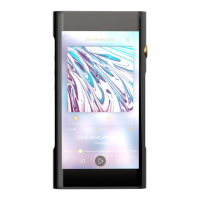
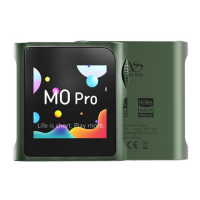
SHANLING M0 PRO – ADVANCED USER MANUAL
Page 2
Transferring music to M0 PRO
MICRO SD CARD
M0 PRO has no build in memory. To play music, Micro SD card is needed (purchase separately).
Micro SD card should be formatted to one of the following formats:
• FAT32
• EXFAT
• NTFS
Considering size of DSD files, we recommend to avoid using FAT32 and choose EXFAT or NTFS
instead.
We recommend Sandisk and Samsung MicroSD cards. Be careful when buying, to avoid fake
cards.
INSERTING AND REMOVING CARD FROM M0 PRO
Insert card slowly, with contacts of the card going in first and facing up, to the screen. Press
card in until you hear click. If done correctly, M0 PRO will show message “Card inserted”.
To remove card, slightly push on the card to unlock it from its position and then let the inner
spring push it out.
TRANSFERRING MUSIC FILES TO THE CARD FROM COMPUTER
Fastest way to transfer bigger number of files to Micro SD card is to take card out of M0 PRO and
use dedicated card reader, either external USB reader or one built-in into computer.
Alternatively, you can connect M0 PRO to your computer with provided USB cable, while keeping
Micro SD card inside M0 PRO. Card will be displayed as new external drive, to which you can
easily copy all folders with music files.
When M0 PRO connects to computer in file transfer mode, it will display symbol of SD card and
“USB connected” text. Swipe right on M0 PRO to disconnect.
Note: USB Mode must be set to “USB”.


 To Next Page