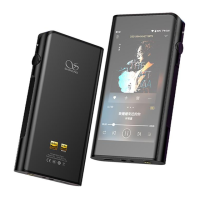
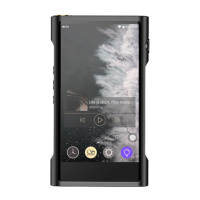
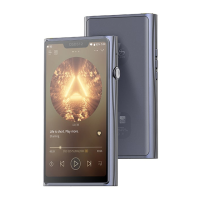
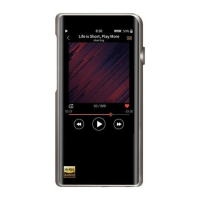
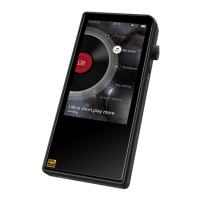
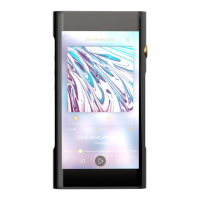
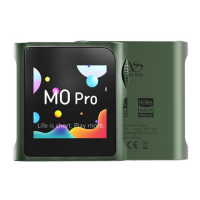
SHANLING M0 PRO – ADVANCED USER MANUAL
Page 5
Gain
Setting up gain of amplifier. This setting will affect maximal volume achievable with paired
headphones.
• L - Low gain is suitable for high sensitivity headphones, providing more precise volume
control.
• H - High gain is suitable for more power demanding headphones, for which low gain is
insufficient.
Warning: Lower volume of M0 PRO before switching to high gain, to avoid any damage to
hearing and equipment.
ReplayGain
Activate to eliminate volume differences between audio files. Supports both Audio Track and
Album modes.
Note: All files need to be tagged accordingly with gain information.
Filters
This setting affects data processing of built-in Digital to Analog converter. Change of filter will
result in small changes in final sound.
• Linear Phase Fast roll-off filter
• Apodizing Fast roll-off filter type 1
Note: Stock setting from factory is “Linear Phase Fast”.
Channel Balance
Setting of channel balance between left and right channel.
To set up, click “+” and “-“ symbols or drag finger over setting bar.
Play Mode
• List play – M0 PRO will play once all files from chosen album/folder/playlist and stops
when finished.
• Repeat Track – M0 PRO will play single chosen file in continuous loop.
• Shuffle – M0 PRO will play files from chosen album/ folder/playlist in random order.
Files will be played only once.
• Repeat All – M0 PRO will play all files from chosen album/folder/playlist in continuous
loop.
Note: Play mode can be quickly changed on now playing screen, Playback controls 1


 To Next Page