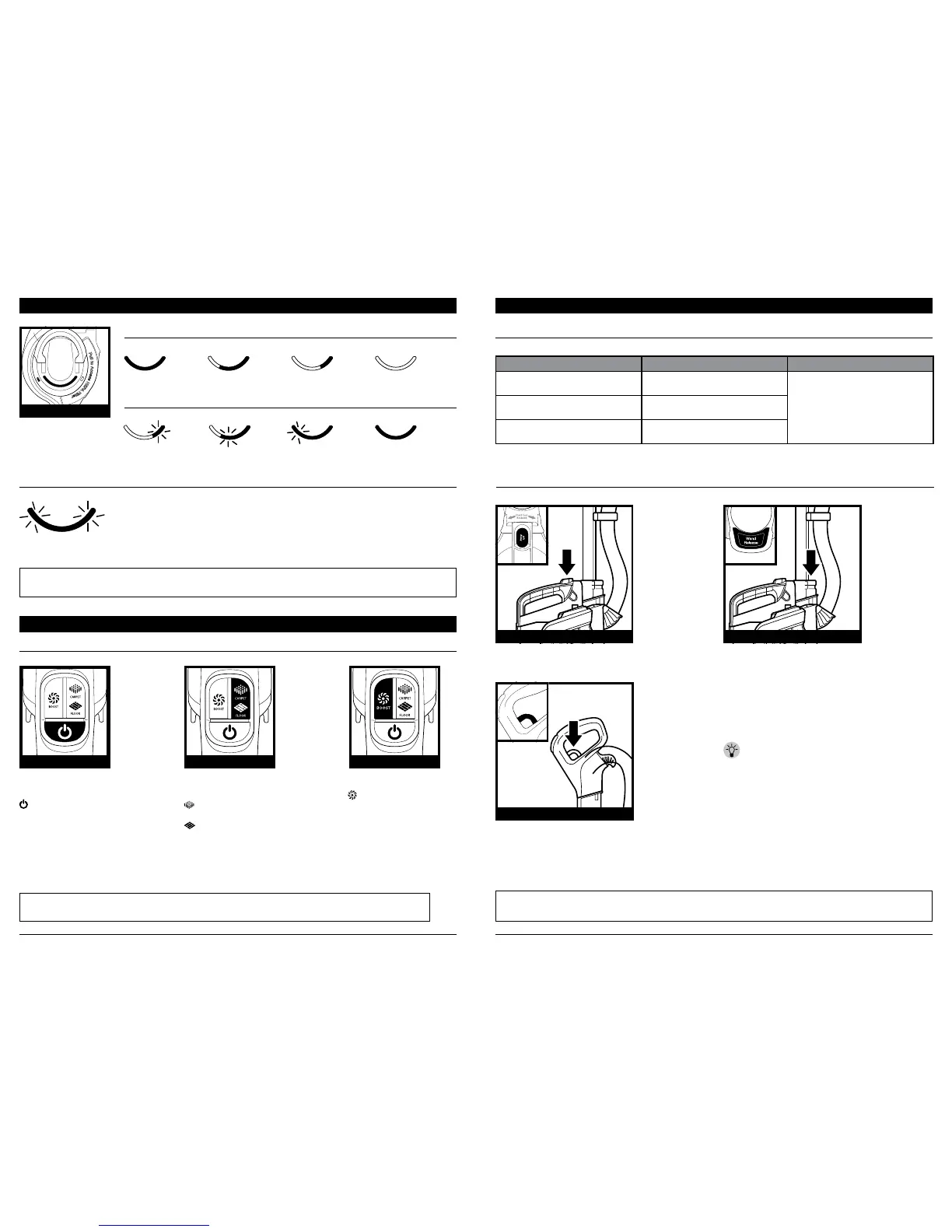
IN USE: LIGHTS ILLUMINATE STEADILY
Full
Charge
Full
Charge
Nearly
Full
Mid
Charge
Mid
Charge
Low
Charge
Low
Charge
Needs
Charge
CHARGING: ONE LIGHT FLASHES
TEMPERATURE ISSUE: FIRST AND THIRD INDICATOR LIGHTS ALTERNATE FLASHING
NOTE: The battery must be charged before first use. A complete charge takes approximately 3.5 hours.
NOTE: After reaching full charge, the indicator light will shut o after 5 minutes.
Charge Indicator
TOP OF BATTERY
CHARGE INDICATOR LIGHTS
If first and third indicator lights flash alternately, the battery temperature is not
optimal. Leave battery plugged in and charging will resume when temperature
returns to optimal level.
OPERATING THE VACUUM
OPERATING THE VACUUM
SETTINGS
RUNTIMES
Press icon to turn power
on or o.
Power
Press icon to select surface
setting:
Carpet
For carpets.
Floor
For bare floors and
small area rugs.
Press icon to boost power:
ION BOOST
When in Lift-Away®
mode, press BOOST
icon to turn on or o.
The default power setting
on floors and carpets is
ION Power mode. For
an additional boost of
suction power, press and
hold the BOOST icon.
POWER BUTTON SURFACE SUCTION LEVEL
NOTE: For deep carpet cleaning per ASTM F608 (embedded dirt in carpets), use Carpet setting.
NOTE: Select Carpet for stuck-on dust and debris.
IMPOR TANT: Your unit will default into ION BOOST mode
when using in Lift-Away. ION BOOST mode shortens runtime.
MODE AND SETTINGS ION POWER ION BOOST
UPRIGHT & POWERED LIFT-AWAY®
(CARPET)
Up to 28 minutes
Up to 18 minutes
UPRIGHT & POWERED LIFT-AWAY
(FLOOR)
Up to 30 minutes
ABOVE-FLOOR & LIFT-AWAY
(WAND OR HANDLE)
Up to 50 minutes
NOTE: All accessories can be attached to the wand or the handle.
NOTE: Pod can also remain on floor nozzle when using handle or wand.
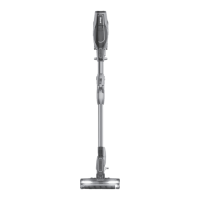
POD, HANDLE AND WAND ARE DETACHABLE
Press the Wand Release button until it clicks, then
pull up on wand to detach from the floor nozzle.
DETACH THE WAND
Pull the Handle Release trigger to detach the
handle from the wand.
DETACH THE HANDLE
Press Lift Away button on handle and lift pod o
floor nozzle.
DETACH THE POD
TIP: See next page for all the different
ways you can use your vacuum.



 To Next Page