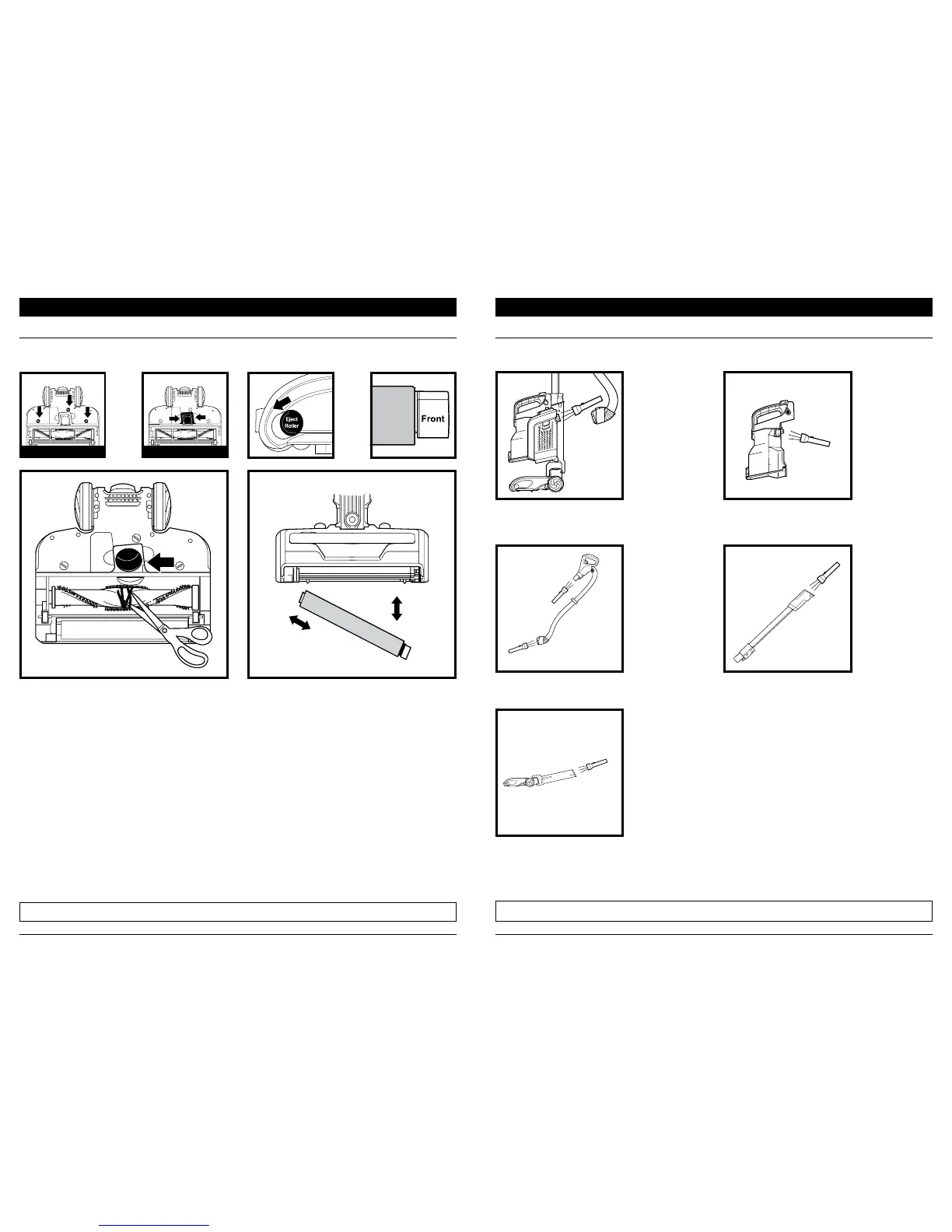
CHECKING FOR BLOCKAGES
MAINTENANCE
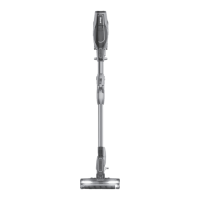
Detach hose from vacuum pod, and check
opening on back of pod for blockages.
Detach wand from floor nozzle and handle,
and check both ends of wand for blockages.
Detach wand from floor nozzle. Tilt nozzle
neck back to straighten the airway, and
remove any blockages.
Detach handle from wand and hose from the
vacuum pod, and check openings for blockages.
Detach dust cup from vacuum pod. Empty dust
cup, remove debris from lint screen, and check
for blockages.
NOTE: To order replacement parts and filters, visit sharkaccessories.com.
1. Using a coin, turn locks counterclockwise to
open, then lift o cover to access Brushroll.
2. Use scissors to cut along the groove in the
brushroll to remove any string, hair, or debris.
3. Check for blockages in Debris Intake.
4. Replace cover and turn locks clockwise to close.
1. Slide Eject Roller button.
2. To remove Soft Roller, pull out the right end first.
3. Tap loose debris o the Soft Roller. Use a dry
towel to wipe clean, or to remove any hair or
fibers caught in the teeth behind the Soft Roller.
4. Rinse as needed. Use ONLY water, and let air-dry
completely for at least 24 hours.
5. When dry, insert the left end of the roller first,
then push the right end into place with the
word Front facing forward.
BRUSHROLL SOFT ROLLER
CLEANING OR REPLACING BRUSHROLLS
MAINTENANCE
TURN LOCKS LIFT COVER
IMPOR TANT:
DO NOT use sharp or metal objects to clear blockages.
NOTE: Turn o vacuum and remove battery before checking for blockages.



 To Next Page