10
Preparation
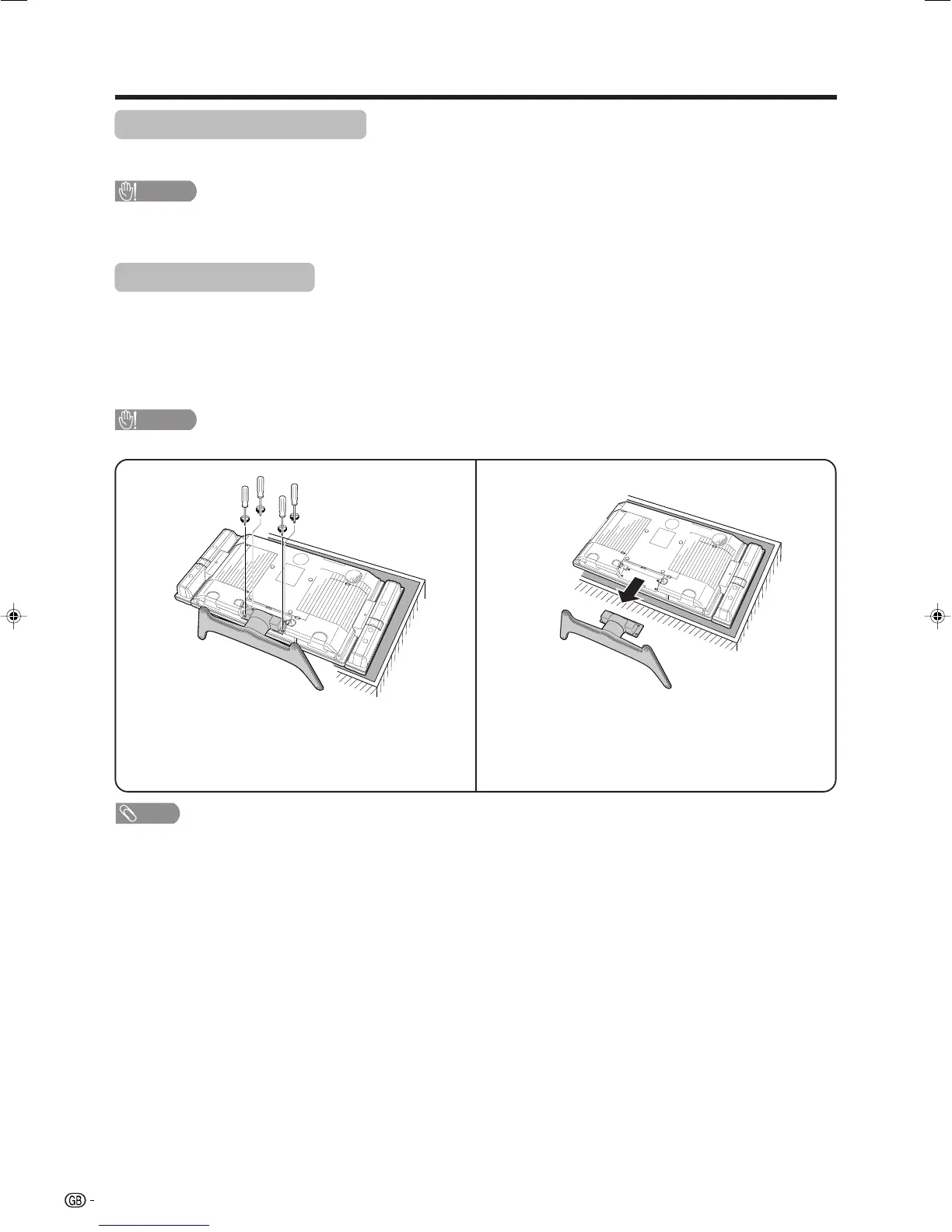
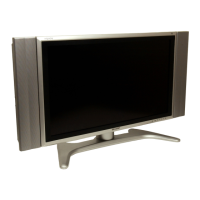
Removing the stand
For wall mounting with the optional AN-37AG2 bracket, remove the stand.
Before attaching/detaching stand
• Before detaching (or attaching) stand, unplug the AC cord from the AC outlet.
• Remove all terminal covers and connected cables.
• Lay the TV down on cushioning (such as a blanket) over a table.
• Make sure two or more people perform the operation.
CAUTION
• Do not remove the stand and speaker from the TV unless using an optional bracket to mount it.
NOTE
• To attach the stand, perform the above steps in reverse order.
2
Detach the stand from the TV.
(Hold the stand so it will not drop from the edge of
the base area.)
1
Unfasten the four screws used to secure the
stand in place.
Setting the TV on the wall
• You can mount the TV on the wall, using the optional AN-37AG2 bracket.
• For details, refer to the instructions supplied with the optional bracket.
CAUTION
• Installing the Liquid Crystal Television requires special skill that should only be performed by qualified service
personnel. Customers should not attempt to do the work themselves. SHARP bears no responsibility for improper
mounting or mounting that results in accident or injury.
LC-32_37GA4X(E)-a 04.9.17, 7:41 AM10









 To Next Page