GB
44
DVD Setup
AUDIO Setting
COMPRESSION ............ Use this setting for increasing the average
volume of Dolby Digital audio when playing
a DVD.
DIGITAL.................. Use this setting for specifying the type of
digital output when playing a disc.
CINEMA VOICE............. Use the setting for raising the sound of the
center speaker to make the voices in a
movie easier to hear.
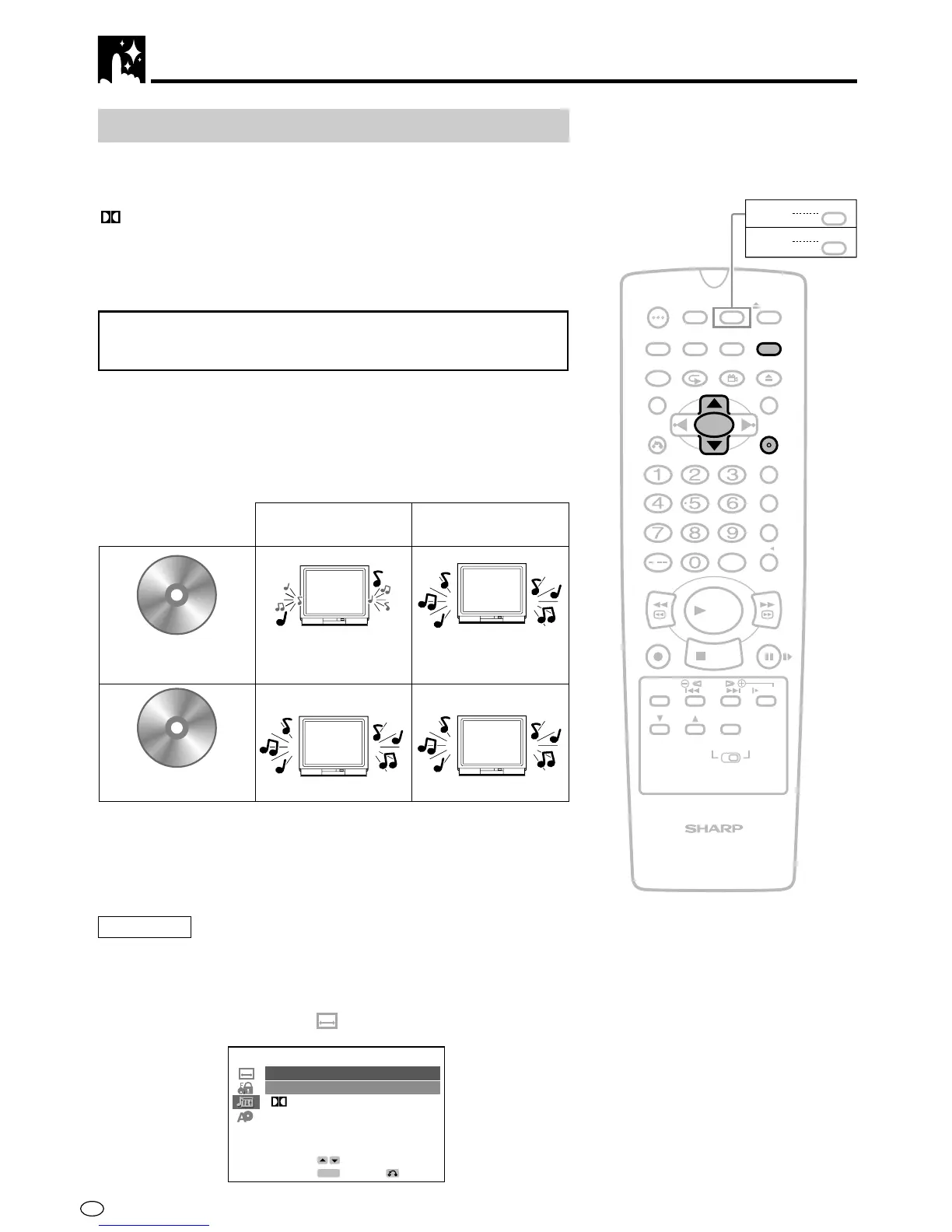
Setting the COMPRESSION
(Dolby Digital output level)
When Dolby Digital is used to record the audio on a DVD disc, the
average overall volume level of the audio is relatively lower than that
produced by a VIDEO CD/Audio CD. This is to provide the widest
possible dynamic range. To counteract this, this product automatically
raises the overall average volume level of a disc recorded using Dolby
Digital to a level that is similar to that of a VIDEO CD/Audio CD.
• OFF.............. Audio level recorded on disc is played back without
modification.
• ON ............... Dolby Digital average audio level is increased so it
sounds similar to that of a VIDEO CD/Audio CD.
Preparation
• See Preparing to Watching a VCR or a DVD on page 18.
1 Press DVD SETUP to display the SETUP screen.
2 Use ' or " to select the “ AUDIO” and then press ENTER.
/
PLAY
STOP
OPEN/
CLOSE
OPERATE
VCR/DVD
SELECTOR
VCR MENU
DVD SETUP
TAPE
SPEED
ON
SCREEN
TIMER
ON/OFF
TITLE
DVD MENU
DISPLAY
EJECT
FUNCTION
CONTROL
PROG/
REPEAT
CLEAR
RETURN
REV FWD
SET
ENTER
ZERO BACK
SKIP SEARCH
VCR DVDAM/PM
INPUT SELECT
PAUSE/STILL
REC
VCR/DVD COMBINATION
SLOW
CH
VCR DVD
SKIP
DPSS
AUDIO
OUTPUT
ANGLE
PROG
DV- NC70
DV- NC70X
G-CODE
DV- NC70W
DVD
Dolby Digital audio • Low audio level
VIDEO CDs
Audio CDs
•
Audio level the same
as audio CD, etc.
COMPRESSION:
OFF
COMPRESSION:
ON
AUDIO
COMPRESSION OFF
DIGITAL
MPEG
BITSTREAM
CINEMA VOICE OFF
ENTER
RETURN
SELECT
ENTER
BITSTREAM



 To Next Page