EasyManua.ls Logo

Sharp DV-NC60W - User Manual

Sharp DV-NC60W
109 pages
Print Icon
To Next Page IconTo Next Page
Loading...
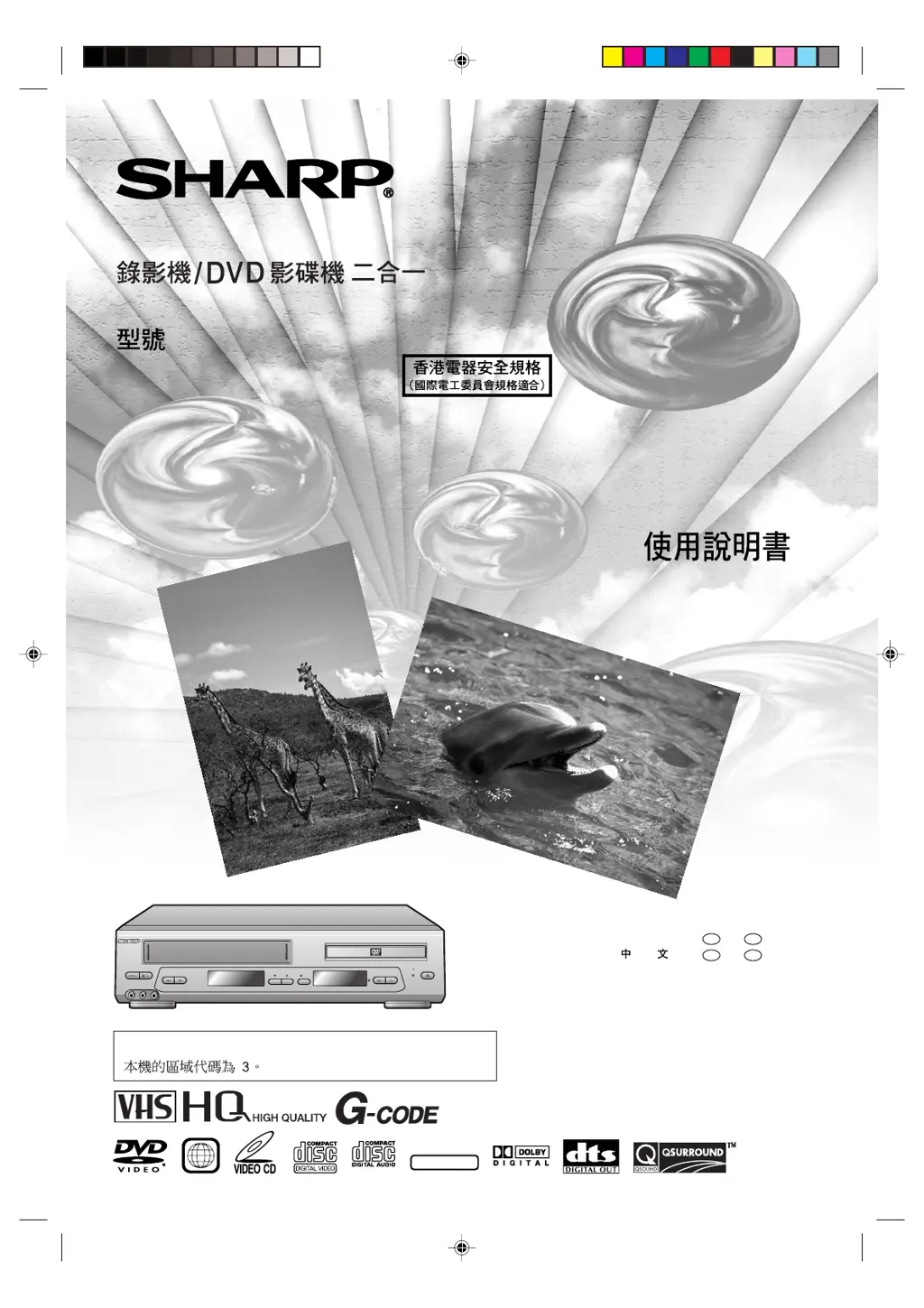
OPERATION MANUAL
DV-NC60W
VCR/DVD COMBINATION
MODEL
DVD / CD / VIDEO CD PLAYER
VCR DVD
(LINE 2)
PLAY STOP
OPEN/
CLOSE
C H
EJECT/
STOP
OPERATE
PLAY/X2REW
L(MONO)-AUDIO-R
LINE IN 2 VDEO
REC
DVD
OUT
/
DV-NC60
PAL NTSC
The region number for this Unit is 3.
NTSC/PAL
3
ENGLISH
......
GB
1 –
GB
105
......
C
1 –
C
105
Downloaded from: http://www.usersmanualguide.com/

Table of Contents

Questions and Answers

  • W
    williamsheatherSep 3, 2025
    Why can't I load a cassette into my Sharp DV-NC60W DVD VCR Combo?
    • M
      mary56Sep 4, 2025
      If you are unable to load a cassette into your Sharp DVD VCR Combo, make sure there is no other cassette inside and that the cassette is correctly positioned before reinserting it.
  • M
    Michael WeeksSep 18, 2025
    Why is the sound unstable during playback on my Sharp DVD VCR Combo?
    • P
      Paul HodgesSep 18, 2025
      If the sound is unstable during playback on your Sharp DVD VCR Combo, set the “COMPRESSION” in “AUDIO SETUP” to “OFF.”
  • J
    Jerry WallerSep 16, 2025
    Why isn't the sound Dolby Digital on my Sharp DV-NC60W DVD VCR Combo?
    • S
      Samantha GallegosSep 16, 2025
      If the sound is not Dolby Digital (5ch or 5.1ch) on your Sharp DVD VCR Combo, check if the disc you are playing is recorded in Dolby Digital (5ch or 5.1ch) and if you have set the “DIGITAL” in “AUDIO SETUP” to “BITSTREAM”.
  • D
    Debra DavisSep 14, 2025
    Why is there no playback image or sound from my Sharp DVD VCR Combo?
    • T
      tranelizabethSep 14, 2025
      If there is no playback image or sound from your Sharp DVD VCR Combo, consider the following: * Ensure the video and audio cables are connected correctly. * Check if the disc is scratched or dirty. * Verify the disc is loaded right side up. * Confirm the input selector on the TV is set to “VIDEO” or “AV”. * Ensure the audio equipment is switched on and all components are connected properly.
  • B
    Brandon JuarezSep 12, 2025
    How to output NICAM sound on my Sharp DV-NC60W?
    • L
      Laurie DyerSep 12, 2025
      To output NICAM sound on your Sharp DVD VCR Combo, check if NICAM is set to OFF in the OSD mode and turn it on.
  • B
    Brandon LongSep 12, 2025
    Why is the picture skewed on my Sharp DV-NC60W DVD VCR Combo?
    • D
      Donna PerezSep 12, 2025
      If the picture is skewed on your Sharp DVD VCR Combo during video search, it may be because the tape was recorded in LP mode, regardless of whether it is a MESECAM or PAL tape.
  • E
    emurphySep 9, 2025
    Why is there no color during video search on my Sharp DV-NC60W?
    • C
      chungjefferySep 9, 2025
      If no color appears during video search and similar modes on your Sharp DVD VCR Combo, it may be because the tape was recorded in LP mode in the MESECAM system. During video search, still, and similar modes, the picture will be discolored.
  • M
    mark87Sep 7, 2025
    Why doesn't the selected program position appear on my Sharp DVD VCR Combo?
    • W
      woodjohnSep 7, 2025
      If the selected program position does not appear on your Sharp DVD VCR Combo, the channel may have been set to be skipped. Cancel the skip setting for that channel.
  • C
    Christopher FisherSep 5, 2025
    Why doesn't the picture change when I press CH ' / " on my Sharp DVD VCR Combo?
    • S
      Shelly WiseSep 5, 2025
      If the picture does not change when you press CH ' / " on your Sharp DVD VCR Combo, ensure that the unit is not in timer setting or clock setting mode.
  • E
    Erika GonzalezAug 20, 2025
    What to do if my Sharp DV-NC60W has no power?
    • A
      Andrew AustinAug 21, 2025
      If your Sharp DVD VCR Combo isn't powering on, check the following: * Ensure the power cord is properly connected. * Make sure the power cord is firmly plugged into the power outlet. * As a safety measure, unplug the unit from the power outlet briefly, and then plug it back in.

Sharp DV-NC60W Specifications

General IconGeneral
TypeDVD VCR Combo
Video FormatNTSC
DVD PlaybackYes
VCR PlaybackYes
Recording FormatVHS
Progressive ScanYes
Remote ControlYes
Built-in SpeakersNo
Audio OutputStereo
Recordable MediaVHS
ConnectorsComposite video output, S-Video output
Aspect Ratio4:3
Dimensions430 x 270 x 100 mm

Related product manuals